
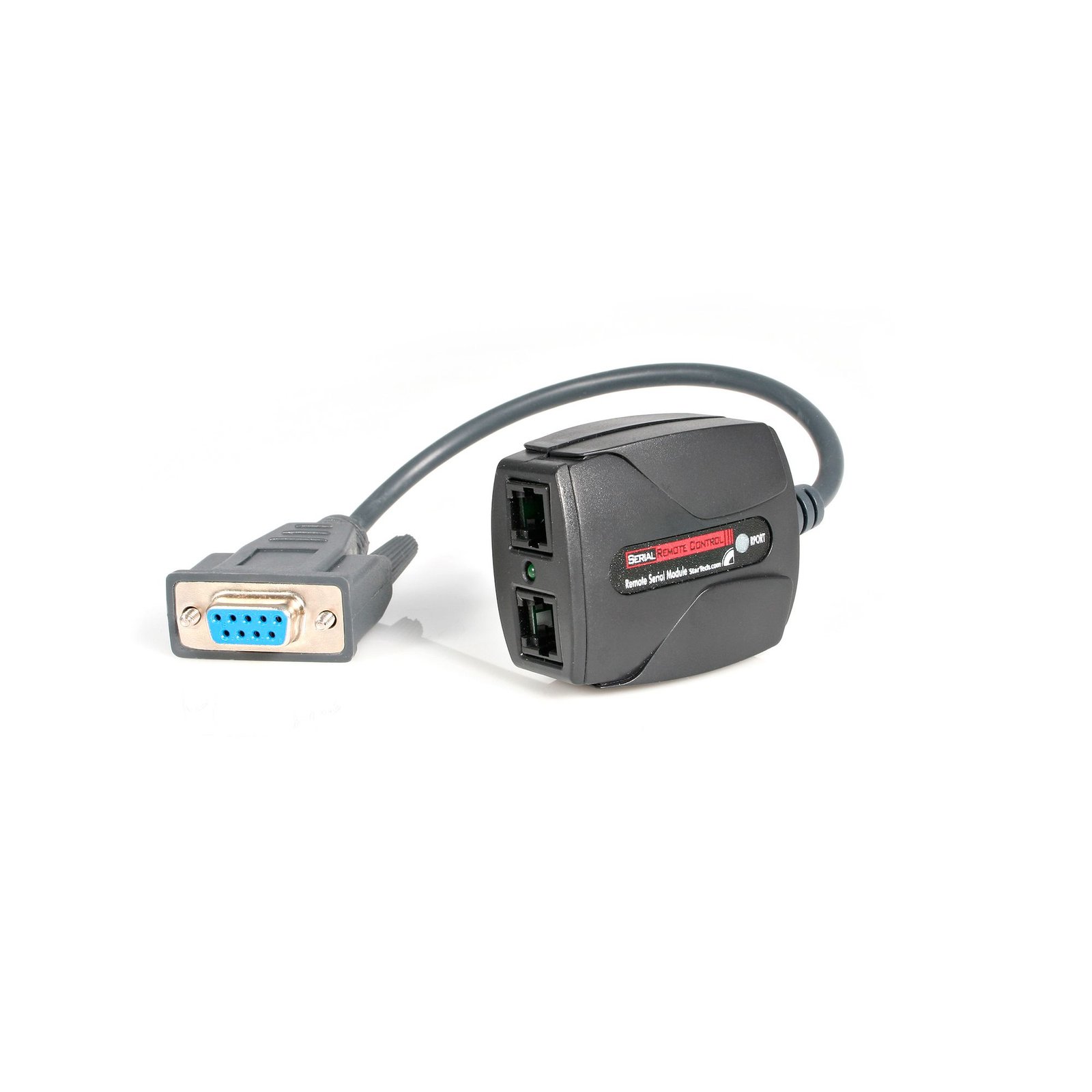
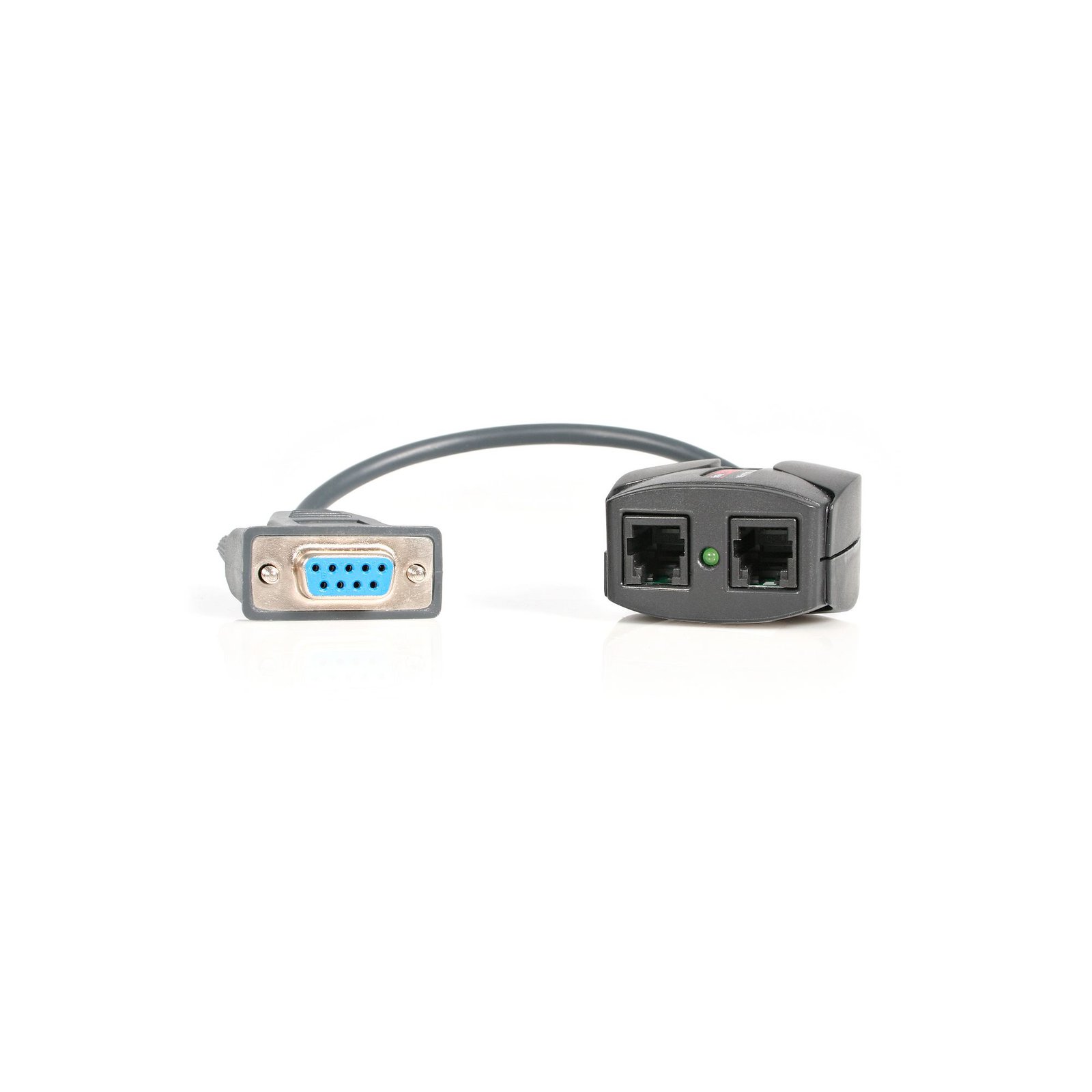
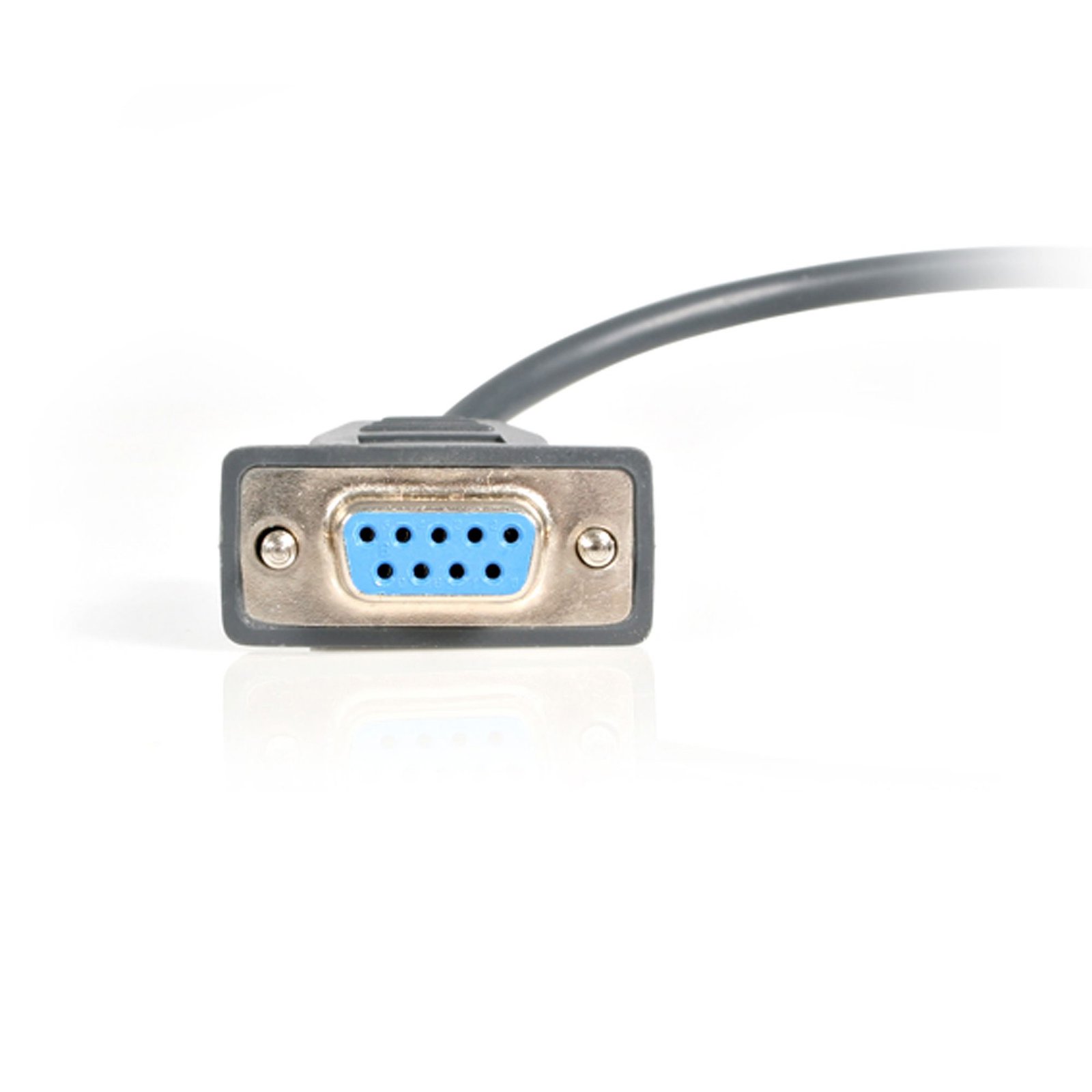
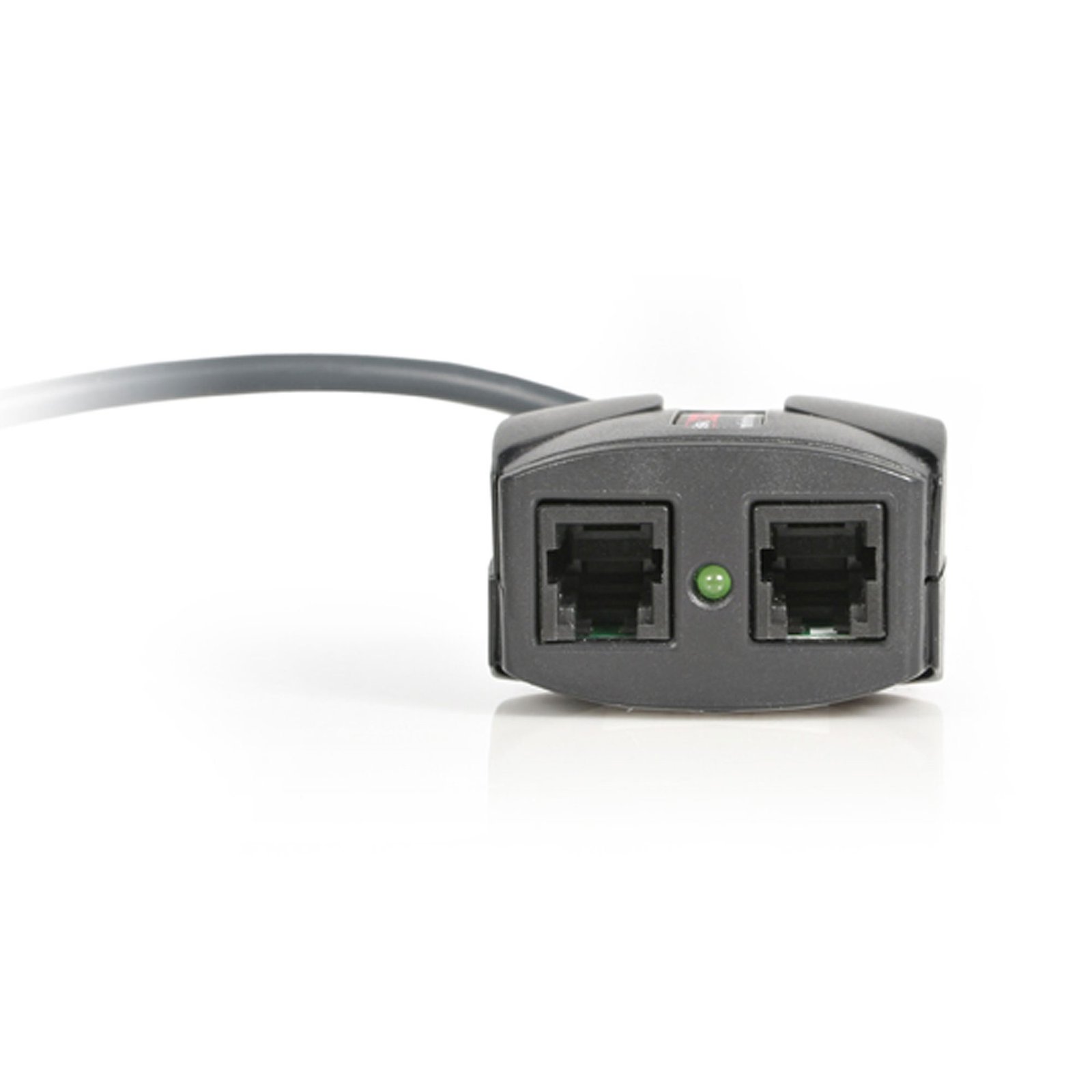
RS232 Serial Remote Control Interface Module for IP KVM
$99.99
Control an RS232 serial device remotely through your IP KVM switch as if it were installed locally
Specifications & Compliance
- Manufacturer #
- RPORT
- UPC
- 065030811040
- Brand
- StarTech.com
- Included in Package
- 1 - RPORT Adapter, 2 - RJ-14 Cable, 1 - DB9 M/M Gender Changer, 1 - Instruction Manual
- Shipping (Package) Weight
- 9.9 oz [280 g]
- Package Depth
- 2.8 in [70 mm]
- Package Width
- 6.7 in [17 cm]
- Package Height
- 5.6 in [14.3 cm]
- Warranty
- 2 Years
- Connector 1
- RJ-14
- Connector 1 (Quantity)
- 2
- Package Quantity
- 1
- Connector 2
- DB-9 Serial
- Connector 2 (Quantity)
- 1
- Material
- Plastic
- Special Notes
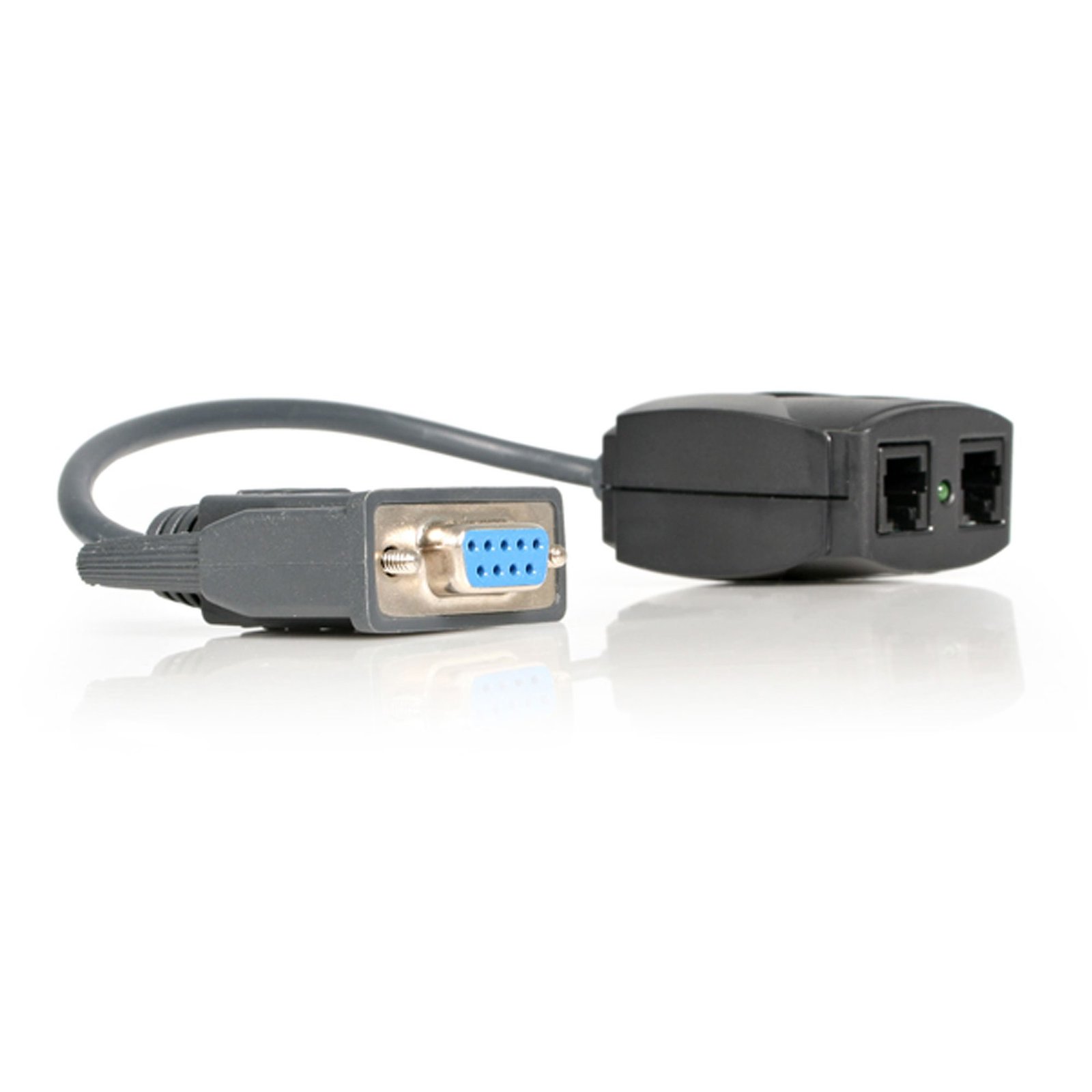
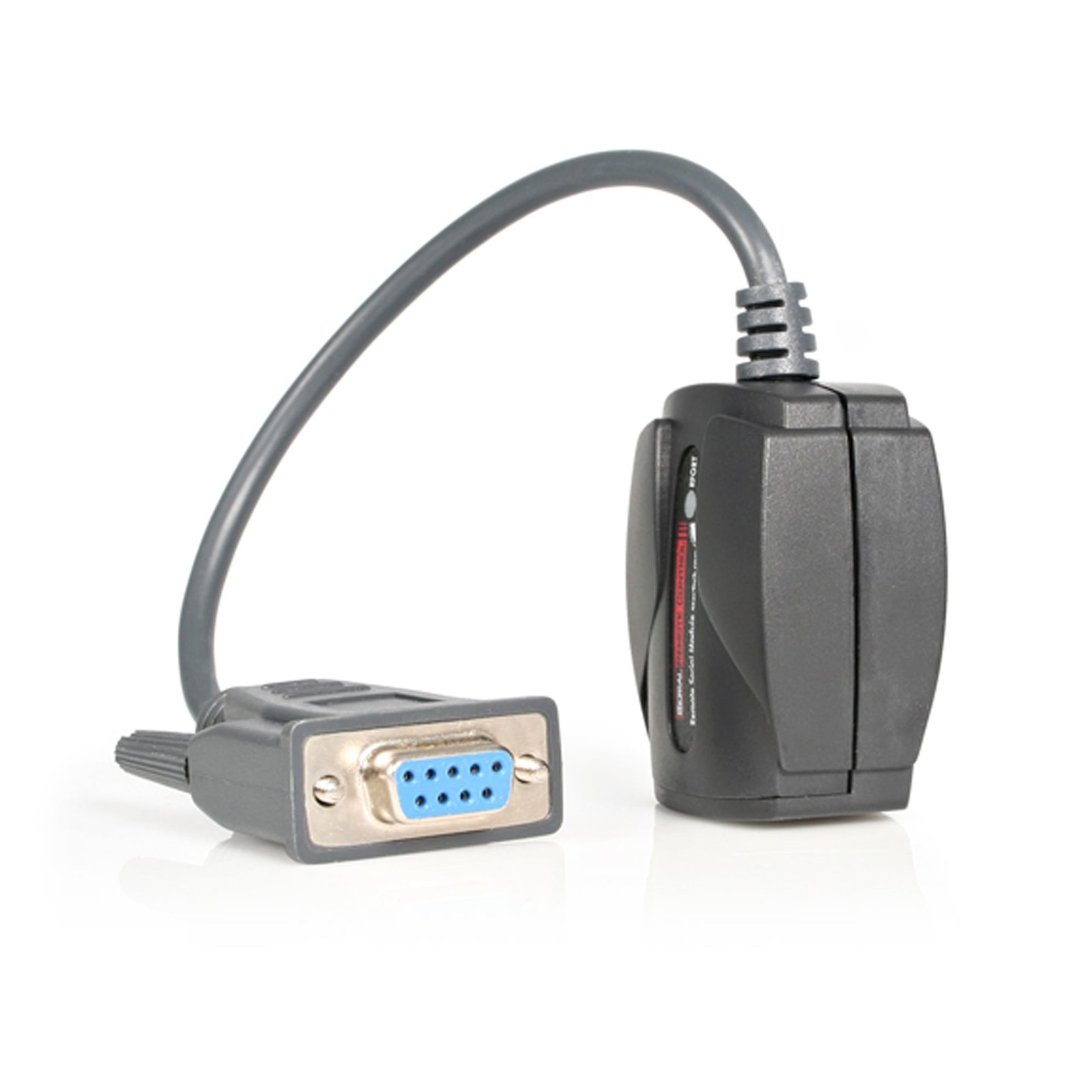
- Each serial device connects directly to the RPORT DB9 Serial interface (Gender Changers or Null Modem Adapter may be required), then an RJ-14 cable is connected between the RPORT and the IP KVM or additional RPORT devices
- LED Indicators
- 1 - Power
Questions & Answers
My Monitors are flickering when connected through the KVM Switch. What do I do?
Monitors may begin flickering when they receive a signal of insufficient quality. There are a few potential fixes available that will help to improve the signal quality in order to eliminate flickering: Replace Video Cables with high-quality Video Cables (e.g. upgrade DisplayPort 1.2 Cables to DisplayPort 1.4 Cables ). Use shorter Video Cables to reduce signal attenuation. When possible, remove Video Adapters to use native Video Connection Types (e.g. go from VGA to VGA , or DisplayPort to DisplayPort ) For DisplayPort Monitors , try changing the DisplayPort Version on the Monitor . For information on how to change your Monitor Settings refer to the Manual from the Monitor Manufacturer . Update the Drivers for the Computer’s GPU to the latest available from the Monitor Manufacturer .
Related products
-

2-Port Hybrid USB-C HDMI Cable KVM Switch, 4K 60Hz, Compact KVM with 6ft/1.8m USB-A/HDMI/Audio & 4ft/1.2m USB-C Integrated Host Cables, Bus Powered - Remote Push Button/Hotkey Switching
$98.99 Add to cart -
4-Port KM Switch with Mouse Switching, USB Switch for Keyboard/Mouse, 3.5mm/USB Audio, Peripheral Sharing for 4 Computers, TAA Compliant
$375.99 Add to cart -
4-Port Dual-Monitor DisplayPort KVM Switch, 4K 60Hz, 2x USB 5Gbps Hub Ports, 2x USB 2.0 HID Ports, Hotkey and Push-Button Switching, TAA Compliant - 3.5mm Audio, HDCP
$1,019.99 Add to cart -

Laptop-to-Server KVM Console with Rugged Housing - TAA
$766.99 Add to cart