
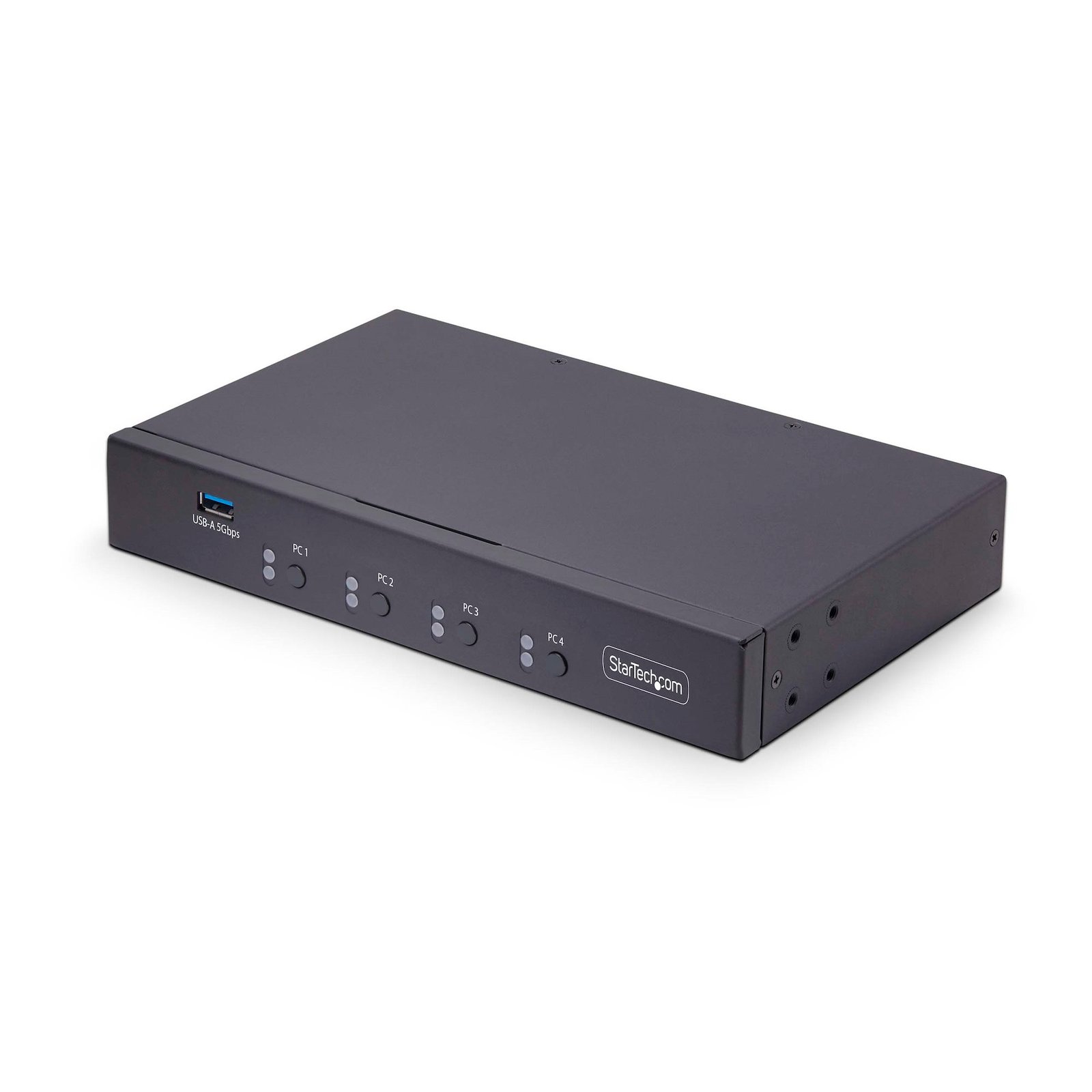
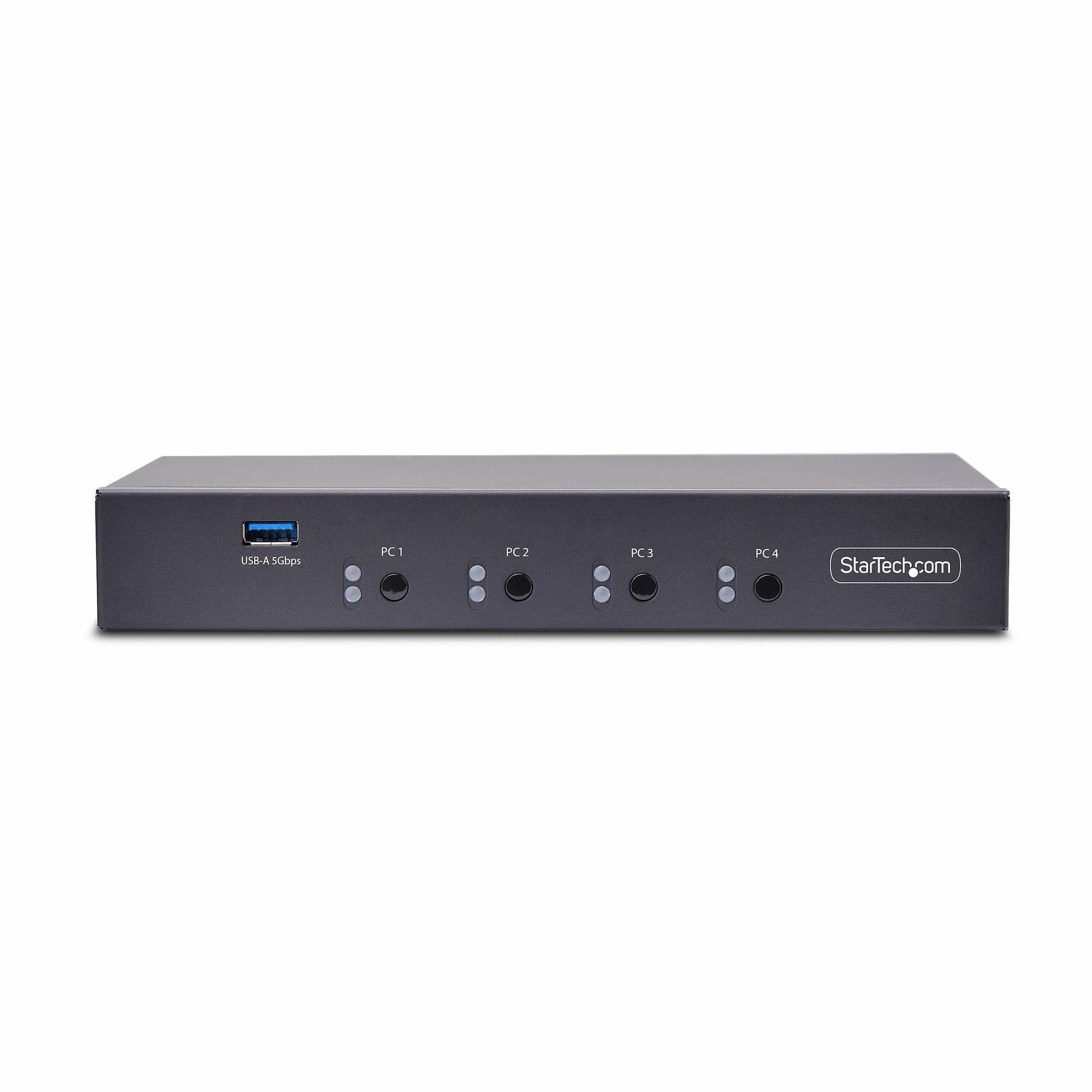
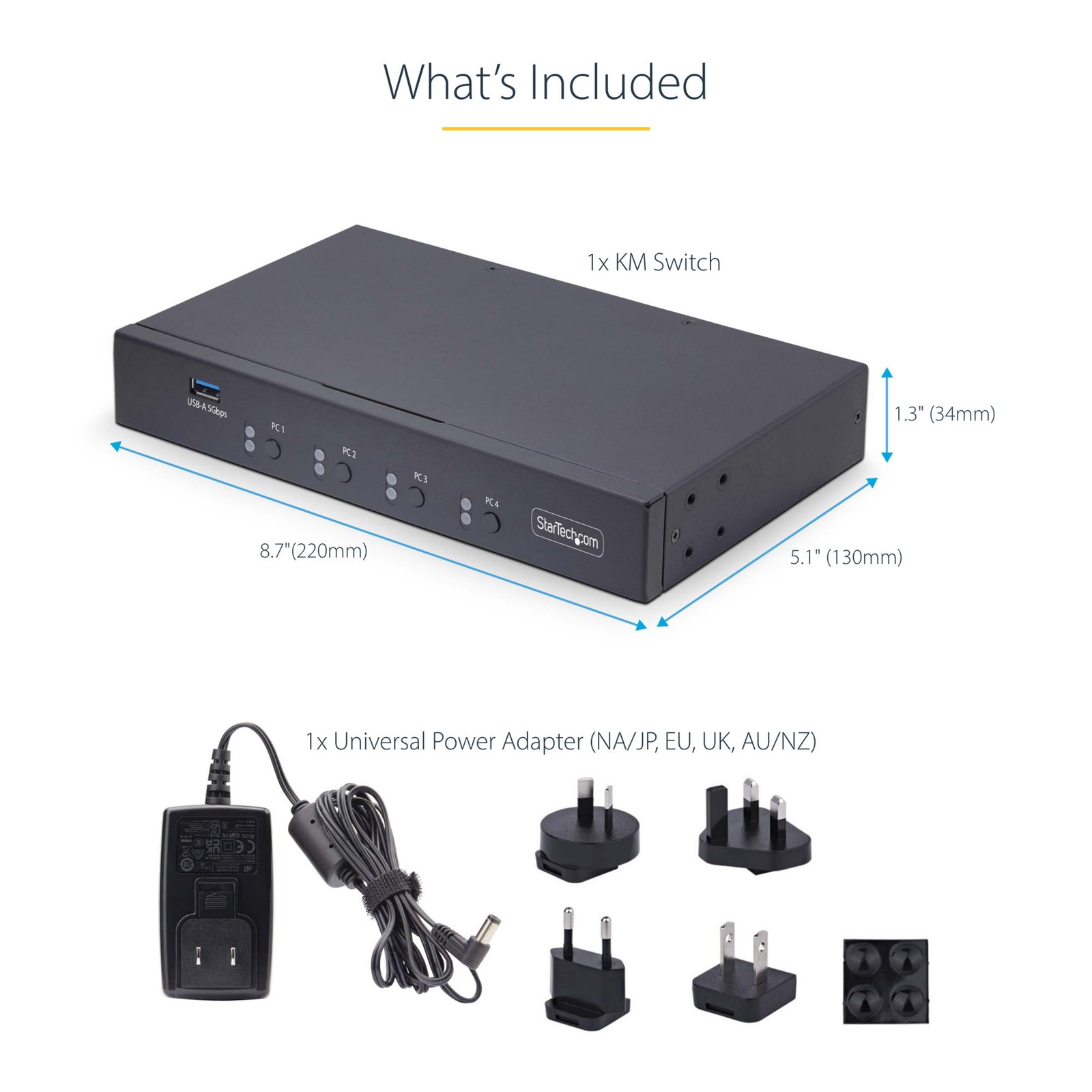

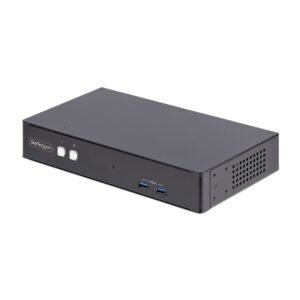
4-Port KM Switch with Mouse Switching, USB Switch for Keyboard/Mouse, 3.5mm/USB Audio, Peripheral Sharing for 4 Computers, TAA Compliant
$375.99
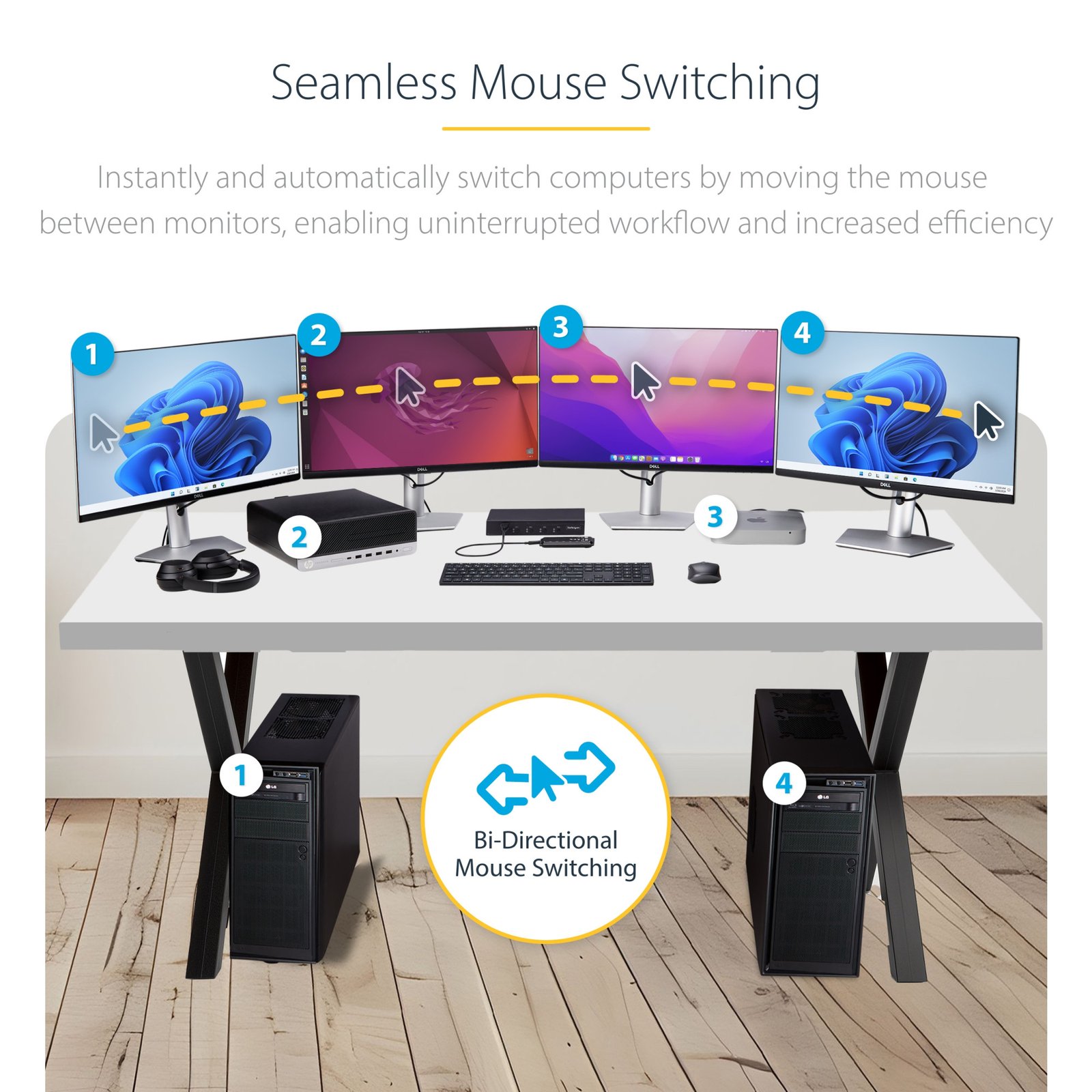
Control up to four computers with a single keyboard and mouse
Specifications & Compliance
- UPC
- 065030902250
- Brand
- StarTech.com
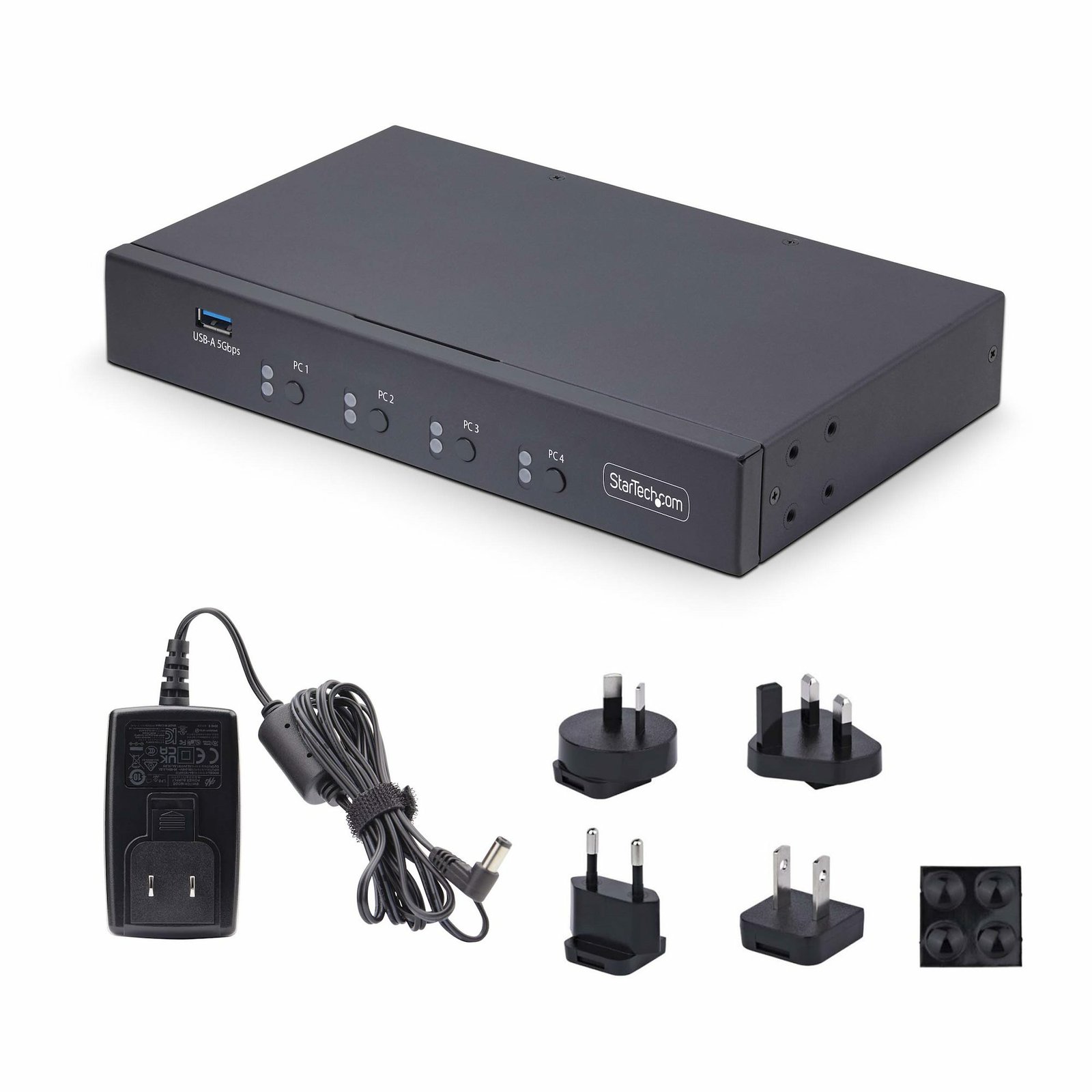
- Included in Package
- 1 - KM Switch, 1 - Universal Power Adapter (NA/EU/UK/ANZ), 1 - Set of Rubber Feet, 1 - Quick-Start Guide
- Shipping (Package) Weight
- 2.8 lb [1.3 kg]
- Weight of Product
- 29.4 oz [834 g]
- Product Length
- 8.7 in [22.0 cm]
- Product Width
- 5.1 in [13.0 cm]
- Product Height
- 1.3 in [34.0 mm]
- Package Depth
- 11.6 in [29.5 cm]
- Package Width
- 9.6 in [24.5 cm]
- Package Height
- 2.5 in [63 mm]
- Color
- Black
- Warranty
- 2 Years
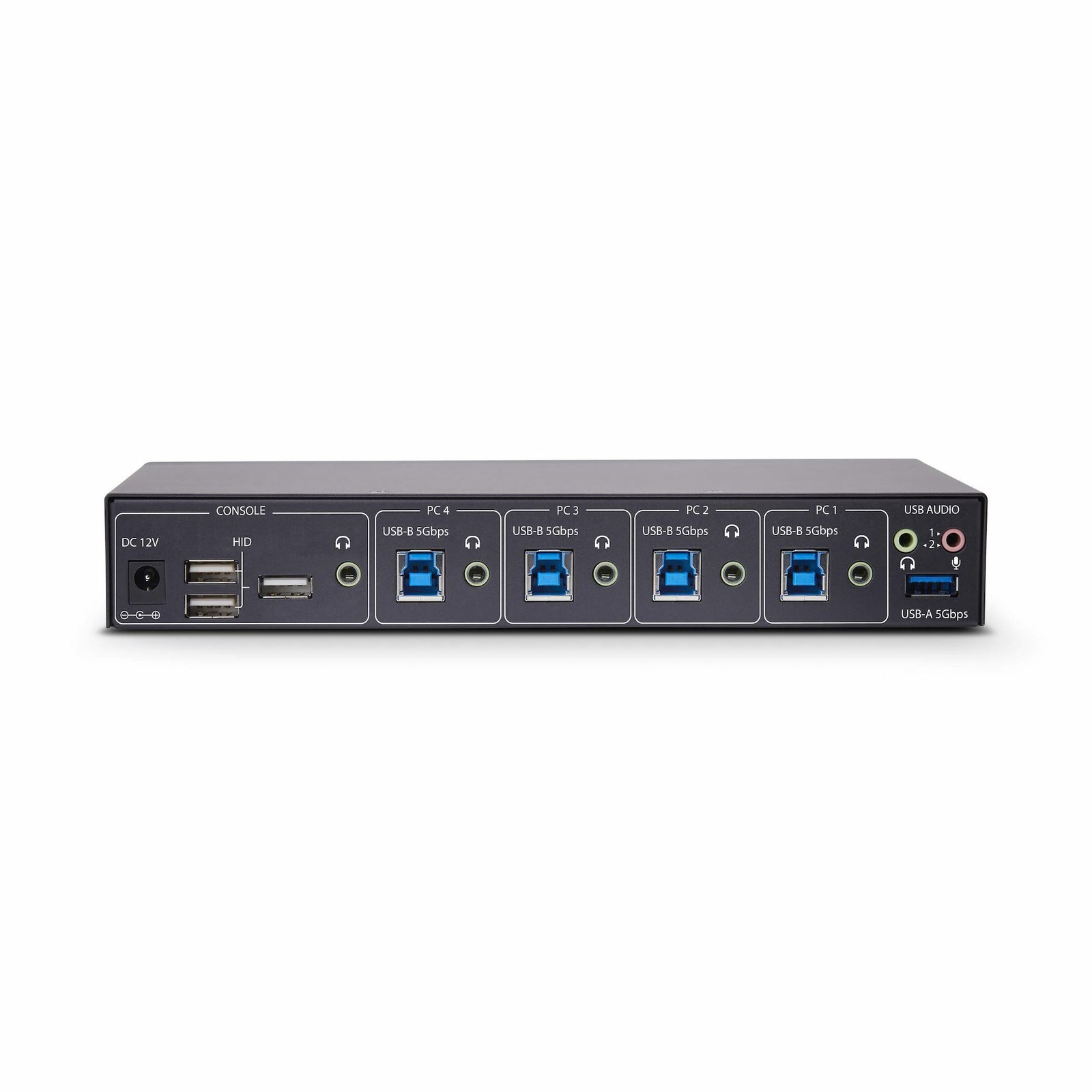
- Connector 1
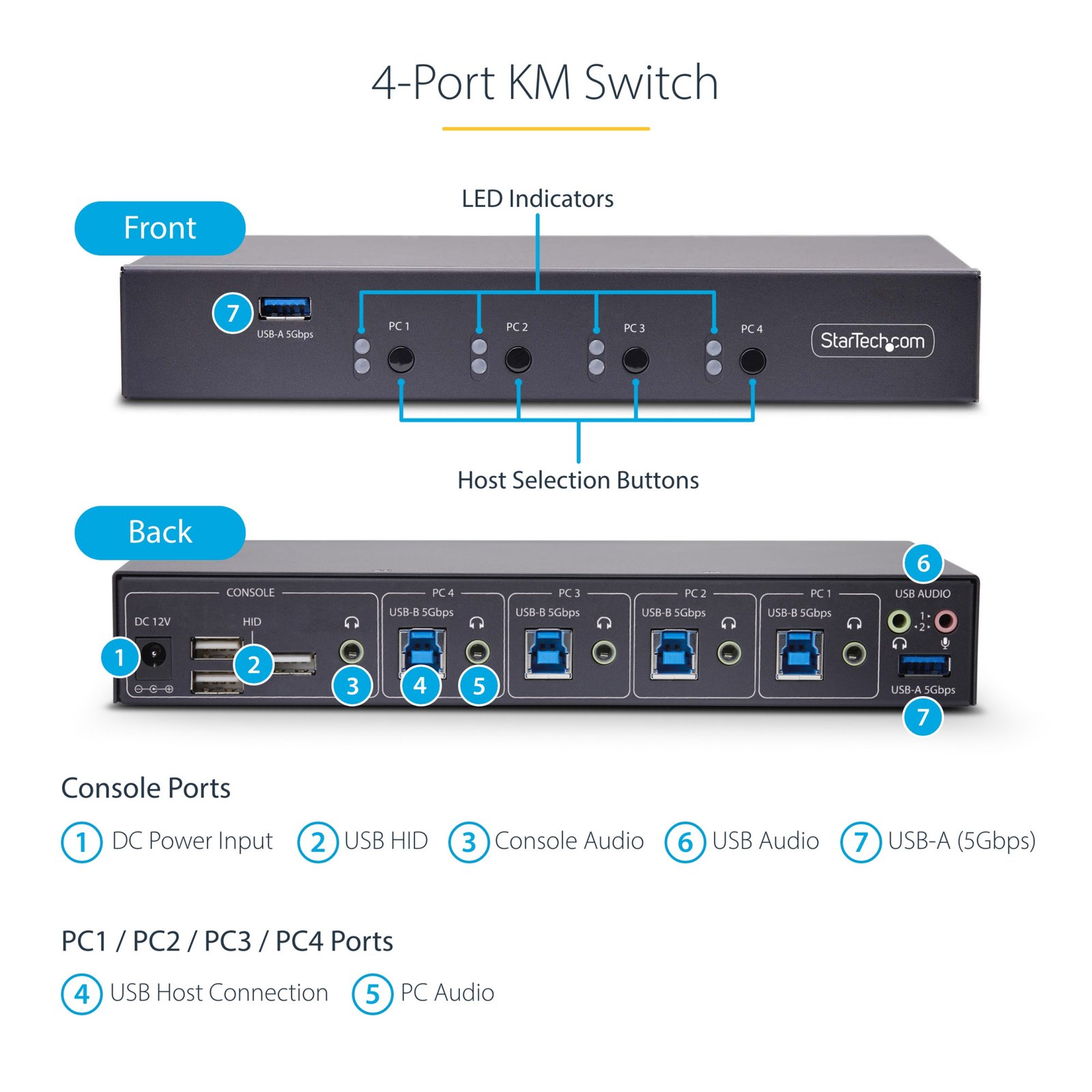
- USB-A (5Gbps, 4.5W)
- Connector 1 (Quantity)
- 2
- Connector 2
- USB-A (480Mbps, 2.5W)
- Connector 2 (Quantity)
- 3
- Operating Temperature
- 0°C to 40°C (32°F to 104°F)
- Storage Temperature
- -10°C to 60°C (14°F to 140°F)
- Humidity
- 0% ~ 80% RH
- Material
- Steel
- Maximum Data Transfer Rate
- 5Gbps
- Power Source
- AC Adapter Included
- Chipset ID
- GL3523
- Special Notes
- On computers with multiple monitors connected with Mouse Switching/Roaming enabled, mouse/keyboard operation is limited to the primary display, 6-Key Rollover (6KRO) and N-Key Rollover (NKRO) are not supported by this product.
- Input Voltage
- 100 - 240 AC
- Output Voltage
- 12V DC
- Connector 3
- 3.5mm (3 Conductors, TRS)
- Connector 3 (Quantity)
- 3
- Power Consumption
- 18W
- MTBF
- 156,000 Hours
- LED Indicators
- 4 - <b>Solid Blue:</b> Connected PC is powered on, 4 - <b>Solid Red:</b> Indicates the selected PC
- Input Current
- 0.6A
- Output Current
- 1.5
- Host Connector 1
- USB-B (5Gbps, 4.5W)
- Host Connector 1 (Quantity)
- 4
- Audio
- Yes
- Plug Type
- M
- Center Tip Polarity
- Positive
- Audio Specifications
- Analog Stereo - 2 Channel Audio
- Host Connector 2 (Quantity)
- 4
- Cascadable
- No
- Number of KVM Ports
- 4
- IP Control
- No
- Supported Platforms
- USB 3.2 Gen 1 (5Gbps)
- Number of Monitors Supported
- 0
- On-Screen Display
- No
- Cables Included
- No
- Port Selection Support
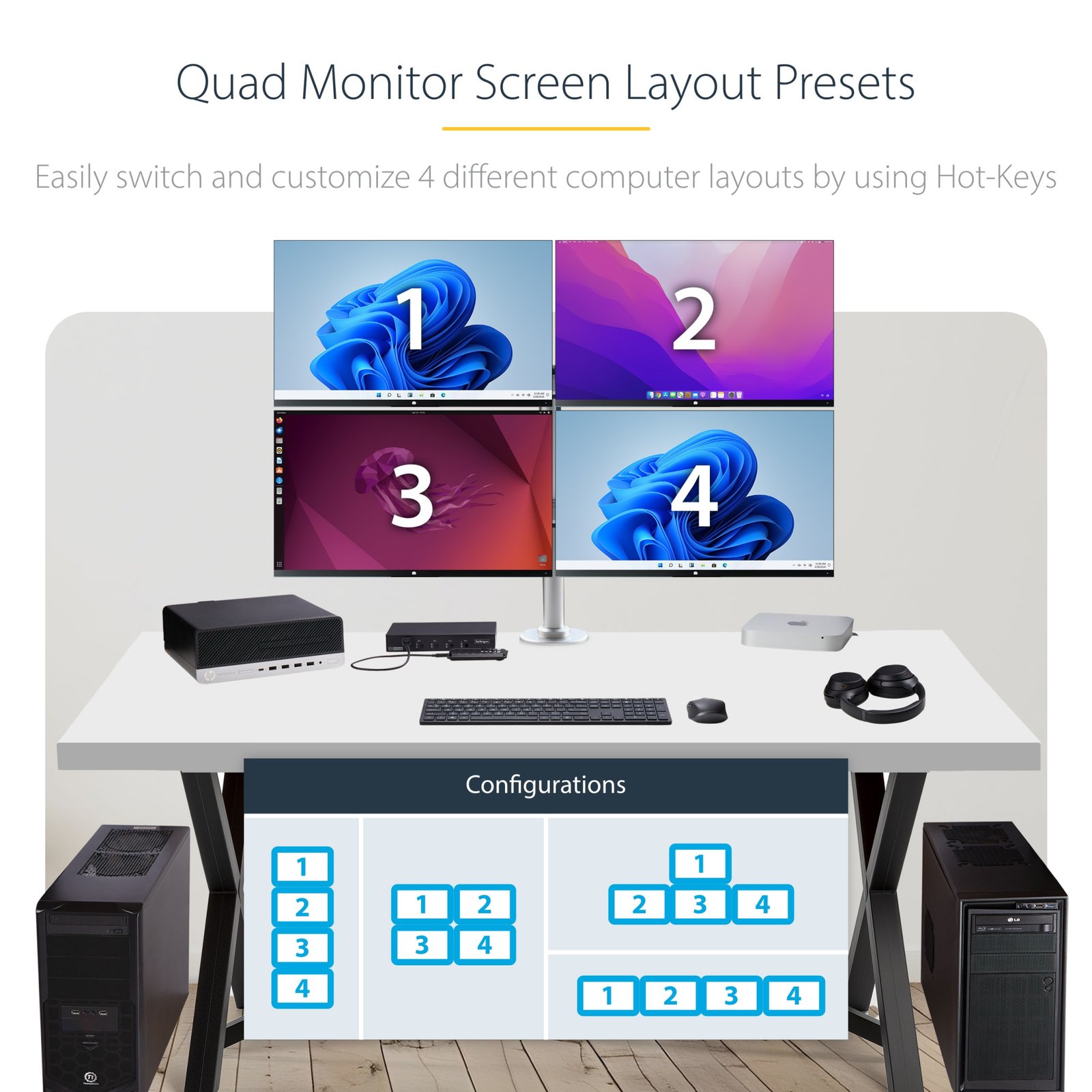
- Push Button, Hotkeys, and Mouse Switching
- Hot-Key Selection
- Yes
- CAC Support
- No
Questions & Answers
Why don't the mouse roaming hotkeys work when using an AZERTY keyboard?
The mouse roaming hotkeys are based on the physical key positions of a QWERTY keyboard. On an AZERTY keyboard, you must use the key in the corresponding physical location rather than the printed character. Explanation: The default mouse roaming hotkeys are designed using the QWERTY keyboard layout. Because AZERTY keyboards place some keys in different locations, the labeled key may not activate the expected shortcut. For example: On a QWERTY keyboard, the Q key is used for the hotkey. On an AZERTY keyboard, the A key occupies the same physical position and should be used instead. When using an AZERTY keyboard, press the key that matches the physical location of the QWERTY shortcut rather than the key with the same printed letter.
What DC barrel connector power plug types do StarTech.com products use, and what are their dimensions?
StarTech.com DC barrel connector plug types are defined in the “Plug Type” field of the technical specifications, using a letter code that specifies the connector’s outer diameter (OD) and inner diameter (ID) in millimeters for power adapter compatibility. Explanation: In StarTech.com technical specifications, the “Plug Type” field is a standardized identifier for the exact DC barrel connector size required to power a product. Each plug type is assigned a letter code that corresponds to a specific combination of outer diameter (OD) and inner diameter (ID), measured in millimeters. Common DC barrel plug type dimensions Plug Type OD ID A 2.35 mm 0.7 mm B 4.0 mm 1.7 mm C 4.75 mm 1.7 mm H 3.4 mm 1.3 mm L 5.0 mm 2.5 mm M 5.5 mm 2.1 mm N 5.5 mm 2.5 mm The DC barrel connector plug type must match both the outer diameter and inner diameter exactly. A mismatch between the StarTech.com product requirement and the power adapter connector can prevent proper fit or stable power delivery, which may result in device startup failure or intermittent operation. The plug type defines only the physical connector size. The plug type does not define electrical power requirements such as voltage, current, or polarity. The power adapter used with a StarTech.com product must match the product’s specified electrical requirements. Using an incompatible power adapter can cause device malfunction or permanent damage. This standardized DC barrel connector plug type system enables IT professionals and procurement teams to verify connector dimensions, ensure power adapter compatibility, standardize hardware deployments, and identify the correct replacement power supply for StarTech.com products.
Related products
-
2-Port Dual-Monitor DisplayPort Cable KVM Switch, 4K 60Hz, Compact KVM with 5ft/1.5m USB-A/DisplayPort/Audio Integrated Cables, Bus Powered - Remote Push Button/Hotkey Switching
$314.99 Add to cart -
2-Port DisplayPort KVM Switch, 4K 60Hz, DP 1.2, EDID Management, 2-Port USB 3.0 Hub, 4x USB HID Ports, TAA Compliant
$522.99 Add to cart -
KVM Console to USB 2.0 Portable Laptop Crash Cart Adapter - TAA
$628.99 Add to cart -
2-Port Dual-Monitor DisplayPort KVM Switch, RS232 Serial Control, 4K 60Hz, 2x USB 5Gbps Hub Ports, 2x USB 2.0 HID Ports, Hotkey/Pushbutton Switching, TAA Compliant
$805.99 Add to cart