

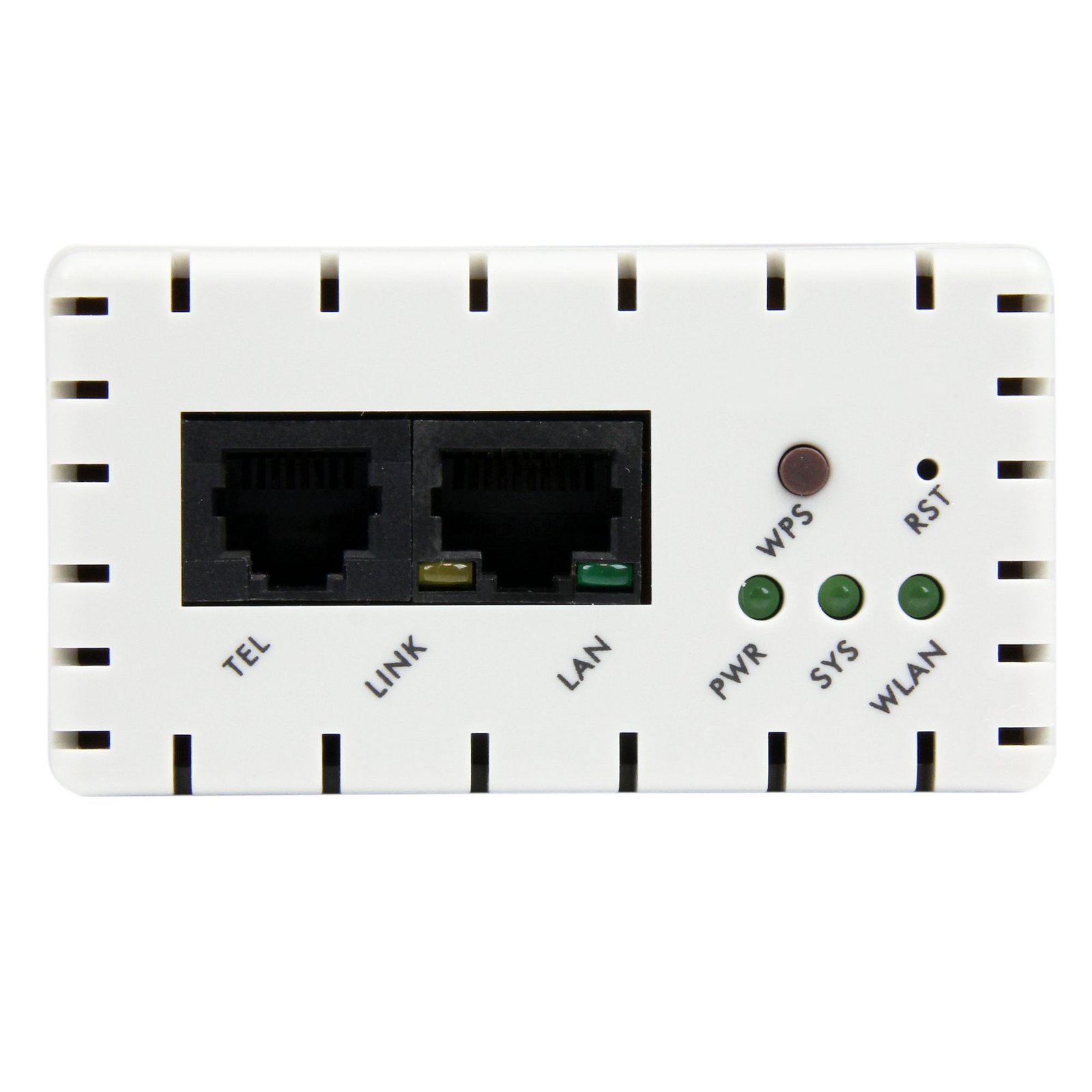
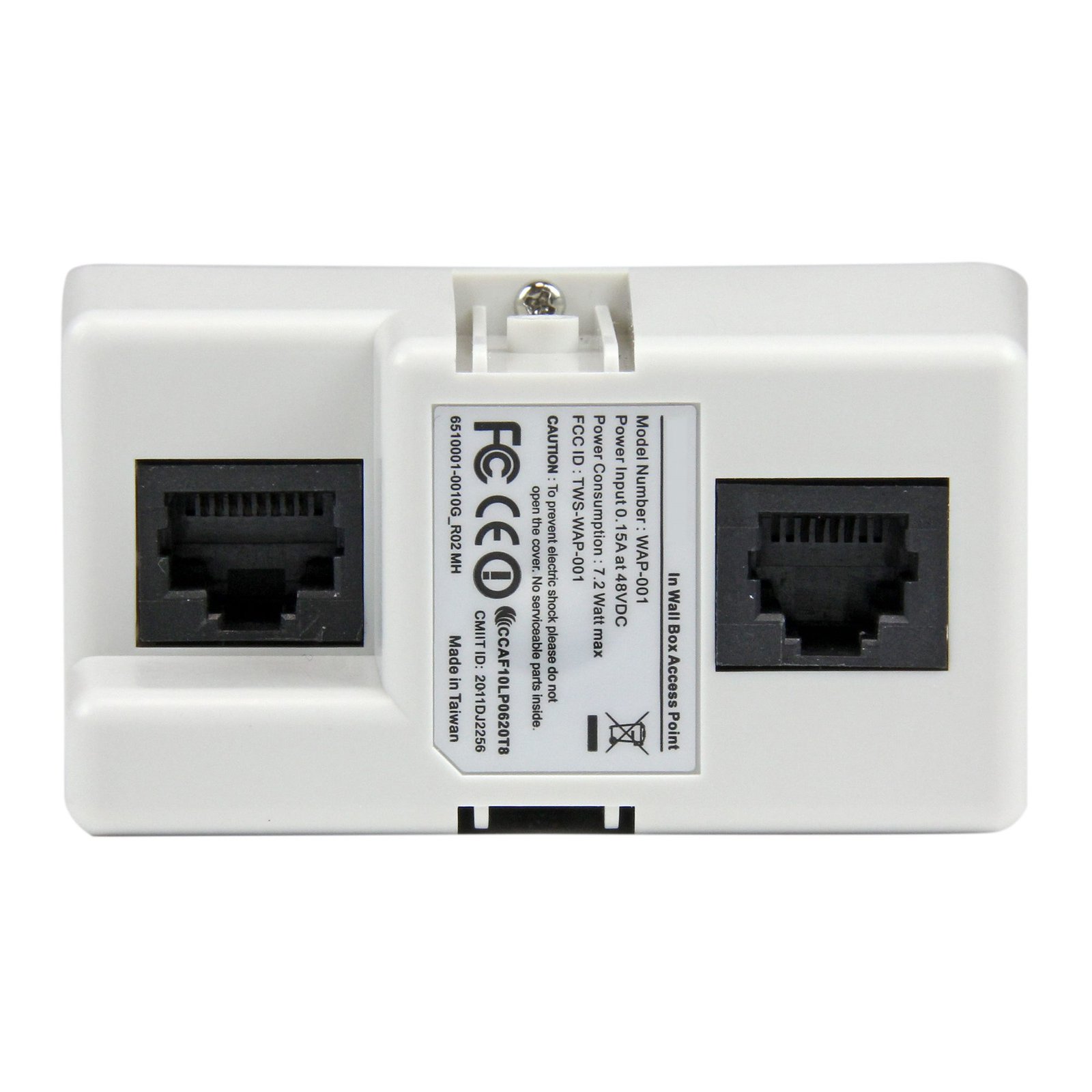
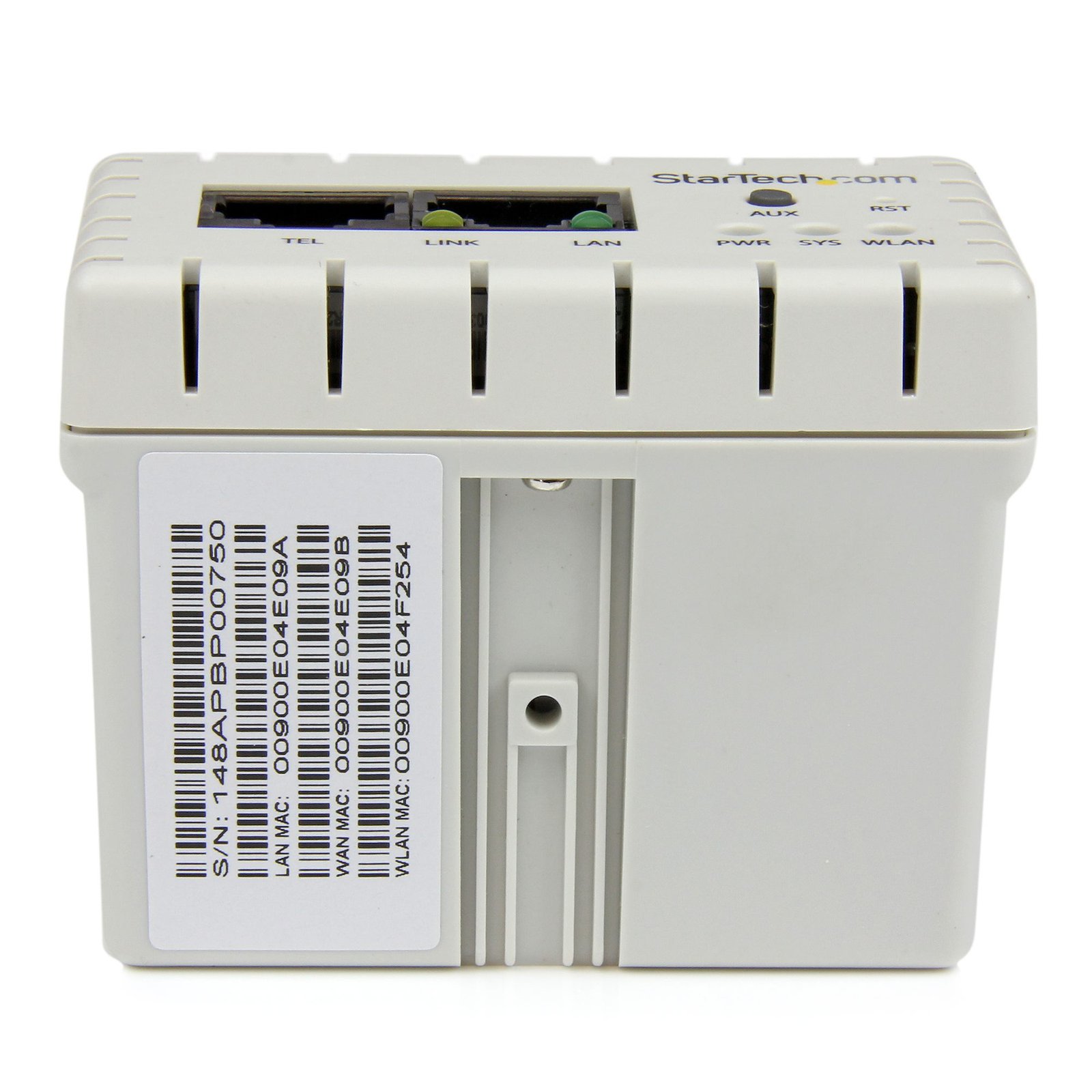
In-Wall Wireless Access Point - Wireless-N - PoE
$145.99
Expand your network with a discreet Wi-Fi hot-spot that also provides two Gigabit LAN ports
Specifications & Compliance
- UPC
- 065030858991
- Brand
- StarTech.com
- Included in Package
- 1 - In-Wall Access Point, 1 - Faceplate (US / JP), 1 - Frame for Faceplate (Rectangular), 2 - Screws, 2 - Washers, 1 - Quick Start Guide, 1 - Instruction Manual CD
- Shipping (Package) Weight
- 10.9 oz [310 g]
- Weight of Product
- 3.0 oz [84.0 g]
- Product Length
- 2.8 in [72.0 mm]
- Product Width
- 1.5 in [39.0 mm]
- Product Height
- 2.2 in [55.0 mm]
- Package Depth
- 6.5 in [16.6 cm]
- Package Width
- 8.3 in [21.2 cm]
- Package Height
- 3.0 in [76 mm]
- Color
- White
- Warranty
- 2 Years
- Connector 1
- Wi-Fi 4 (802.11n, 600Mbps)
- Connector 1 (Quantity)
- 1
- Package Quantity
- 1
- Connector 2
- RJ-45
- Connector 2 (Quantity)
- 2
- Operating Temperature
- 0°C to 50°C (32°F to 122°F)
- Storage Temperature
- -10°C to 60°C (14°F to 140°F)
- Humidity
- 20~90% RH (Non-Condensing)
- Material
- Plastic
- Maximum Data Transfer Rate
- 300 Mbps
- Industry Standards
- IEEE 802.3, IEEE 802.3u<br /> IEEE 802.11b/g/n<br /> IEEE 802.3af
- Chipset ID
- Mediatek - MT7620n
- Connector 3
- RJ-45
- Connector 3 (Quantity)
- 2
- LED Indicators
- 1 - Power, 1 - System, 1 - WAN Link / Act, 1 - LAN Link / Act, 1 - WLAN Link / Act
- Interface
- Wireless Ethernet
- System and Cable Requirements
- 802.3af / at compatible PoE Switch or Injector, Cat 5e (or better) Ethernet cabling from PoE switch to the Access Point, 1-gang receptacle box
- Full Duplex Support
- Yes
- Max Distance
- 10m [33ft]
- Supported Protocols
- CSMA/CA
- Bandwidth
- 20/40MHz
- Security Features
- WEP Data Encryption, WPA Data Encryption, TKIP/AES
- Antenna Configuration
- 2x2:2 (TxR:S)
Questions & Answers
What is this device’s default static IP address?
This device's default static IP address is 10.59.1.200.
How do I reset my device to the default factory settings?
To perform a factory reset, press and hold the AUX and RST buttons simultaneously for 5 seconds.
How do I access this device’s web interface?
Make sure that the AP300WN2X2W is on the same network as your computer. In an Internet browser, enter the IP address of the unit. The default IP address is 10.59.1.200. In the user name field, enter the user name. The default user name is admin . In the password field, enter the password. The default password is admin .
Related products
-
AC600 Wireless-AC Network Adapter - 802.11ac, PCI Express - TAA
$79.99 Add to cart -

Outdoor 300 Mbps 2T2R Wireless-N Access Point - 5GHz 802.11a/n PoE-Powered WiFi AP
$111.99 Add to cart -

Mini PCI Express Wireless N Card - 300Mbps Mini PCIe 802.11b/g/n WiFi Adapter - 2T2R
$26.99 Add to cart -
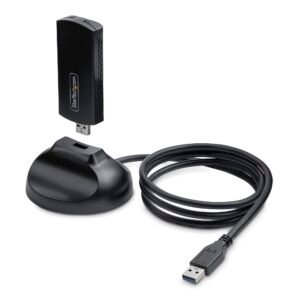
Wi-Fi 6E USB Adapter/Dongle, For Desktop/Laptop PC, Wireless NIC w/Foldable Antenna, WiFi Adapter Supports 802.11 b/g/n/ac/ax, 2.4/5/6 GHz Network Compatible
$116.99 Add to cart