
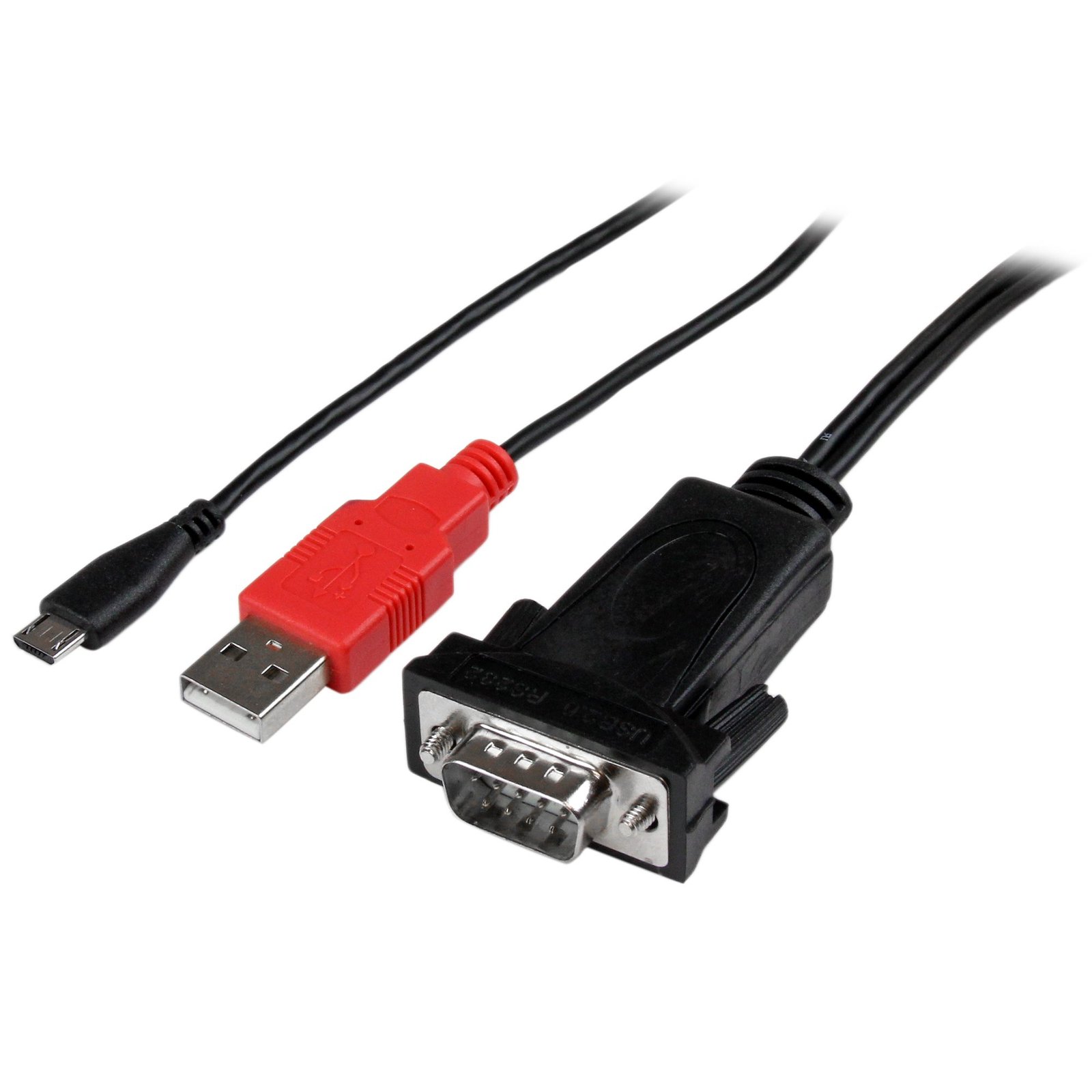
Micro USB to RS232 DB9 Serial Adapter Cable for Android with USB Charging - M/M
$41.99
Add an RS232 serial port to your Android smartphone or tablet device through Micro USB with USB charging capabilities
Specifications & Compliance
- UPC
- 065030855853
- Brand
- StarTech.com
- Included in Package
- 1 - USB to RS-232 Serial Adapter Cable for Android™, 1 - Instruction Manual
- Shipping (Package) Weight
- 5.3 oz [149.6 g]
- Weight of Product
- 3.6 oz [103.1 g]
- Product Length
- 3.3 ft [1.0 m]
- Product Width
- 1.4 in [35.0 mm]
- Product Height
- 0.6 in [15.0 mm]
- Package Depth
- 5.5 in [14 cm]
- Package Width
- 6.7 in [17 cm]
- Package Height
- 1.2 in [30 mm]
- Cable Length
- 3.3 ft [1 m]
- Warranty
- 2 Years
- Connector 1
- DB-9 Serial
- Connector 1 (Quantity)
- 1
- Package Quantity
- 1
- Connector 2
- USB-A (480Mbps, 2.5W)
- Connector 2 (Quantity)
- 1
- Operating Temperature
- 0°C to 60°C (32°F to 140°F)
- Storage Temperature
- 0°C to 80°C (32°F to 176°F)
- Humidity
- 5-90% RH
- Industry Standards
- RS-232
- Power Source
- USB-Powered
- Chipset ID
- FTDI - FT312D
- Connector 3
- USB Micro-B (480Mbps, 2.5W)
- Connector 3 (Quantity)
- 1
- Number of Ports
- 1
- Interface
- Serial
- Bus Type
- USB 2.0
- System and Cable Requirements
- Available USB A Female Port for power/charging capabilities (eg: PC USB or USB Wall Charger), FTDI AOA HyperTerm Application for Android™ — To manually find and install the application, open the Google Play Store from your Android device, then search for "FTDI UART.”
- Port Style
- Cable Adapters
- Serial Protocol
- RS-232
- Max Baud Rate
- 921.6 Kbps
- Data Bits
- 7, 8
- Flow Control
- None, CTS/RTS, DTR/DSR
- Parity
- None, Odd, Even, Mark, Space
- Stop Bits
- 1, 2
Questions & Answers
Serial communication is not working. Is the problem caused by the adapter or my serial software application?
Older applications that use serial communication often use legacy hardware addresses that do not work with PCI, PCIe, or USB to Serial products. We recommend contacting the software provider/support team to check if this is the case.
The COM numbers in Device Manager change after I reboot or re-connect the product. How do I fix this?
Use a USB to Serial product that features COM Port Retention. These products will store settings that are unique to the connected device in non-volatile memory, allowing you to retain the desired settings regardless of the USB Port to which the adapter is connected.
Related products
-
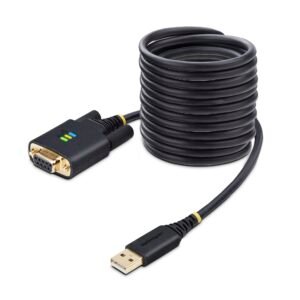
10ft (3m) USB to Null Modem Serial Adapter Cable, Interchangeable DB9 Screws/Nuts, COM Retention, USB-A to RS232, FTDI, Level-4 ESD Protection, Windows/macOS/ChromeOS/Linux - Rugged TPE Construction
$54.31 Add to cart -
3ft (1m) USB to Serial Cable, DB9 Male RS232 to USB Converter, Prolific IC, USB to Serial Adapter for PLC/Printer/Scanner/Switch, USB to COM Port Adapter, Windows/Mac
$30.74 Add to cart -

1ft (30cm) USB to Serial Adapter Cable, COM Retention, Interchangeable Nuts/Screws, USB-A to DB9 RS232, FTDI IC, ESD Protection, Windows/macOS/Linux
$38.94 Add to cart -
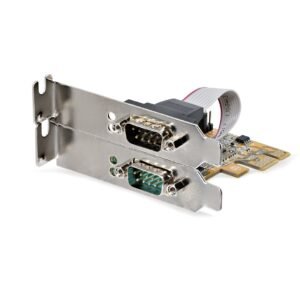
2-Port PCI Express Serial Interface Card, Dual Port PCIe to RS232 (DB9) Serial Card, 16C1050 UART, Low/Full Profile Brackets, COM Retention, For Windows/Linux - TAA
$73.79 Add to cart