
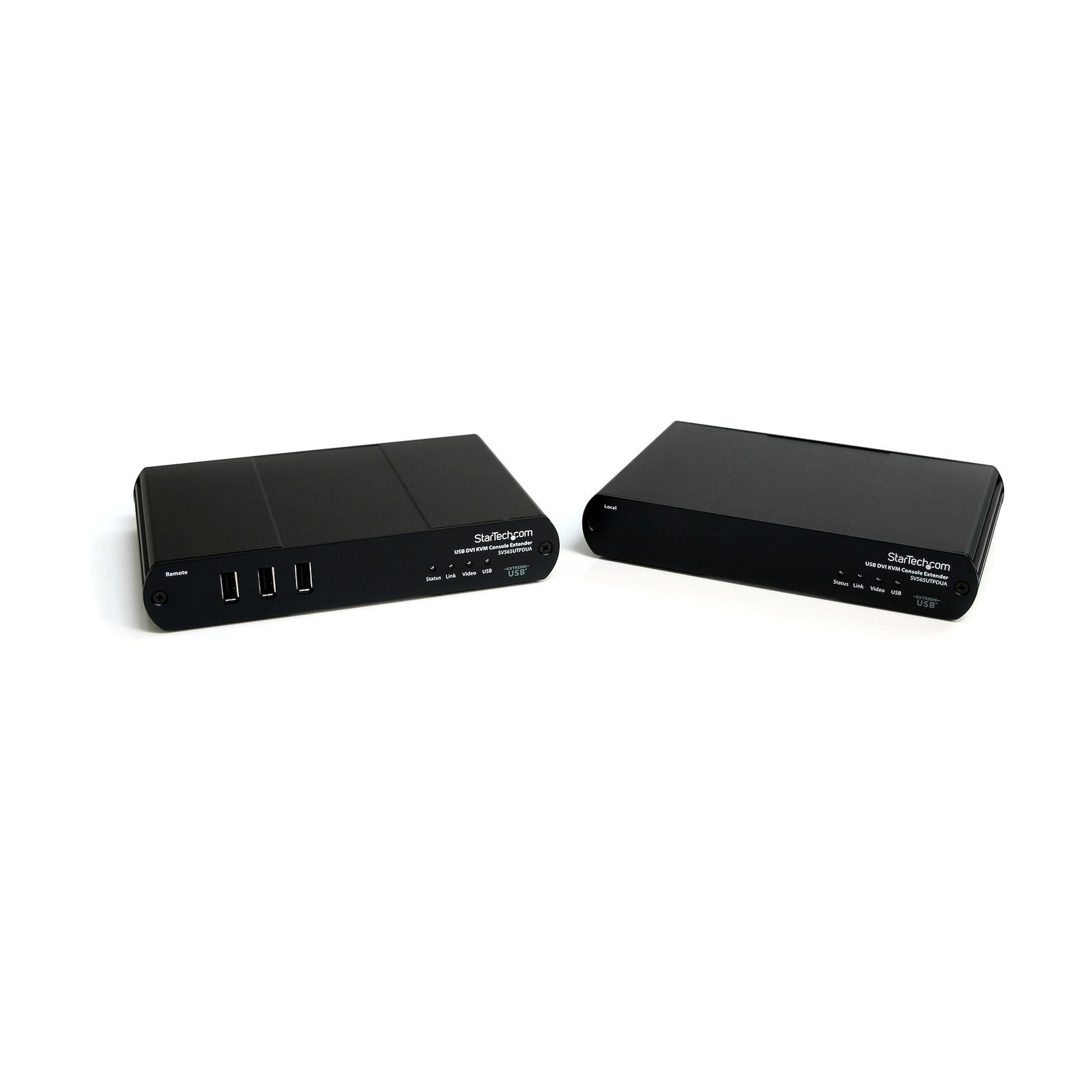
USB DVI KVM Console Extender w/ True USB 2.0 and Audio - 500m
$1,277.99
Extend DVI-D (or HDMI), USB, and audio signals up to 500m with full USB 2.0 compatibility and speed
Specifications & Compliance
- UPC
- 065030842273
- Brand
- StarTech.com
- Included in Package
- 1 - Local Unit, 1 - Remote Unit, 1 - 6ft USB Cable, 1 - 5ft DVI-D cable, 2 - Universal Power Adapter (US/UK/EU), 1 - User Manual
- Shipping (Package) Weight
- 4.1 lb [1.8 kg]
- Weight of Product
- 14.1 oz [400 g]
- Product Width
- 4.4 in [11.2 cm]
- Product Height
- 1.2 in [30 mm]
- Package Depth
- 8.4 in [21.3 cm]
- Package Width
- 11.7 in [29.7 cm]
- Color
- Black
- Warranty
- 2 Years
- Connector 1
- DVI-D Single-Link (19-Pin)
- Connector 1 (Quantity)
- 1
- Package Quantity
- 1
- Connector 2
- USB-B (480Mbps, 2.5W)
- Connector 2 (Quantity)
- 1
- Operating Temperature
- 0°C to 50°C (32°F to 122°F)
- Storage Temperature
- -20°C to 70°C (-4°F to 158°F)
- Humidity
- 20~80% RH
- Material
- Steel
- Power Source
- 2 AC Adapters Included
- Special Notes
- This product includes a 5V DC power adapter for the Local unit and a 24V DC power adapter for the Remote unit.
- Input Voltage
- 110V-240V AC
- Output Voltage
- 24 / 5 DC
- Connector 3
- RJ-45
- Connector 3 (Quantity)
- 1
- Power Consumption
- 5.4
- LED Indicators
- 1 - Local/Remote: Status(Green), Indicates power, 1 - Local/Remote: Link(Green), Indicates link between local and remote unit, 1 - Local/Remote: Video(Green/Amber), Indicates video data/connection or fault, 1 - Local/Remote: USB(Green/Amber), Indicates USB data or fault
- Input Current
- 0.6 A
- Output Current
- 3
- Maximum Digital Resolutions
- 1680x1050
- Host Connector 1 (Quantity)
- 1
- Audio
- Yes
- Plug Type
- C / M
- Center Tip Polarity
- Positive
- Wide Screen Supported
- Yes
- Max Transfer Distance
- 500m [1640ft]
- Host Connector 2
- USB-A (480Mbps, 2.5W)
- Host Connector 2 (Quantity)
- 3
- Rack-Mountable
- No
- Number of KVM Ports
- 1
- IP Control
- No
- Supported Platforms
- USB
- PC Video Type
- DVI
- Number of Monitors Supported
- 1
- Host Connector 3
- RJ-45
- Host Connector 3 (Quantity)
- 1
- DVI Support
- Yes - Single Link
- Product Depth
- 6.9 in [17.5 cm]
- Host Connector 4
- 3.5mm (3 Conductors, TRS)
- Host Connector 4 (Quantity)
- 2
Questions & Answers
Everything is hooked up, but nothing is working. What do I do?
There are some quick tests that you can complete to rule out potential issues. You can test to make sure that the following components are working correctly and are not the source of the issue: Video and Ethernet cables Mouse and keyboard Video source (such as a DVR or computer) Video destination (such as a monitor or projector) Note: When you test setup components, you should avoid using video adapters. For example, if you are converting a VGA source to HDMI for use with an HDMI extender, you should use an HDMI source when you test the components. To test your setup components, try the following: Use a different cable, mouse, keyboard, video source, and video destination in your setup to see if the problem persists. Ideally, you should test a component that you know works in another setup. Use the cable, mouse, keyboard, video extender, video source, and video destination in another setup to see if the problem is with the components or the setup. When you test your cables, it is recommended that you do the following: Test each cable individually. Use short cables when you are testing. When you test the video source and video destination, it is recommended that you do the following: Test to make sure that the video source and video destination work together without using the KVM extender. Test to make sure that the video source and video destination work together at the resolution that you want to use. Note: In order for your setup to work properly, the video source, extender, and destination all need to support the resolution that you are using.
How can I connect this DVI-D output to a VGA, HDMI, or DisplayPort display?
A DVI-D output supports only digital video signaling. The type of adapter or converter required depends on the display connection you want to use. Explanation: This device features a DVI-D output, which supports digital video only. Because DVI-D does not carry analog video signals, some display types require active signal conversion. The following conversion options are commonly used: HDMI: A DVI to HDMI adapter or cable can be used because DVI-D and HDMI use compatible digital video signaling. DisplayPort: An active DVI-D to DisplayPort converter is required because DVI and DisplayPort use different signaling technologies. VGA: An active DVI-D to VGA converter is required because VGA uses analog video signaling and DVI-D outputs only digital video. Before selecting an adapter or converter, verify: The input type of the display or video destination The required resolution and refresh rate Whether the conversion requires active signal processing When multiple conversion options are available, use the fewest possible adapters and converters to maximize compatibility and maintain signal quality.
Related products
-
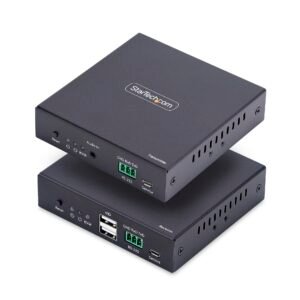
HDMI KVM Extender Over IP Network, 4K 60Hz, Driverless, HDMI and USB Over Ethernet/CAT6, AVoIP, Transmitter and Receiver Kit, Includes Mounting Kits
$480.99 Add to cart -

4K HDMI KVM Extender over Fiber - HDMI Video & USB Remote KVM Switch/Console Extender - up to 984ft/300m (MultiMode) - 2x 10G MMF SFP+ modules - KVM Extension Kit (TX/RX) - TAA
$849.99 Add to cart -
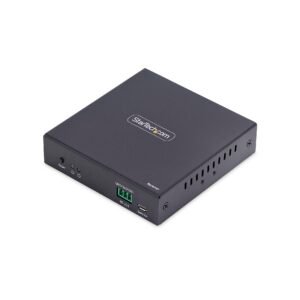
HDMI Receiver Over IP Network for the IH2006 Product Series, 4K 60Hz, Driverless, AVoIP, Includes Mounting Kit, Receiver Only
$245.99 Add to cart -

USB Dual VGA over Cat5 KVM Console Extender - 650 ft / 200m - TAA
$559.99 Add to cart