
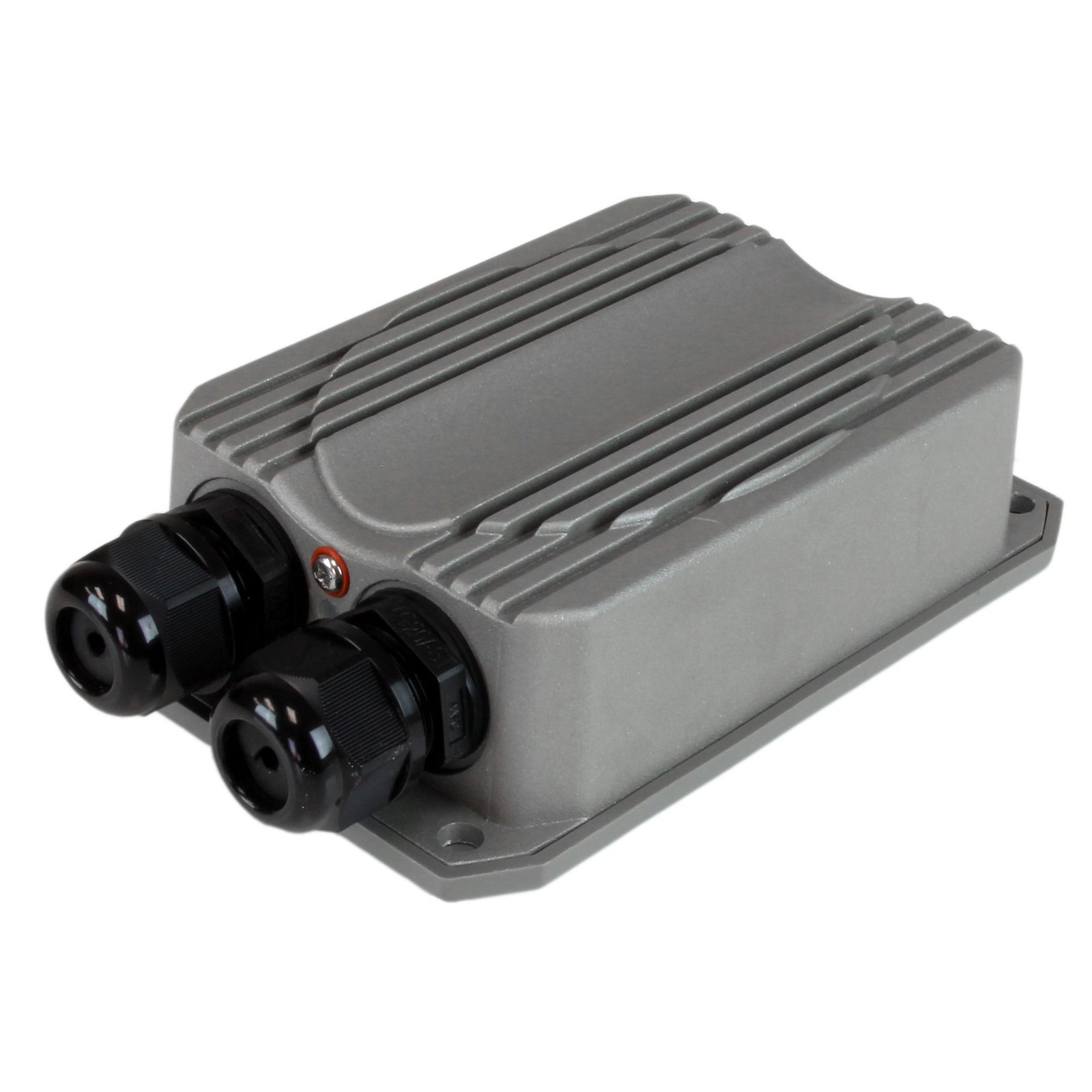
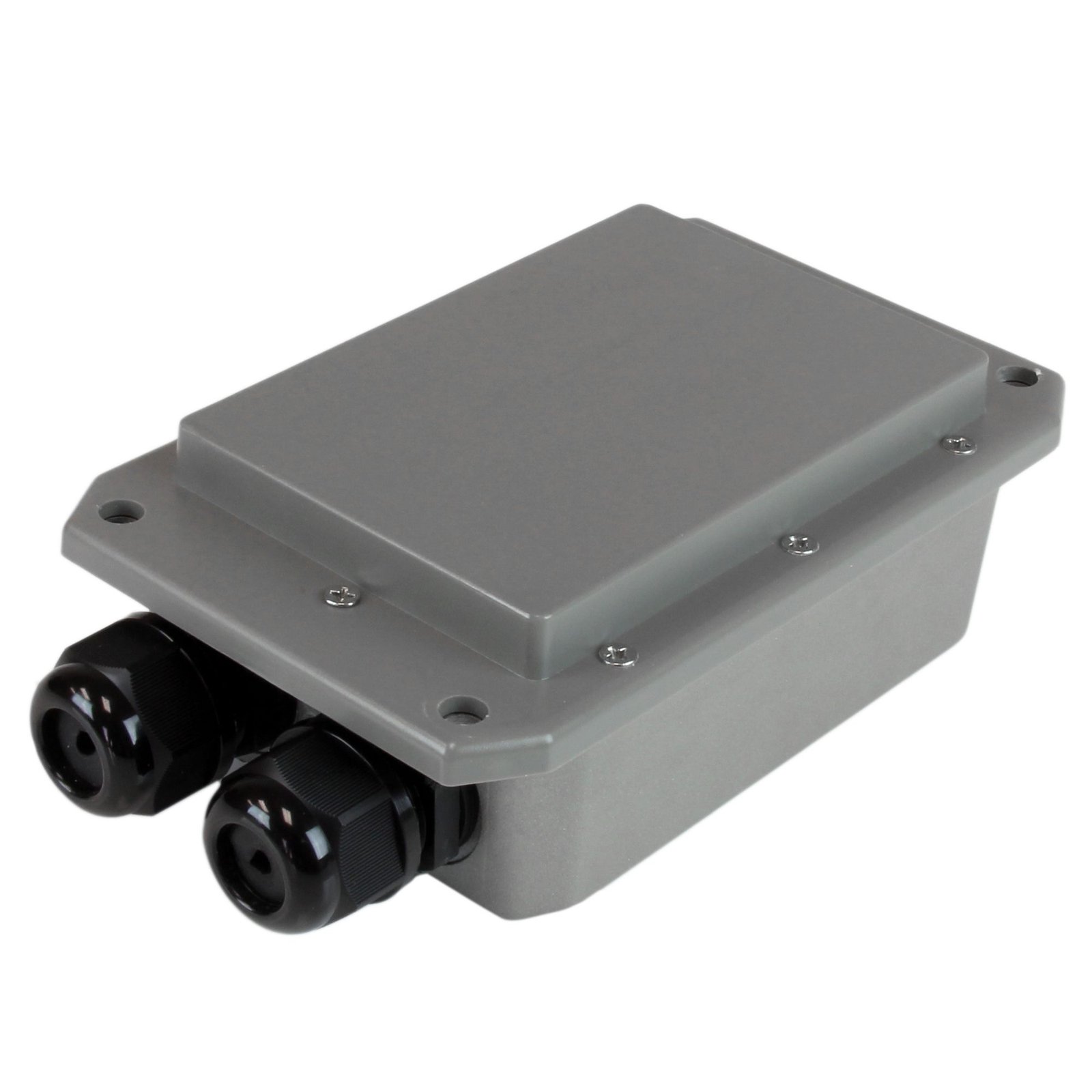
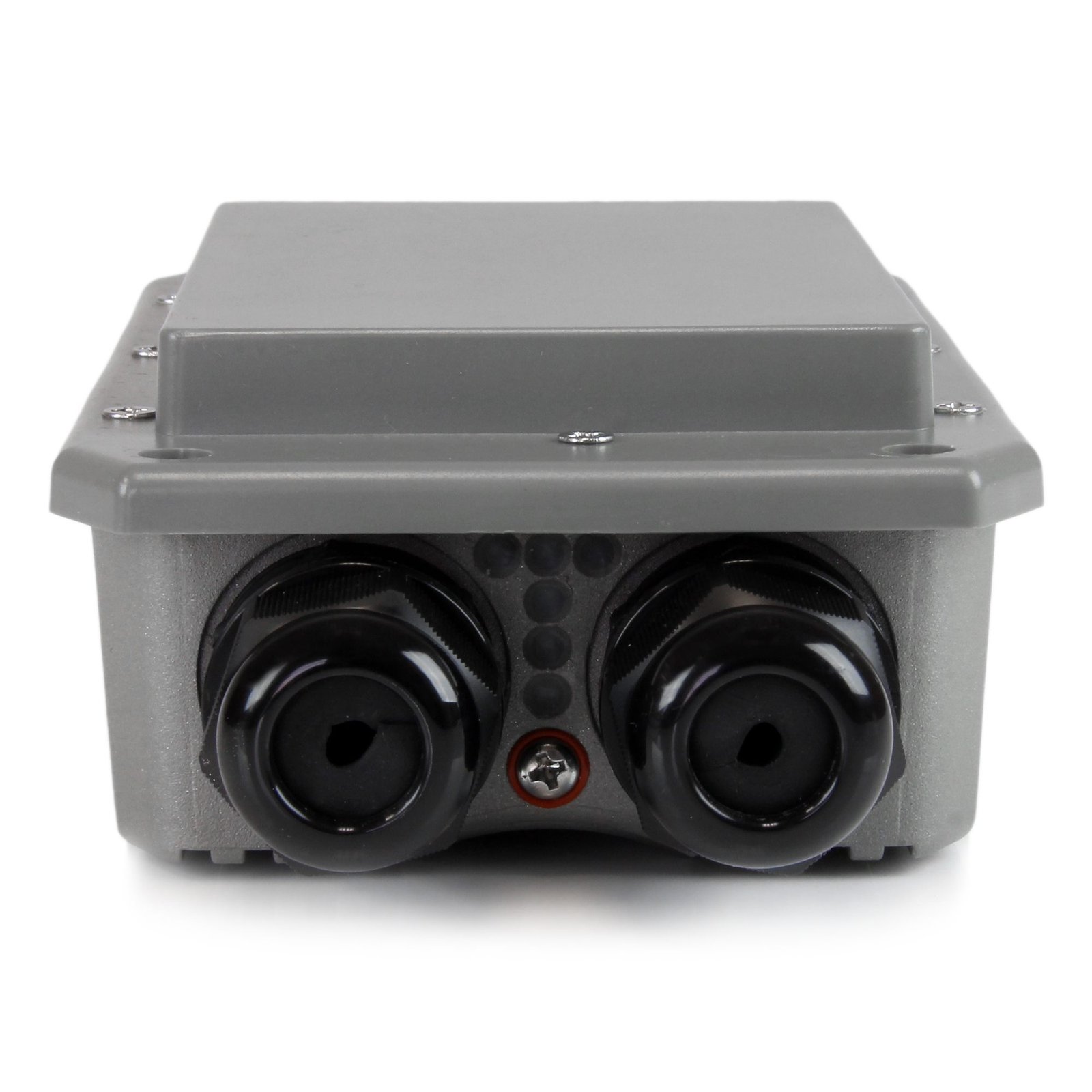
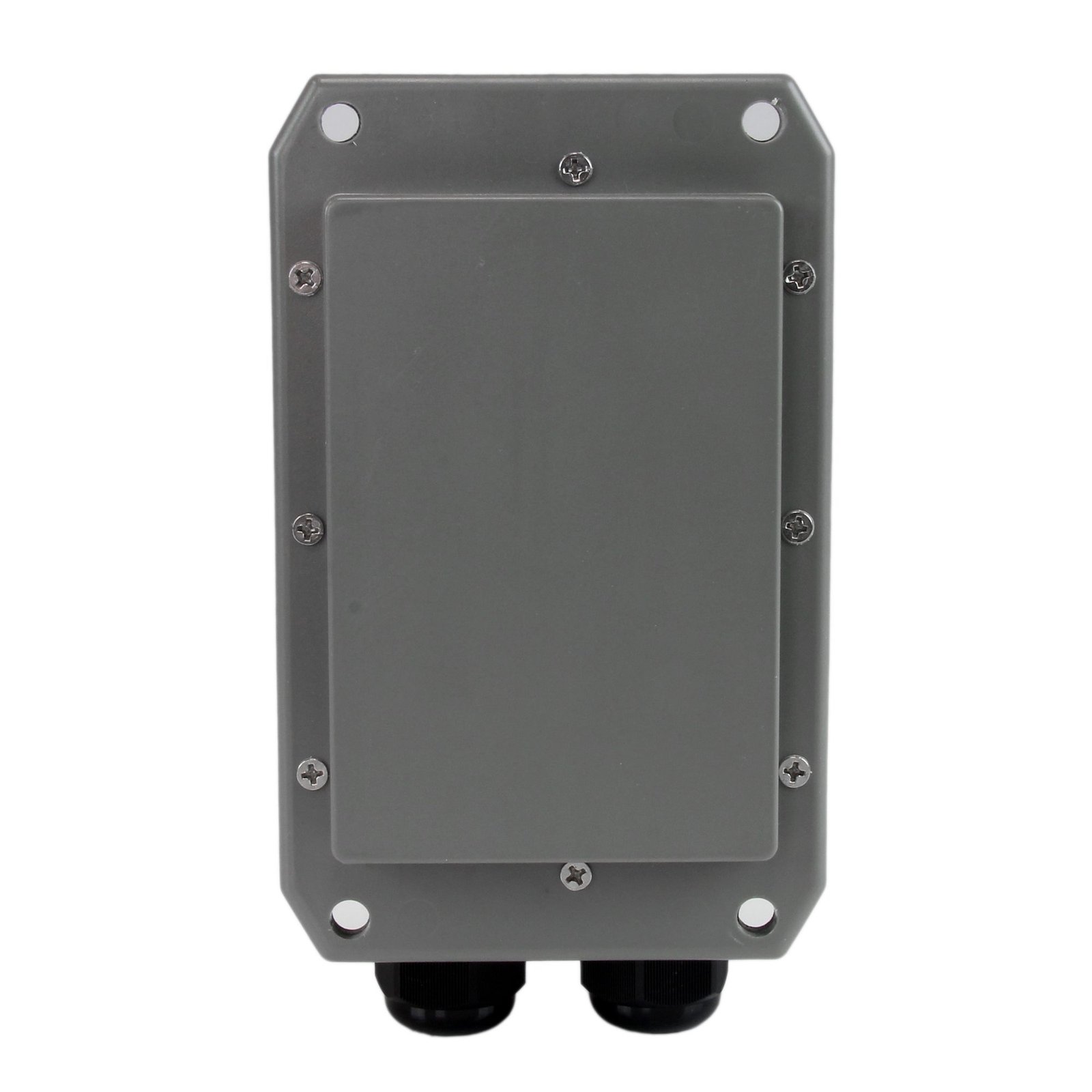
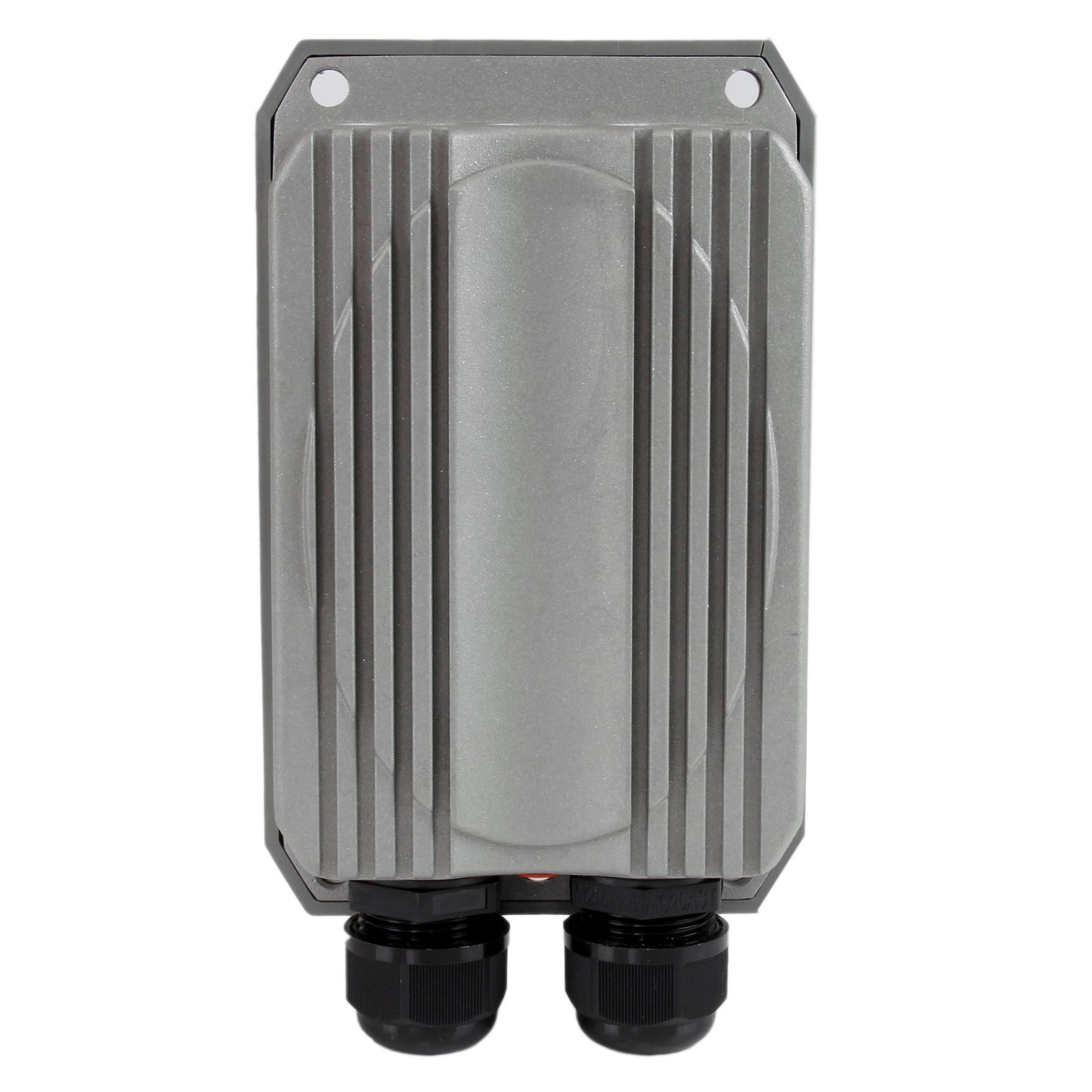

Rugged Outdoor Wireless-N Access Point - 5GHz - PoE Powered - Metal IP67
$291.99
Delivers reliable wireless throughput up to 3.7 kilometers / 2.3 miles - even through harsh weather conditions
Specifications & Compliance
- UPC
- 065030857765
- Brand
- StarTech.com
- Included in Package
- 1 - Outdoor Wireless Access Point, 1 - PoE Injector, 1 - Pole Mounting Kit, 1 - Power Adapter, 1 - Quick Start Guide
- Shipping (Package) Weight
- 2.8 lb [1.3 kg]
- Weight of Product
- 24.7 oz [700.0 g]
- Product Length
- 6.3 in [16.1 cm]
- Product Width
- 3.9 in [100.0 mm]
- Product Height
- 2.3 in [58.0 mm]
- Package Depth
- 8.4 in [21.4 cm]
- Package Width
- 14.0 in [35.5 cm]
- Package Height
- 3.4 in [87 mm]
- Color
- Gray
- Warranty
- 2 Years
- Connector 1
- Wi-Fi 4 (802.11n, 600Mbps)
- Connector 1 (Quantity)
- 1
- Package Quantity
- 1
- Connector 2
- RJ-45
- Connector 2 (Quantity)
- 2
- Operating Temperature
- -30°C to 60°C (-22°F to 140°F)
- Storage Temperature
- -30°C to 85°C (-22°F to 185°F)
- Humidity
- 100% RH Non-Condensing
- Material
- Aluminum and Plastic
- Maximum Data Transfer Rate
- 300 Mbps
- Industry Standards
- IEEE 802.3, IEEE 802.3u IEEE 802.11a/n, IP67 certified
- Power Source
- AC Adapter Included
- Chipset ID
- Atheros - AR9342
- Input Voltage
- 100 - 240 AC
- Output Voltage
- 48 DC
- Power Consumption
- 13.5
- LED Indicators
- 3 - Wireless Signal Strength, 1 - Power, 2 - LAN Link / Activity
- Interface
- Wireless Ethernet
- Input Current
- 1 A
- Output Current
- 0.5
- System and Cable Requirements
- Available indoor AC electrical outlet, Cat 5 (or better) network cabling from PoE Injector to Wireless AP and PoE Injector to LAN Switch/router (no more than 100m total)
- Plug Type
- N
- Center Tip Polarity
- Positive
- General Specifications
- Maximum Clients: 32
- Full Duplex Support
- Yes
- Max Distance
- 3.7 km (2.3 mi)
- Supported Protocols
- CSMA/CA
- Bandwidth
- 20/40 MHz
- Security Features
- WEP Data Encryption, TKIP/AES, WPA and WPA2-PSK Data Encryption, WPA and WPA2 Enterprise Data Encryption
- Antenna Configuration
- 2x2:2 (TxR:S)
Questions & Answers
What is this device’s default static IP address?
This device's default static IP address is 192.168.2.254.
How do I access this device’s web interface?
Make sure that the R300WN22MOD5 is on the same network as your computer. In an Internet browser, enter the IP address of the unit. The default IP address is 192.168.2.254. In the user name field, enter the user name. The default user name is root . In the password field, enter the password. The default password is default .
When should I upgrade my device's firmware?
You should not upgrade your device's firmware if you do not have any issues with the functionality of your device. The only time you should consider an upgrade is if you are experiencing a problem with the device, and you have confirmed that the firmware addresses this problem. You can confirm this is the case by reviewing the documentation included with the firmware or by consulting with our Technical Support team. Incorrectly upgrading firmware can result in diminished performance so it is best to contact StarTech.com if you would like to perform this operation.
What DC barrel connector power plug types do StarTech.com products use, and what are their dimensions?
StarTech.com DC barrel connector plug types are defined in the “Plug Type” field of the technical specifications, using a letter code that specifies the connector’s outer diameter (OD) and inner diameter (ID) in millimeters for power adapter compatibility. Explanation: In StarTech.com technical specifications, the “Plug Type” field is a standardized identifier for the exact DC barrel connector size required to power a product. Each plug type is assigned a letter code that corresponds to a specific combination of outer diameter (OD) and inner diameter (ID), measured in millimeters. Common DC barrel plug type dimensions Plug Type OD ID A 2.35 mm 0.7 mm B 4.0 mm 1.7 mm C 4.75 mm 1.7 mm H 3.4 mm 1.3 mm L 5.0 mm 2.5 mm M 5.5 mm 2.1 mm N 5.5 mm 2.5 mm The DC barrel connector plug type must match both the outer diameter and inner diameter exactly. A mismatch between the StarTech.com product requirement and the power adapter connector can prevent proper fit or stable power delivery, which may result in device startup failure or intermittent operation. The plug type defines only the physical connector size. The plug type does not define electrical power requirements such as voltage, current, or polarity. The power adapter used with a StarTech.com product must match the product’s specified electrical requirements. Using an incompatible power adapter can cause device malfunction or permanent damage. This standardized DC barrel connector plug type system enables IT professionals and procurement teams to verify connector dimensions, ensure power adapter compatibility, standardize hardware deployments, and identify the correct replacement power supply for StarTech.com products.
Related products
-

PCI Express Wireless N Adapter - 300 Mbps PCIe 802.11 b/g/n Network Adapter Card – 2T2R 2.2 dBi - TAA
$46.99 Add to cart -

Portable Wireless N WiFi Travel Router / Access Point / Repeater - USB Powered
$29.99 Add to cart -
PCI Express 802.11N 300 Mbps Wireless Network Adapter - 2T3R
$17.99 Add to cart -

Outdoor 150 Mbps 1T1R Wireless-N Access Point - 2.4GHz 802.11b/g/n PoE-Powered WiFi AP
$103.99 Add to cart