
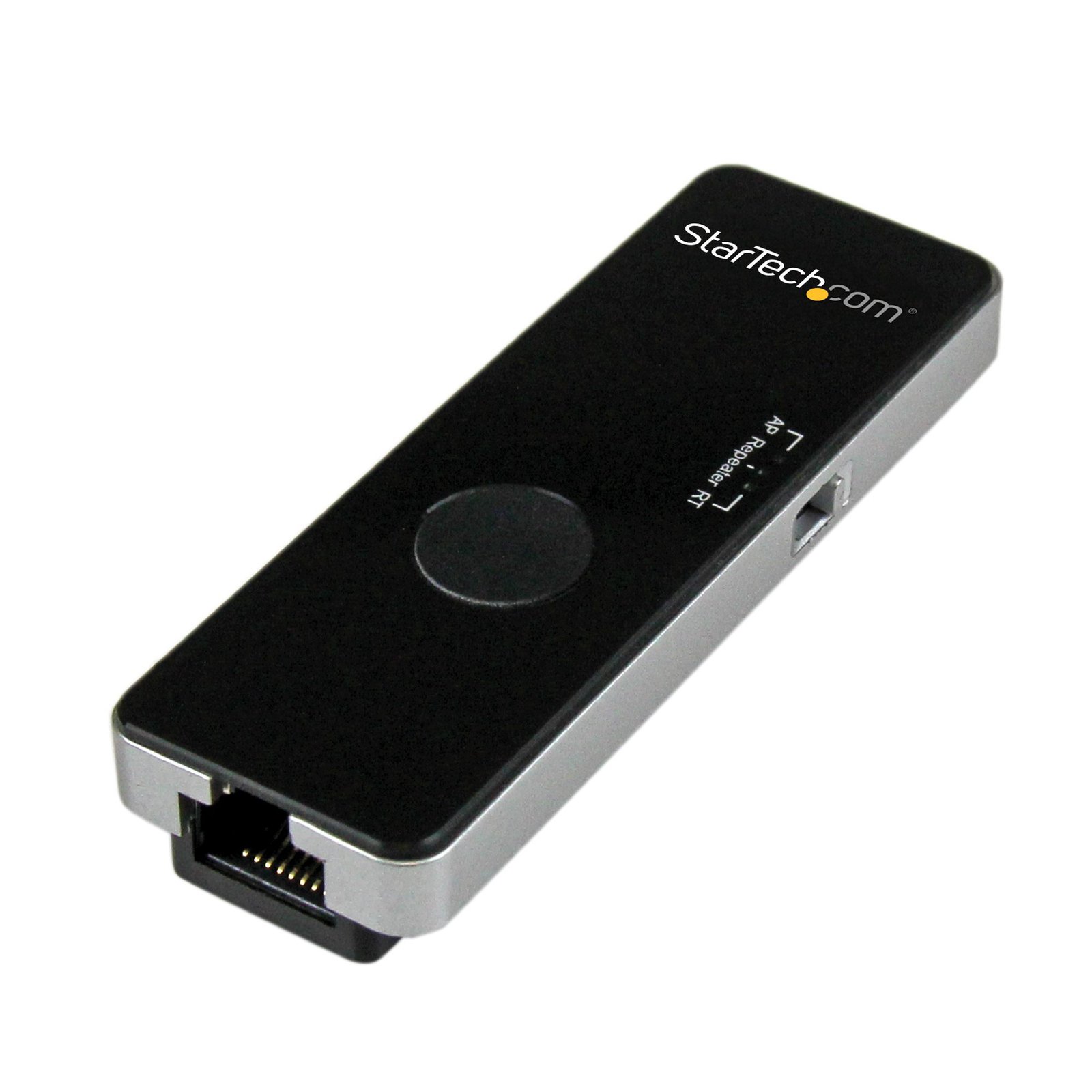
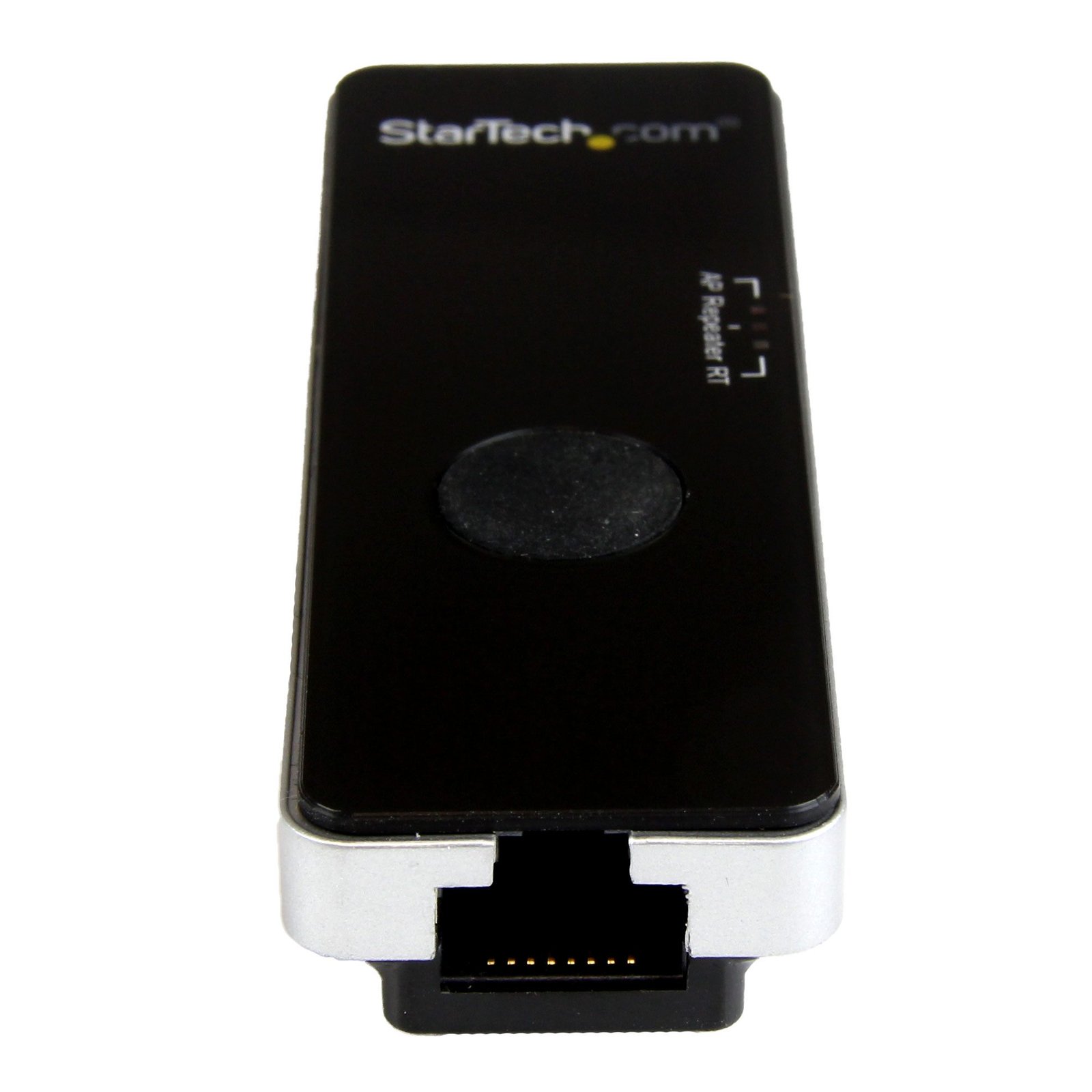
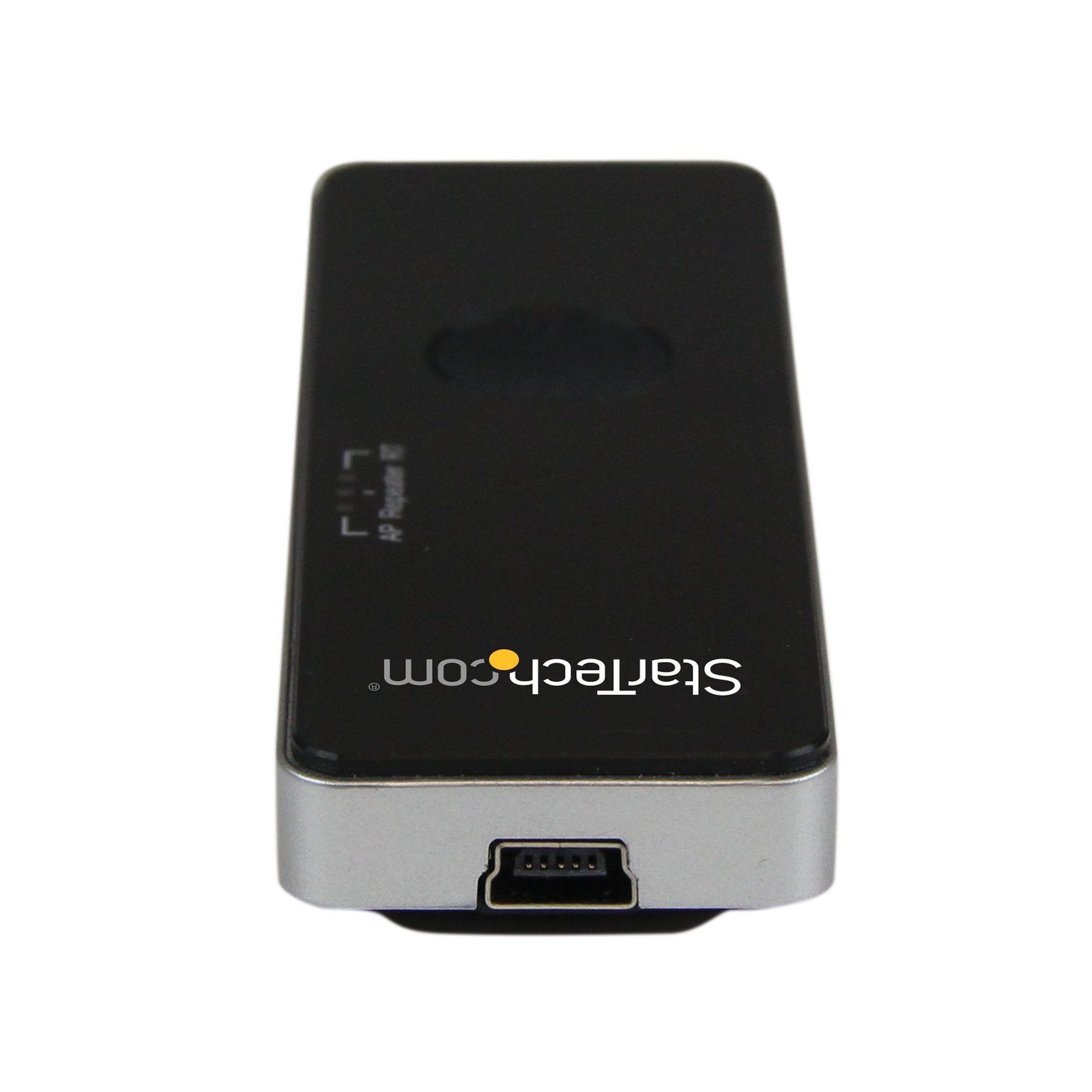
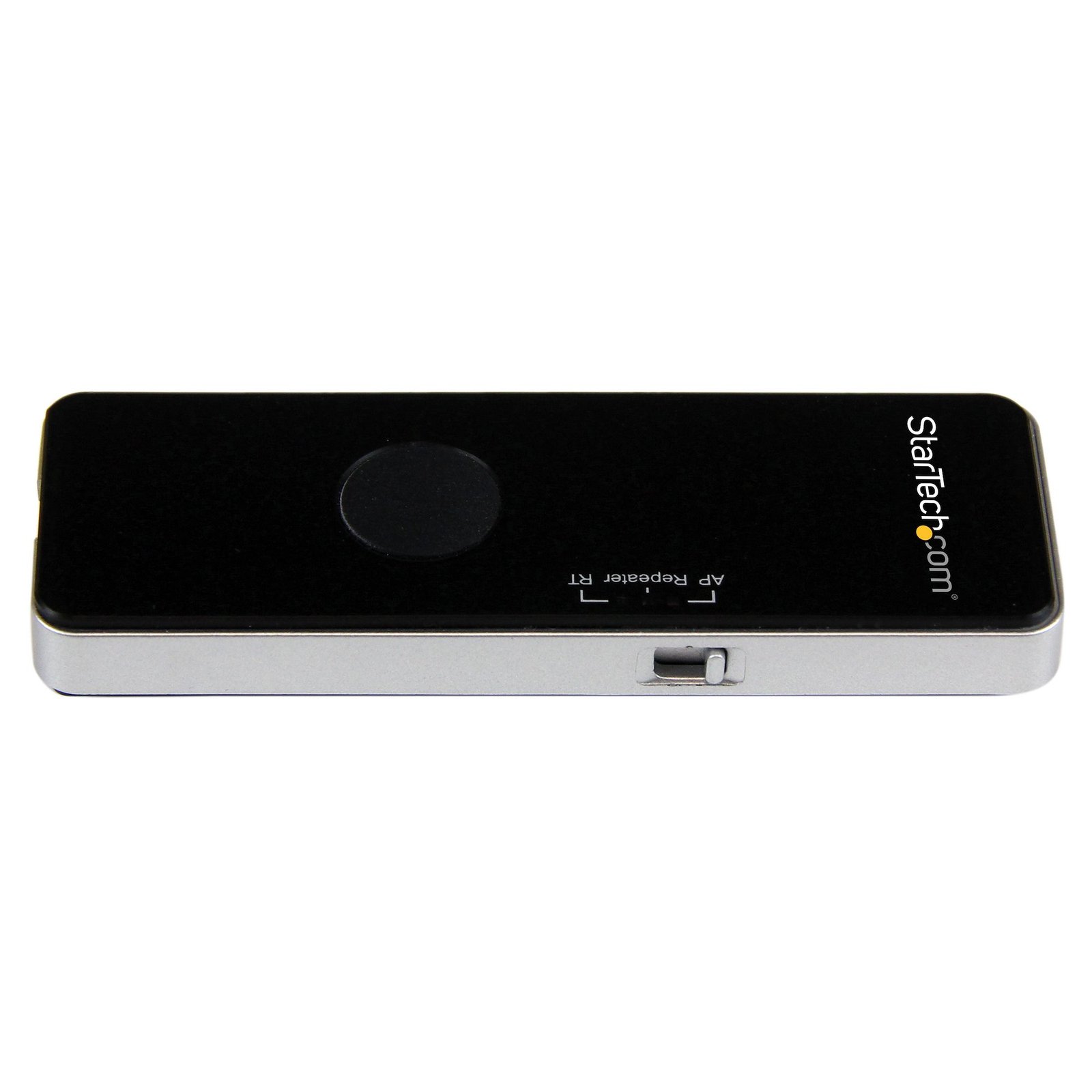
Portable Wireless N WiFi Travel Router / Access Point / Repeater - USB Powered
$29.99
Create a wireless hot-spot from a wired network connection to share with any WiFi-enabled device
Specifications & Compliance
- UPC
- 065030855181
- Brand
- StarTech.com
- Included in Package
- 1 - Travel Router, 1 - USB Cable, 1 - RJ45 Cable, 1 - Carrying Pouch, 1 - Instruction Manual
- Shipping (Package) Weight
- 4.0 oz [112 g]
- Weight of Product
- 2.4 oz [68 g]
- Product Length
- 3.2 in [82 mm]
- Product Width
- 1.1 in [28 mm]
- Product Height
- 0.5 in [13 mm]
- Package Depth
- 5.5 in [14 cm]
- Package Width
- 6.9 in [17.5 cm]
- Package Height
- 1.2 in [30 mm]
- Color
- Black
- Warranty
- 2 Years
- Connector 1
- Wi-Fi 4 (802.11n, 600Mbps)
- Connector 1 (Quantity)
- 1
- Package Quantity
- 1
- Connector 2
- RJ-45
- Connector 2 (Quantity)
- 1
- Operating Temperature
- 0°C to 40°C (32°F to 104°F)
- Storage Temperature
- -40°C to 70°C (-40°F to 158°F)
- Humidity
- 10~90% RH
- Material
- Plastic
- Maximum Data Transfer Rate
- 150 Mbps
- Industry Standards
- IEEE 802.11b, IEEE 802.11g, IEEE 802.11n, IEEE 802.3, IEEE 802.3u
- Power Source
- USB-Powered
- Connector 3
- USB Mini-B (480Mbps, 2.5W)
- Connector 3 (Quantity)
- 1
- LED Indicators
- 1 - Power, 1 - WLAN, 1 - WiFi
- Number of Ports
- 1
- Interface
- Wireless Ethernet
- System and Cable Requirements
- USB wall charger or available USB port, Wired network connection
- Compatible Networks
- 10/100 Mbps
- General Specifications
- Maximum Clients: 5
- Max Distance
- 10m [33ft]
- Security Features
- WEP Data Encryption, WPA and WPA2-PSK Data Encryption, WPA and WPA2 Enterprise Data Encryption
- Antenna Configuration
- 1x1:1 (TxR:S)
Questions & Answers
What is this device’s default static IP address?
This device's default static IP address is 192.168.16.254.
How do I reset my device to the default factory settings?
To perform a factory reset, hold down the reset button for 8 seconds.
How do I access this device’s web interface?
Make sure that the AP150WN1X1U is on the same network as your computer. In an Internet browser, enter the IP address of the unit. The default IP address is 192.168.16.1. In the user name field, enter the user name. The default user name is admin . In the password field, enter the password. The default password is admin .
Related products
-

Guest Wi-Fi Access Point - Wireless-N - 2.4GHz - 300Mbps
$141.99 Add to cart -

USB 2.0 300 Mbps Mini Wireless-N Network Adapter - 802.11n 2T2R WiFi Adapter
$31.99 Add to cart -
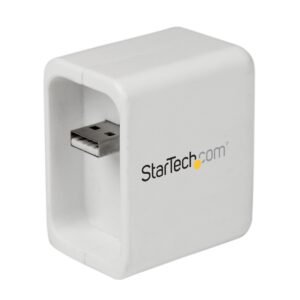
Wi-Fi travel router for iPad and mobile devices
$64.99 Add to cart -
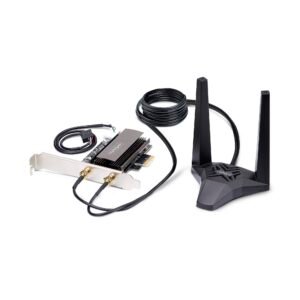
Wi-Fi 6E PCIe Network Card with Bluetooth 5.3, Magnetic Antenna Base with 3.6ft Cables, Tri-Band 802.11ax, AX5400 WiFi NIC, Windows/Linux - PCI Express Wi-Fi Card for PC
$137.99 Add to cart