
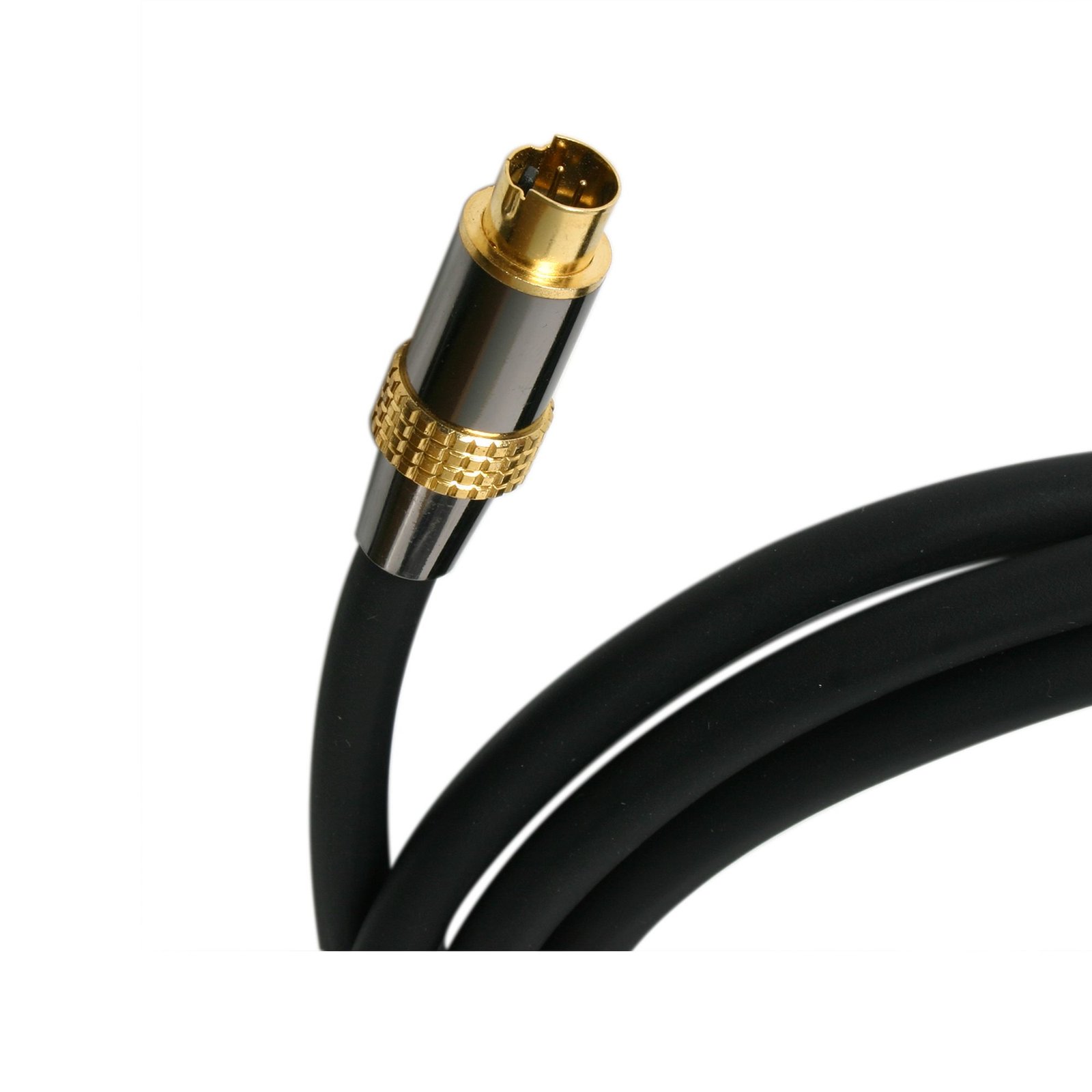
25 ft Premium S-Video Cable
$18.99
25 ft Premium S-Video Cable Specifications Package Depth1.4 in [35 mm] Package Height15.5 in [39.3 cm] Package Width5.4 in [13.6 cm] Shipping (Package) Weight17.3 oz [490 g] UPC065030806817 WarrantyLifetime Included in…
Specifications & Compliance
- UPC
- 065030806817
- Brand
- StarTech.com
- Included in Package
- 0 - 25 ft Premium S-Video Cable
- Shipping (Package) Weight
- 17.3 oz [490 g]
- Package Depth
- 1.4 in [35 mm]
- Package Width
- 5.4 in [13.6 cm]
- Package Height
- 15.5 in [39.3 cm]
- Color
- Black
- Cable Length
- 25.0 ft [7.6 m]
- Warranty
- Lifetime
- Connector 1
- S-Video (Y/C)
- Connector 1 (Quantity)
- 1
- Package Quantity
- 1
- Connector 2
- S-Video (Y/C)
- Connector 2 (Quantity)
- 1
- Cable Jacket Material
- PVC - Polyvinyl Chloride
Questions & Answers
Everything is hooked up but nothing is working. What should I do?
When you troubleshoot issues with a legacy video cable, there are some quick tests that you can complete to rule out potential problems. You can test to make sure that the following components are working correctly and are not the source of the issue: Video cable Video source Video destination Note: When you are testing setup components, you should avoid using video adapters. For example, if you are converting an S-Video source to composite for use with a composite TV, you should use a composite source when you test the composite cables. To test your setup components, try the following: Use the video cable, source, and destination in another setup to see if the problem is with the components or the setup. Use a different video cable, source, and destination in your setup to see if the problem persists. Ideally, you should test a component that you know works in another setup. When you test your cable, it is recommended that you do the following: Test each cable individually. Use short cables when you are testing.
When should I use a longer video cable instead of a video extender?
Use a longer video cable whenever possible; use a video extender only when the required distance exceeds the reliable limits of standard or active cables. Explanation: Direct cabling is the preferred method for video connections because it maintains signal integrity and reduces complexity. Standard maximum cable lengths for common video signals are: Video standard Maximum length DisplayPort 50 ft. (15.2m) HDMI 50 ft. (15.2m) DVI 50 ft. (15.2m) VGA 200 ft. (71m) Active cables can extend these distances by incorporating built-in signal amplification and are designed to exceed standard length limits while maintaining specified performance. Video extenders are used when cable length requirements exceed what passive or active cables can reliably support. Extenders transmit the signal over longer distances by boosting and then restoring it, while maintaining the same video standard from input to output.


