
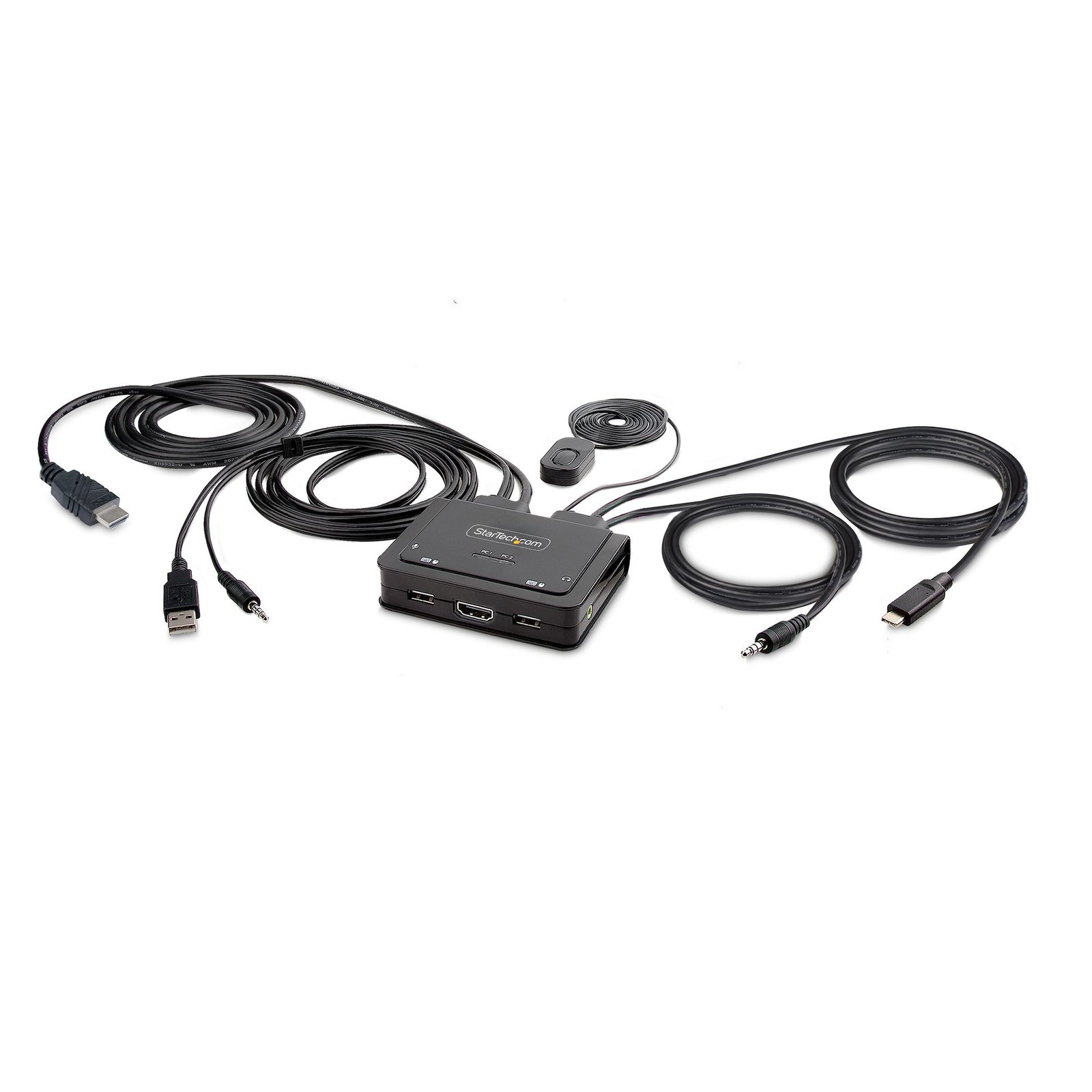
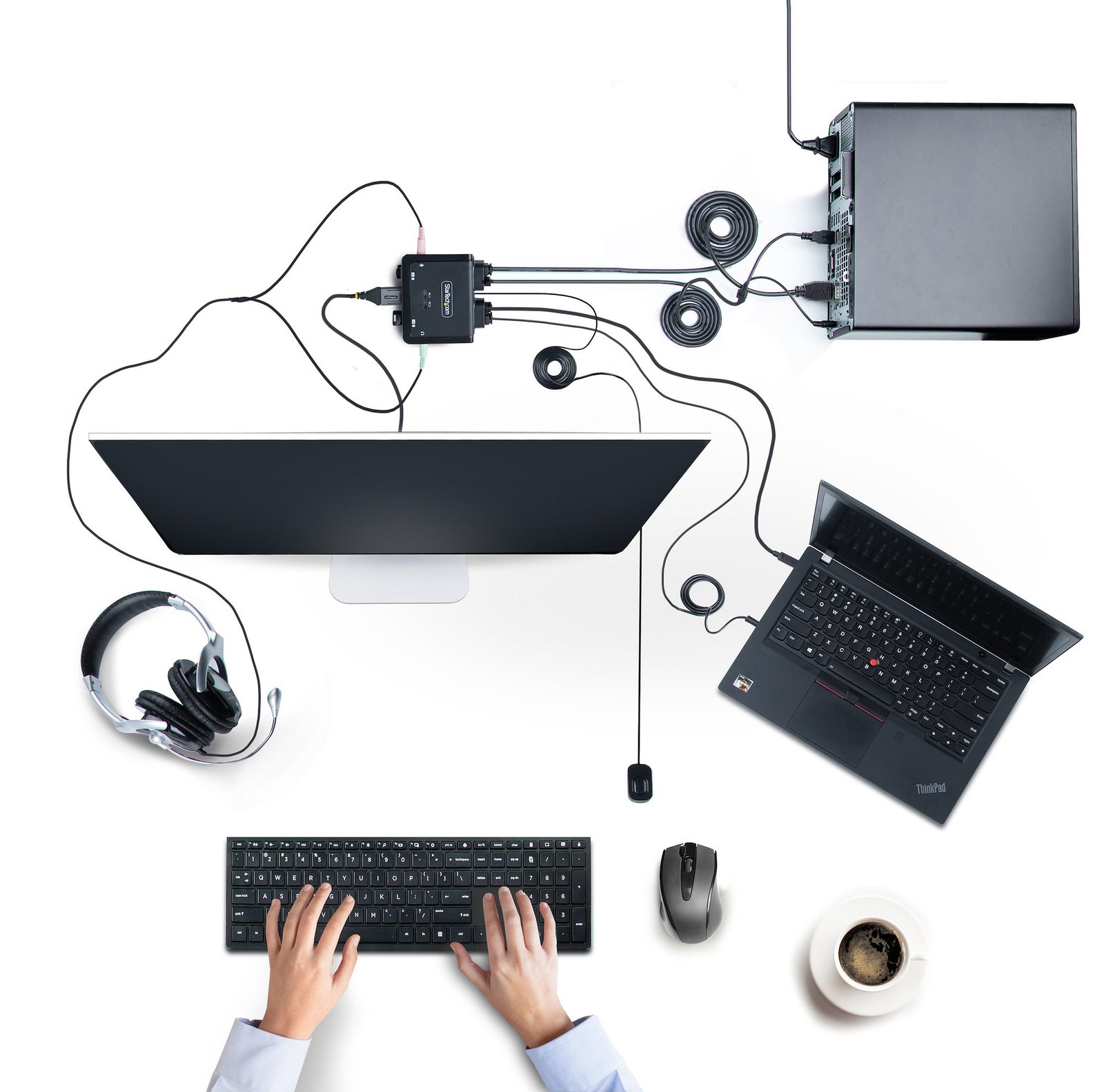
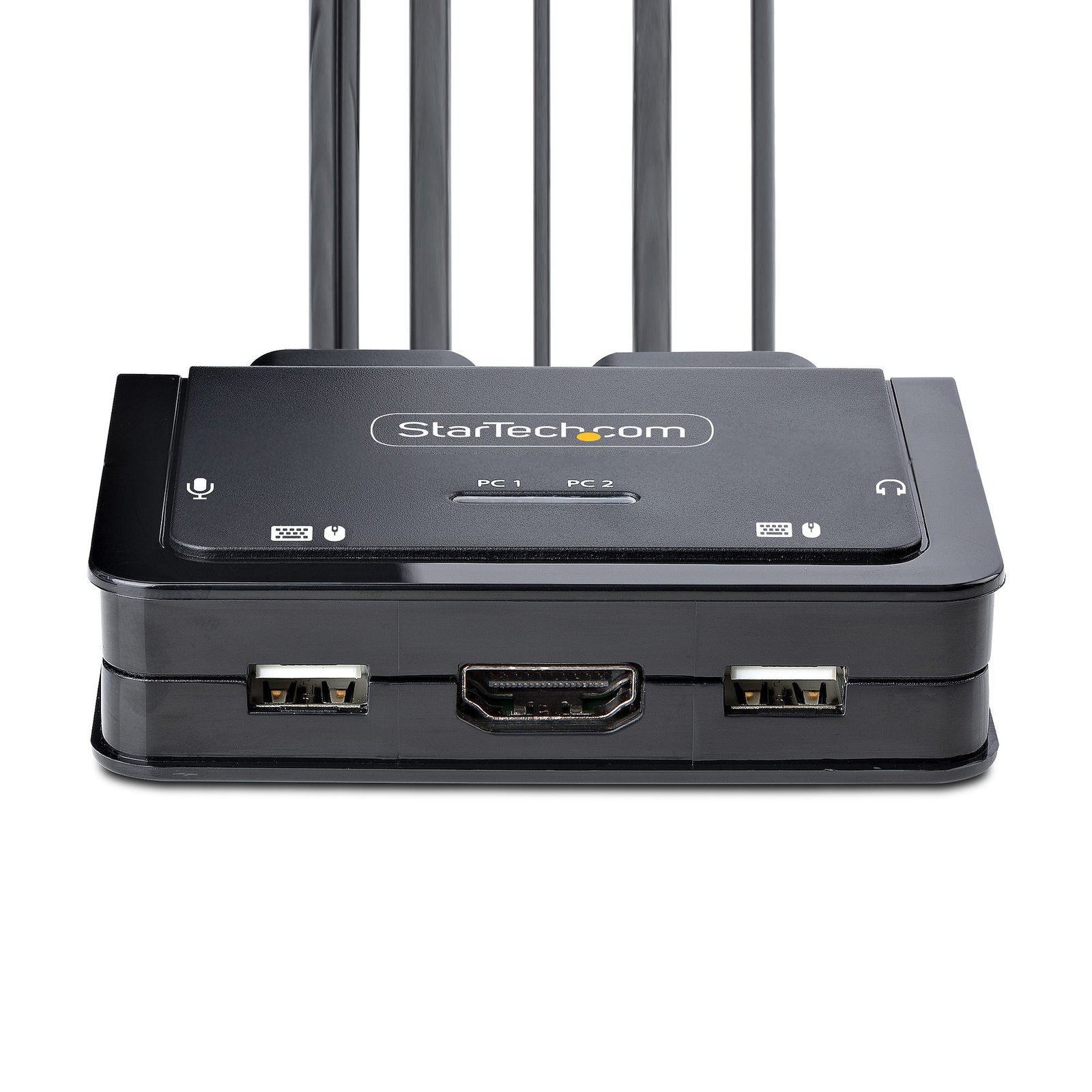

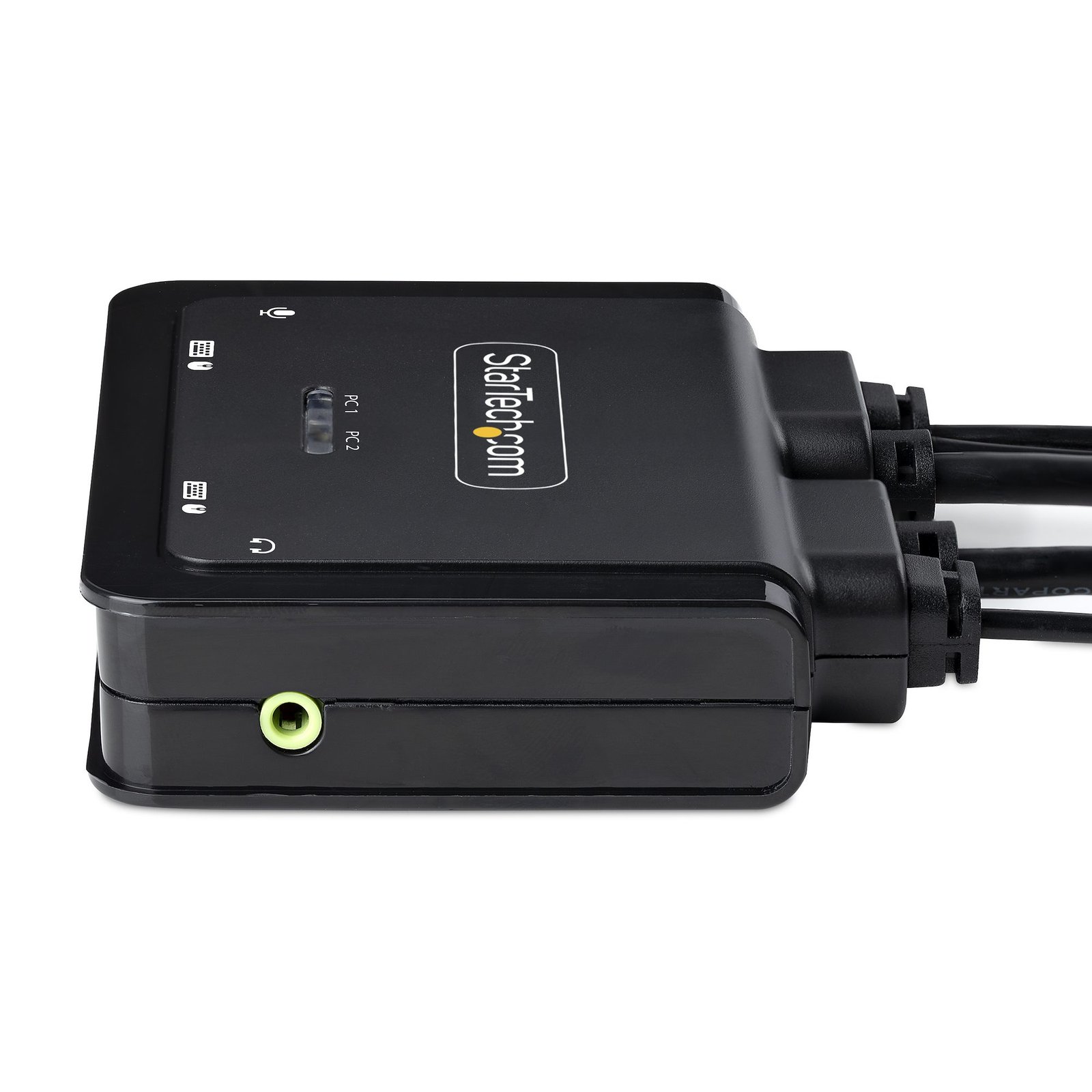
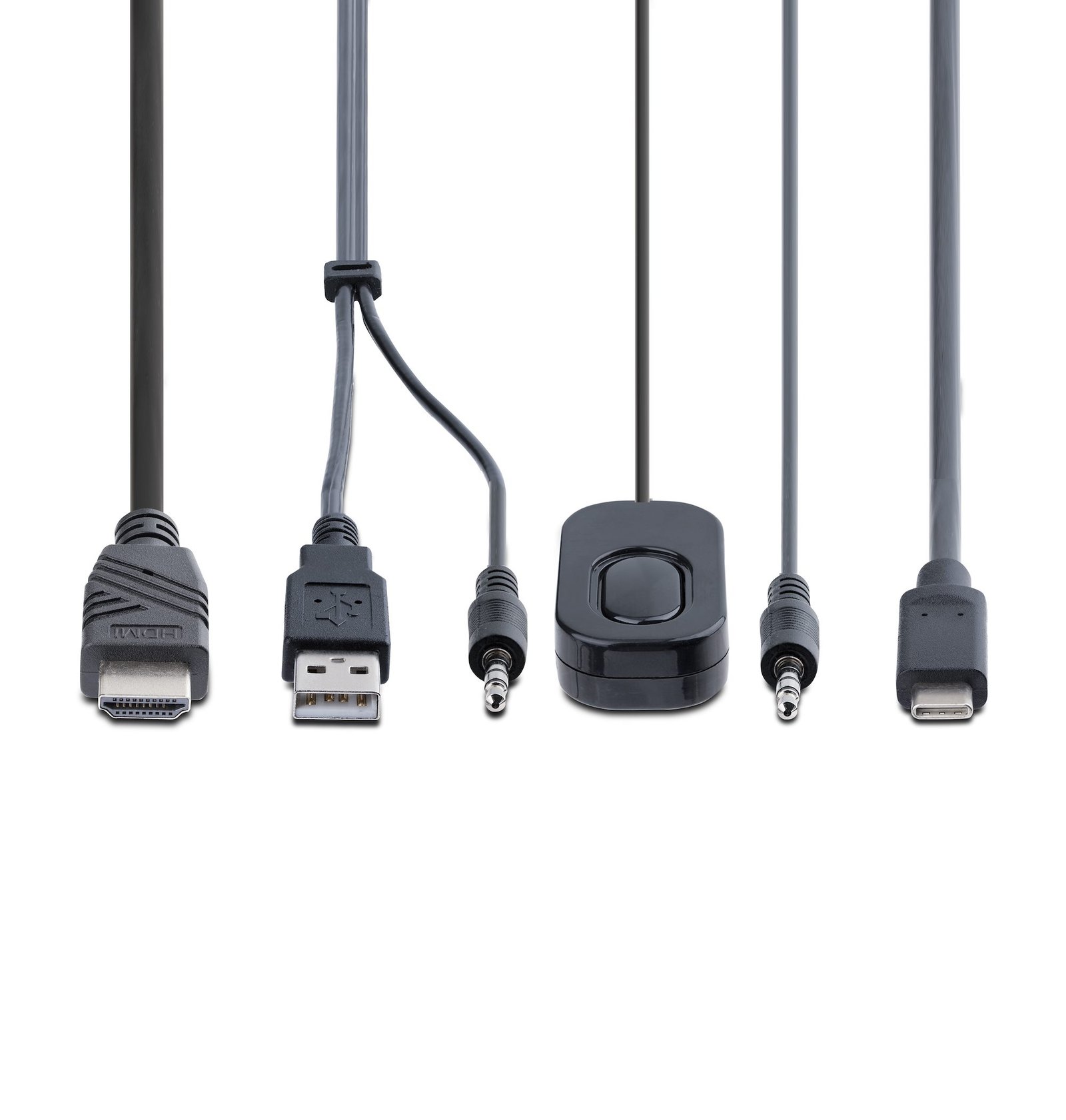
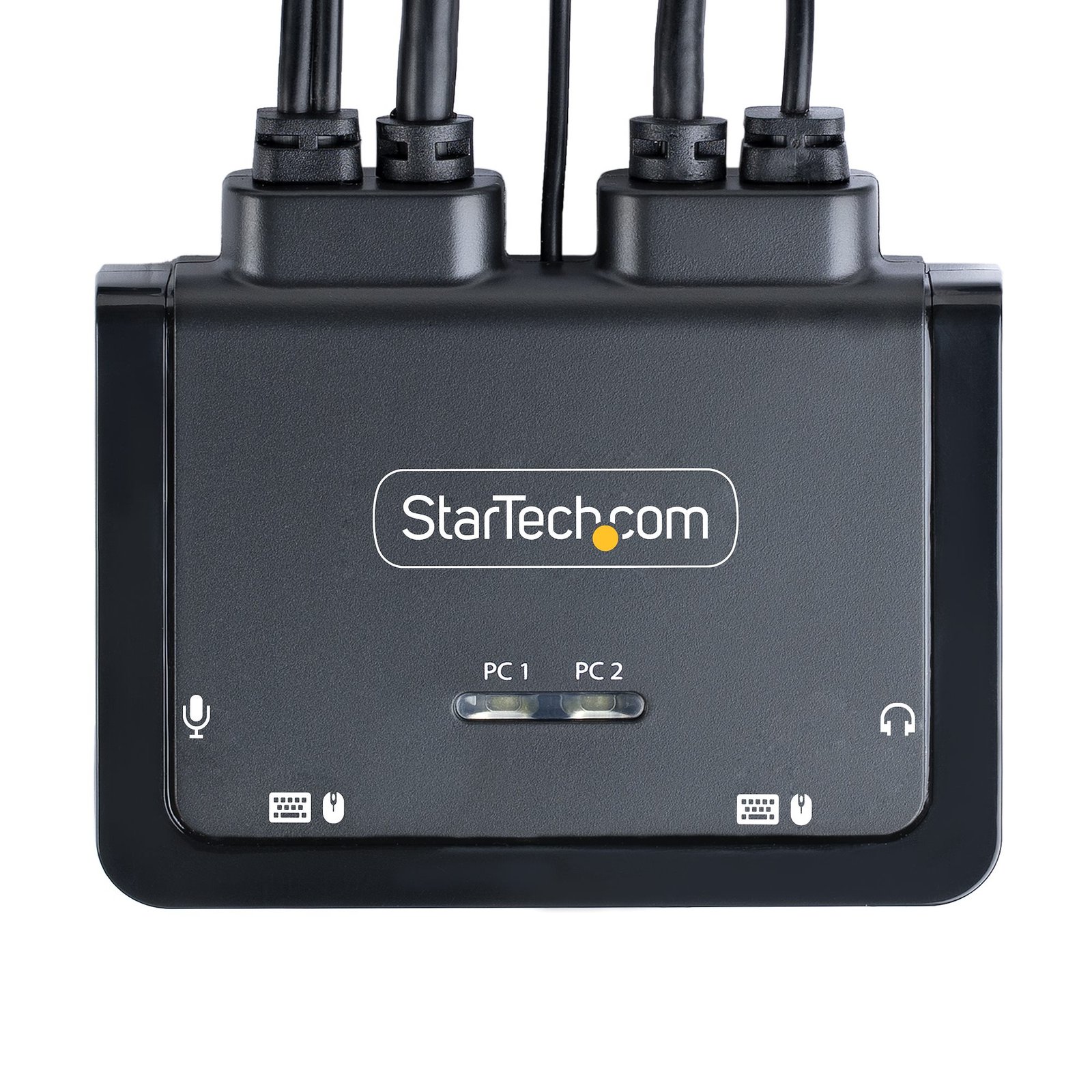
2-Port Hybrid USB-C HDMI Cable KVM Switch, 4K 60Hz, Compact KVM with 6ft/1.8m USB-A/HDMI/Audio & 4ft/1.2m USB-C Integrated Host Cables, Bus Powered - Remote Push Button/Hotkey Switching
$98.99
Share a mouse, keyboard, and a 4K 60Hz HDMI display between a USB-A computer and a USB-C DP Alt Mode computer using this KVM Switch with built-in cables
Specifications & Compliance
- UPC
- 065030899345
- Brand
- StarTech.com
- Included in Package
- 1 - KVM Switch, 1 - 3.5mm 4 Position to 2x 3.5mm 3 Position Headset Adapter, 1 - Quick-Start Guide
- Shipping (Package) Weight
- 15.5 oz [440 g]
- Weight of Product
- 9.4 oz [265.0 g]
- Product Length
- 3.8 in [97.0 mm]
- Product Width
- 3.6 in [92.0 mm]
- Product Height
- 0.9 in [24.0 mm]
- Package Depth
- 6.4 in [16.3 cm]
- Package Width
- 9.7 in [24.7 cm]
- Package Height
- 2.4 in [61 mm]
- Color
- Black
- Warranty
- 2 Years
- Connector 1
- USB-A (480Mbps, 2.5W)
- Connector 1 (Quantity)
- 2
- Package Quantity
- 1
- Connector 2
- 3.5mm (3 Conductors, TRS)
- Connector 2 (Quantity)
- 2
- Operating Temperature
- 0°C to 40°C (32°F to 104°F)
- Storage Temperature
- -20°C to 60°C (-4°F to 140°F)
- Humidity
- 0% ~ 90% RH (non-condensing)
- Material
- ABS
- Maximum Data Transfer Rate
- 480Mbps (USB 2.0)
- Power Source
- Bus Powered
- Special Notes
- OS Compatibility refers to the available KVM software only. The KVM can be used without software on any platform
- Connector 3
- HDMI
- Connector 3 (Quantity)
- 1
- MTBF
- 345,059 Hours
- LED Indicators
- 1 - <b>Solid Green:</b> Selected PC is connected, 1 - <b>Blinking Green:</b> Selected PC is not detected
- Host Connector 1
- USB-C DP++ (DP Alt-Mode)
- Host Connector 1 (Quantity)
- 1
- Audio
- Yes
- General Specifications
- PC1 Cable Length (USB-C): 1.2m/4ft, PC2 Cable Length (USB-A): 1.8m/6ft
- Wide Screen Supported
- Yes
- Supported Resolutions
- 4096x2160 @60Hz <br> 3840x2160 @60Hz<br> 5120x1440 @60Hz<br> 3440x1440 @60Hz<br> 2560x1440 @60Hz<br> 2560x1080 @60Hz<br> 1920x1200 @60Hz<br> 1920x1080 @60Hz<br> <br> <i>Other resolutions may be supported</i>
- Audio Specifications
- Analog Stereo - 2 Channel Audio
- Host Connector 2
- 3.5mm (4 Conductors, TRRS)
- Host Connector 2 (Quantity)
- 2
- Cascadable
- No
- Number of KVM Ports
- 2
- IP Control
- No
- Supported Platforms
- USB & USB-C
- PC Video Type
- USB-C (DP Alt-Mode) + HDMI
- Number of Monitors Supported
- 1
- Video Revision
- HDMI 2.0b
- On-Screen Display
- No
- Cables Included
- Yes
- Port Selection Support
- Push Button, Hotkeys, and Software
- Hot-Key Selection
- Yes
- Host Connector 3 (Quantity)
- 1
- CAC Support
- No
- DVI Support
- Yes - Single Link
- Auto Scan
- 10, 20, 30, 40, 50, and 60 seconds
- Host Connector 4
- HDMI
- Host Connector 4 (Quantity)
- 1
Questions & Answers
What is a KVM switch, and how do I determine if it is compatible with my setup?
A KVM switch allows you to control multiple computers with one keyboard, monitor, and mouse, and compatibility depends on matching the number of systems, connection types, and feature requirements. Explanation: A KVM (Keyboard, Video, Mouse) switch enables a single set of peripherals to control multiple computers. Many KVM switches also support additional devices such as USB peripherals and audio. There are several types of KVM switches designed for different use cases: Standard KVM switches : Connect multiple computers using a central unit. Cable KVM switches : Integrate cables into the design for simpler setups. Multi-monitor KVM switches : Support switching between multiple displays per computer. Secure KVM switches : NIAP-certified for secure environments. To ensure compatibility, verify the following: Number of computers : The KVM switch must support the total number of connected systems. Video interfaces : Match the video input/output types (such as HDMI, DisplayPort, or DVI) across all devices. Peripheral connections : Confirm support for USB or PS/2 keyboards and mice. Display requirements : Ensure the KVM switch supports the required resolution and number of monitors. Additional features : Check for audio support or hotkey switching if needed. Some KVM switches require specific or proprietary cables, which are included or listed as accessories for the product. Basic wired keyboards and mice are recommended, as wireless, gaming, or combined receiver devices may not function reliably with KVM switches.
Related products
-

2-Port Dual-Monitor DisplayPort KVM Switch, 8K 60Hz / 4K 144Hz, DP 1.4, 2x USB 10Gbps Ports, 4x USB HID Ports, Hotkey Switching, TAA Compliant
$648.99 Add to cart -

1 Port Server Remote Control IP KVM w/Virtual Media
$407.99 Add to cart -
2-Port DisplayPort KVM Switch, 4K 60Hz, DP 1.2, EDID Management, 2-Port USB 3.0 Hub, 4x USB HID Ports, TAA Compliant
$522.99 Add to cart -

2-Port DisplayPort KVM Switch, 8K 60Hz / 4K 144Hz, Single Display, DP 1.4, 2x USB 3.0 Ports, 4x USB 2.0 HID Ports, Push-Button & Hotkey Switching, TAA Compliant - OS Independent, Metal Housing
$495.99 Add to cart