
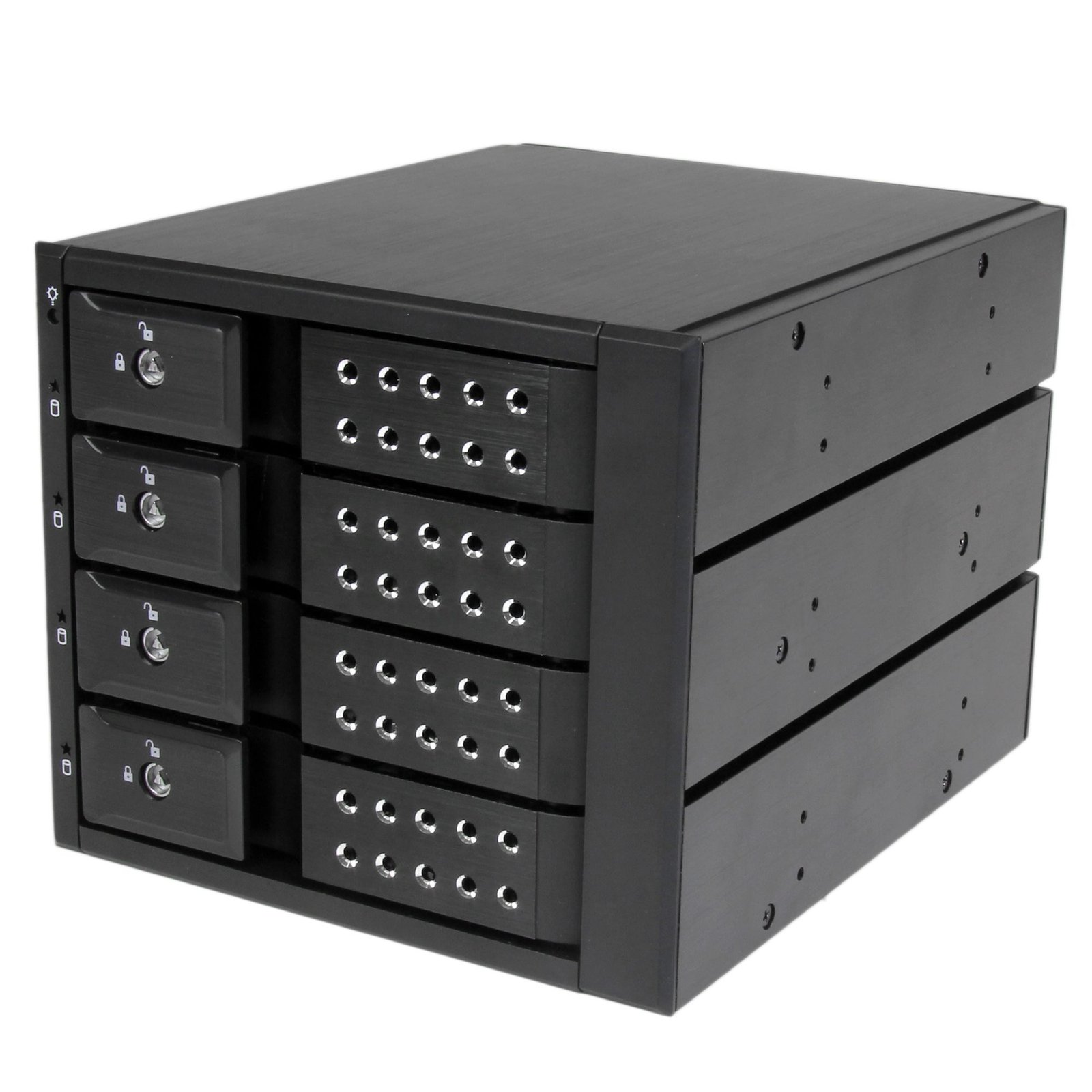
4 Bay Aluminum Trayless Hot Swap Mobile Rack Backplane for 3.5in SAS II/SATA III - 6 Gbps HDD
$134.26
Connect and hot swap four 3.5in SATA III or SAS II hard drives to your computer system in three 5.25” bays, with support for transfer speeds up to 6 Gbps
Specifications & Compliance
- UPC
- 065030859547
- Brand
- StarTech.com
- Included in Package
- 1 - 4 Drive Trayless 3.5in SATA/SAS Mobile Rack, 8 - Installation screws, 2 - Drive bay keys, 4 - SATA cables, 1 - Instruction manual
- Shipping (Package) Weight
- 3.4 lb [1.6 kg]
- Weight of Product
- 2.8 lb [1.3 kg]
- Product Length
- 7.8 in [19.7 cm]
- Product Width
- 5.7 in [14.6 cm]
- Product Height
- 5.0 in [12.6 cm]
- Package Depth
- 10.0 in [25.4 cm]
- Package Width
- 6.7 in [16.9 cm]
- Package Height
- 7.3 in [18.5 cm]
- Color
- Black
- Warranty
- 2 Years
- Connector 1
- SFF-8482 (29-Pin, SAS)
- Connector 1 (Quantity)
- 4
- Package Quantity
- 1
- Operating Temperature
- 0°C to 55°C (23°F to 95°F)
- Storage Temperature
- -20°C to 60°C (-4°F to 122°F)
- Humidity
- 5%~85% RH
- Maximum Data Transfer Rate
- 6 Gbit/s
- LED Indicators
- 1 - Power LED, 1 - Drive 1 Activity LED, 1 - Drive 2 Activity LED, 1 - Drive 3 Activity LED, 1 - Drive 4 Activity LED
- Interface
- SATA, SAS
- System and Cable Requirements
- Flammability rating: UL94 - V0
- Host Connector 1
- SATA (7-Pin)
- Host Connector 1 (Quantity)
- 4
- Host Connector 2
- SATA (15-Pin)
- Host Connector 2 (Quantity)
- 2
- Compatible Drive Types
- SAS & SATA
- Number of Drives
- 4
- Drive Size
- 3.5in
- Drive Installation
- Removable
- Fans Included? Yes/No
- Yes
- Max Drive Capacity
- Currently tested with up to 6TB 7200 RPM hard drives
- Fan Bearing Type
- Sleeve Bearing
- Fans
- 1 - 80x80x20mm
- Front Door Key Lock
- Yes
Questions & Answers
Can I hot-swap SATA drives with this mobile rack?
Yes, this mobile rack does support hot-swapping of SATA drives. To use this feature, it is required that the SATA port is set to Advanced Host Controller Interface (AHCI) mode and hot-swapping is enabled. On most motherboards, this is performed within the Basic Input/Output System (BIOS) or the Unified Extensible Firmware Interface (UEFI). If you are using a SATA controller card, consult the motherboard manufacturer's technical documentation for the correct steps to accomplish this.
Related products
-
Professional 5.25in Aluminum ATA Hard Drive Mobile Rack w/ 2x 40mm Fan
$77.99 Add to cart -
Spare Hard Drive Tray for the DRW115SATBK Mobile Rack
$68.99 Add to cart -
3.5in Trayless Hot Swap SATA Mobile Rack for Dual 2.5in Hard Drives
$52.99 Add to cart -
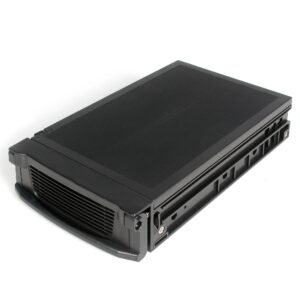
Spare Hard Drive Tray for the DRW110SATBK Mobile Rack
$26.99 Add to cart