
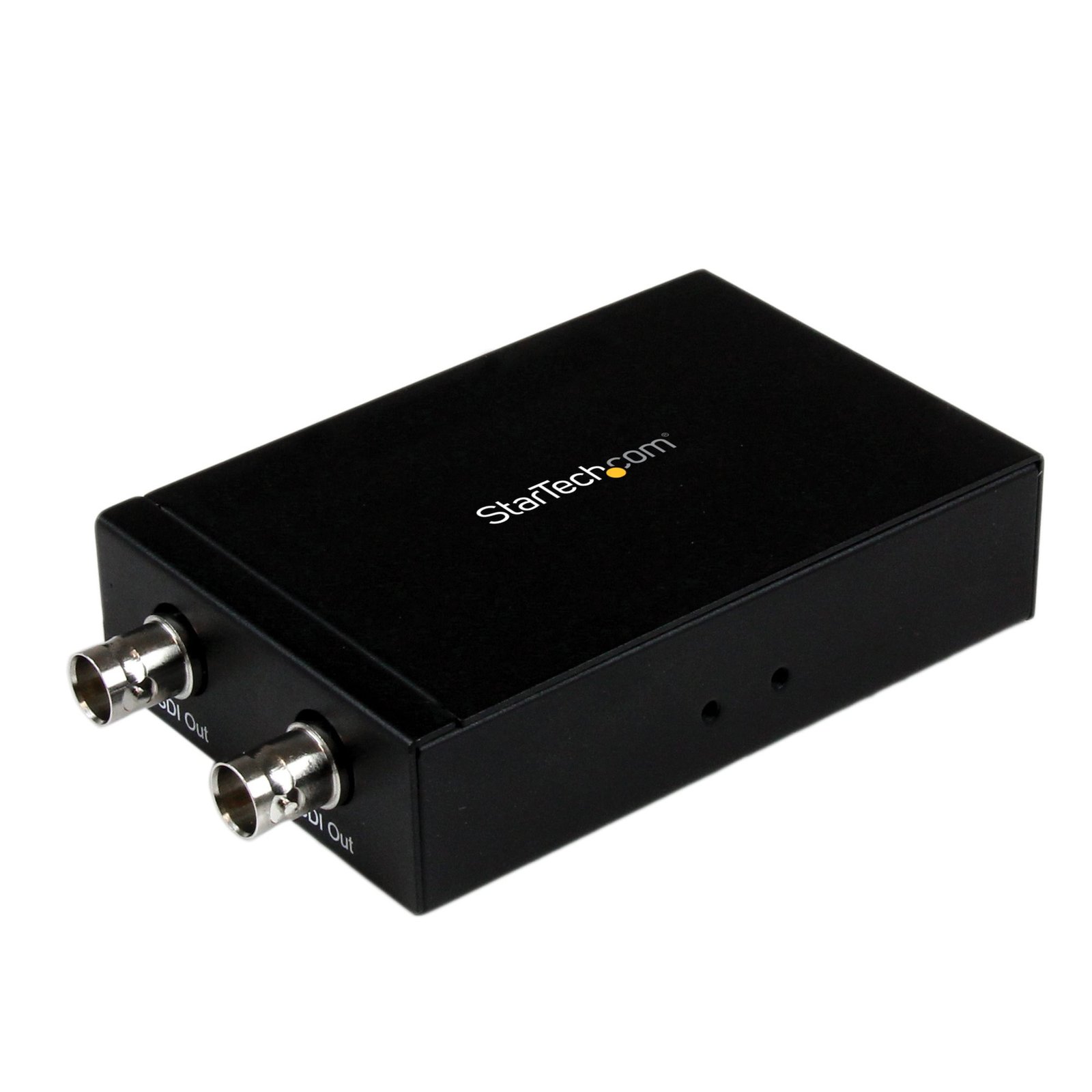
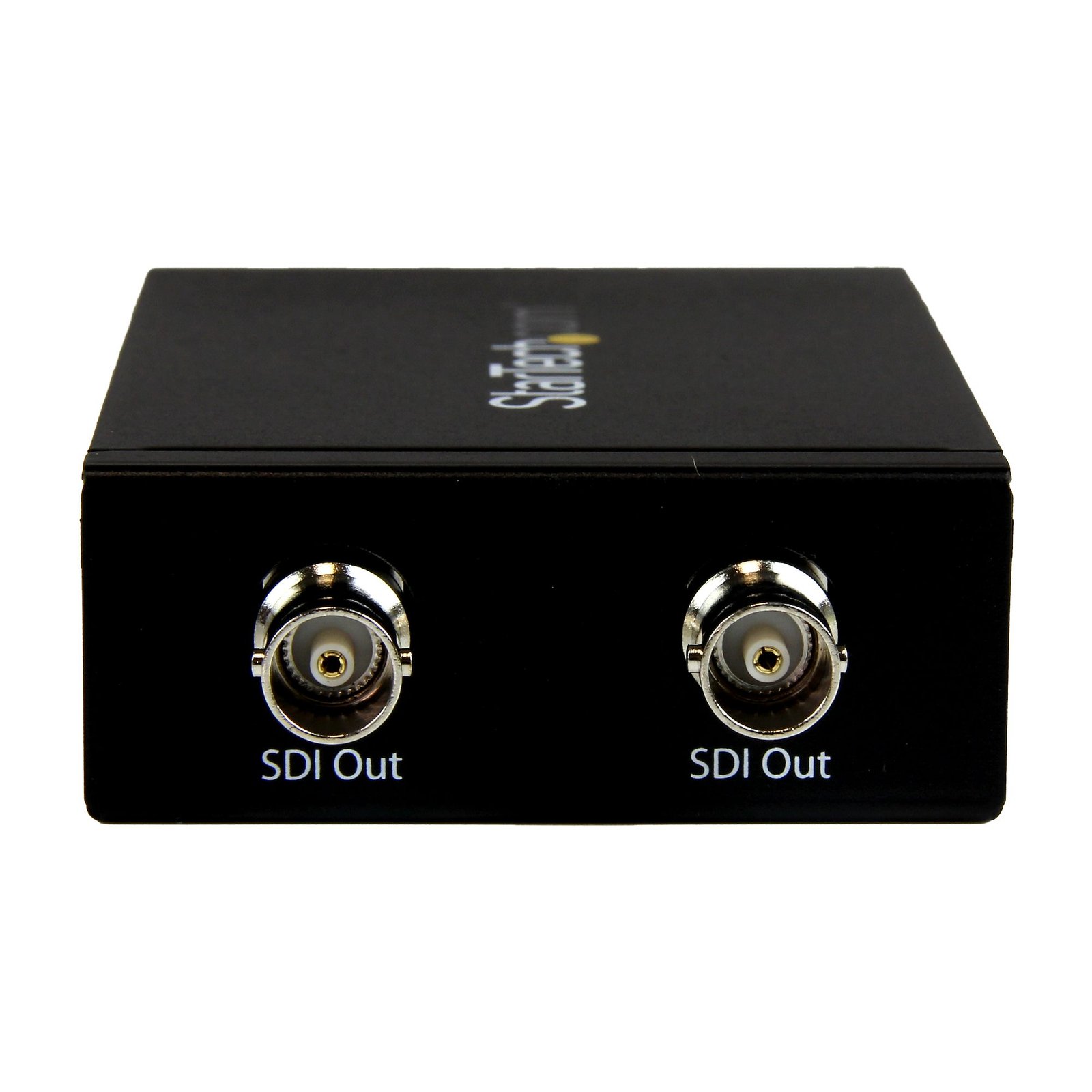
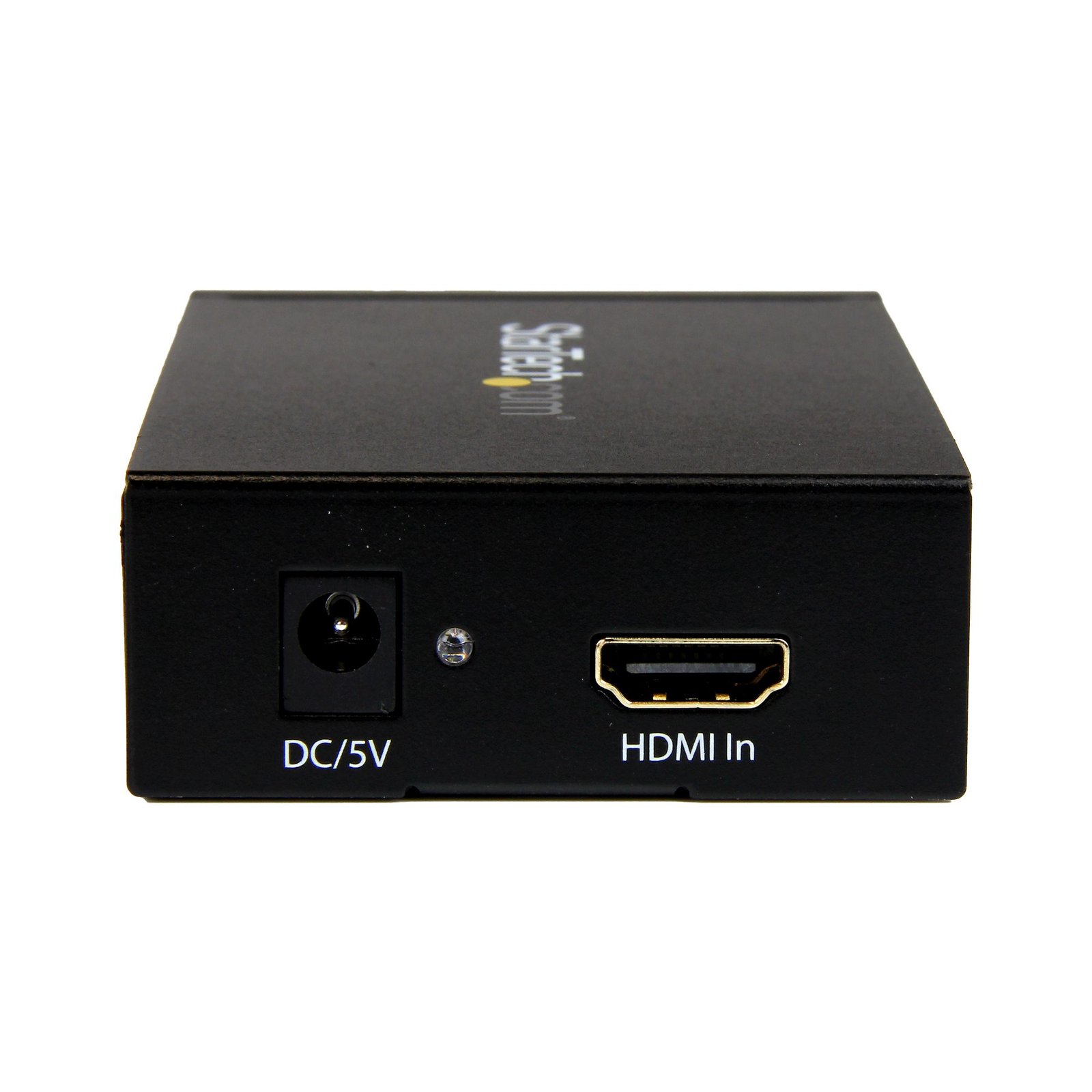
HDMI to SDI Converter – HDMI to 3G SDI Adapter with Dual SDI Output
$205.99
Connect an SDI Display to your HDMI Video Source
Specifications & Compliance
- UPC
- 065030854979
- Brand
- StarTech.com
- Included in Package
- 1 - HDMI to SDI Adapter, 1 - Mounting bracket assembly (attached), 1 - Universal Power Adapter (NA/UK/EU), 1 - Instruction manual
- Shipping (Package) Weight
- 22.1 oz [625 g]
- Weight of Product
- 7.1 oz [202.0 g]
- Product Length
- 3.9 in [100.0 mm]
- Product Width
- 2.8 in [70.0 mm]
- Product Height
- 1.0 in [25.0 mm]
- Package Depth
- 5.9 in [15.1 cm]
- Package Width
- 8.5 in [21.7 cm]
- Package Height
- 2.2 in [55 mm]
- Color
- Black
- Warranty
- 2 Years
- Connector 1
- HDMI
- Connector 1 (Quantity)
- 1
- Package Quantity
- 1
- Connector 2
- SDI (BNC, 75 Ohm)
- Connector 2 (Quantity)
- 2
- Operating Temperature
- 0°C to 40°C (32°F to 158°F)
- Storage Temperature
- -10°C to 60°C (14°F to 176°F)
- Humidity
- 5% to 90 % RH (no condensation)
- Material
- Steel
- Maximum Data Transfer Rate
- 2.97 Gbps
- Power Source
- AC Adapter Included
- Chipset ID
- Gennum - GV7600
- Input Voltage
- 100 - 240 AC
- Output Voltage
- 5 DC
- Power Consumption
- 10
- Number of Ports
- 2
- Input Current
- 0.5 A
- Output Current
- 2
- System and Cable Requirements
- The converter is intended for distribution of original content. Digitally encrypted HDMI sources will not be converted.
- Maximum Digital Resolutions
- 1080p
- Audio
- Yes
- Plug Type
- M
- Center Tip Polarity
- Positive
- General Specifications
- Supports 525i & 625i SD D1 format<br><br> Supports 8-bit or 10-bit component digital video:<br> RGB or YCbCr 4:4:4 sampled<br> YCbCr 4:2:2 or 4:2:0 sampled
- AV Input
- HDMI
- AV Output
- SDI (BNC)
- Wide Screen Supported
- Yes
- Active or Passive Adapter
- Active
- Supported Resolutions
- 1920x1080 (1080p) @ 24, 25, 30, 50 & 60 FPS<br> 1920x1080 (1080i) @ 50 & 60 FPS<br> 1280x720 (720p) @ 24, 25, 30, 50 & 60 FPS
- Maximum Cable Length
- 754.6 ft [230 m]
- Cascadable
- No
- Rack-Mountable
- Yes
- Max Distance
- 230m [755ft]
- Cabling
- Coaxial
Questions & Answers
Everything is hooked up but nothing is working. What should I do?
When you troubleshoot issues with a video adapter, there are some quick tests that you can complete to rule out potential problems. You can test to make sure that the following components are working correctly and are not the source of the issue: Video cables Video adapter Video source (such as a DVD player or computer) Video destination (such as a monitor or projector) To test your setup components, try the following: Use the cable, video adapter, video source, and video destination in another setup to see if the problem is with the components or the setup. Use a different cable, video adapter, video source, and video destination in your setup to see if the problem persists. Ideally, you should test a component that you know works in another setup. When you test your cables, it is recommended that you do the following: Test each cable individually. Use short cables when you are testing. When you test the video source and video destination, it is recommended that you do the following: Remove the video adapter from your setup and test to make sure that the video source and video destination work together without the video adapter. Test to make sure that the video source and video destination work together at the resolution that you want to use. Note: In order for your setup to work properly, the video source, adapter, and destination all need to support the resolution that you are using.
What DC barrel connector power plug types do StarTech.com products use, and what are their dimensions?
StarTech.com DC barrel connector plug types are defined in the “Plug Type” field of the technical specifications, using a letter code that specifies the connector’s outer diameter (OD) and inner diameter (ID) in millimeters for power adapter compatibility. Explanation: In StarTech.com technical specifications, the “Plug Type” field is a standardized identifier for the exact DC barrel connector size required to power a product. Each plug type is assigned a letter code that corresponds to a specific combination of outer diameter (OD) and inner diameter (ID), measured in millimeters. Common DC barrel plug type dimensions Plug Type OD ID A 2.35 mm 0.7 mm B 4.0 mm 1.7 mm C 4.75 mm 1.7 mm H 3.4 mm 1.3 mm L 5.0 mm 2.5 mm M 5.5 mm 2.1 mm N 5.5 mm 2.5 mm The DC barrel connector plug type must match both the outer diameter and inner diameter exactly. A mismatch between the StarTech.com product requirement and the power adapter connector can prevent proper fit or stable power delivery, which may result in device startup failure or intermittent operation. The plug type defines only the physical connector size. The plug type does not define electrical power requirements such as voltage, current, or polarity. The power adapter used with a StarTech.com product must match the product’s specified electrical requirements. Using an incompatible power adapter can cause device malfunction or permanent damage. This standardized DC barrel connector plug type system enables IT professionals and procurement teams to verify connector dimensions, ensure power adapter compatibility, standardize hardware deployments, and identify the correct replacement power supply for StarTech.com products.
Related products
-

HDMI to ExpressCard HD Video Capture Card Adapter 1080p
$262.99 Add to cart -

HDMI or DVI to DisplayPort Active Converter
$99.99 Add to cart -
DVI EDID Emulator
$59.99 Add to cart -

USB 3.0 HDMI Video Capture Device, 4K 30Hz Video Capture Adapter/External USB Capture Card, UVC, Live Stream, Screen Recorder, Works w/ USB-A, USB-C, TB3 - Windows/Mac/Ubuntu - TAA
$77.99 Add to cart