
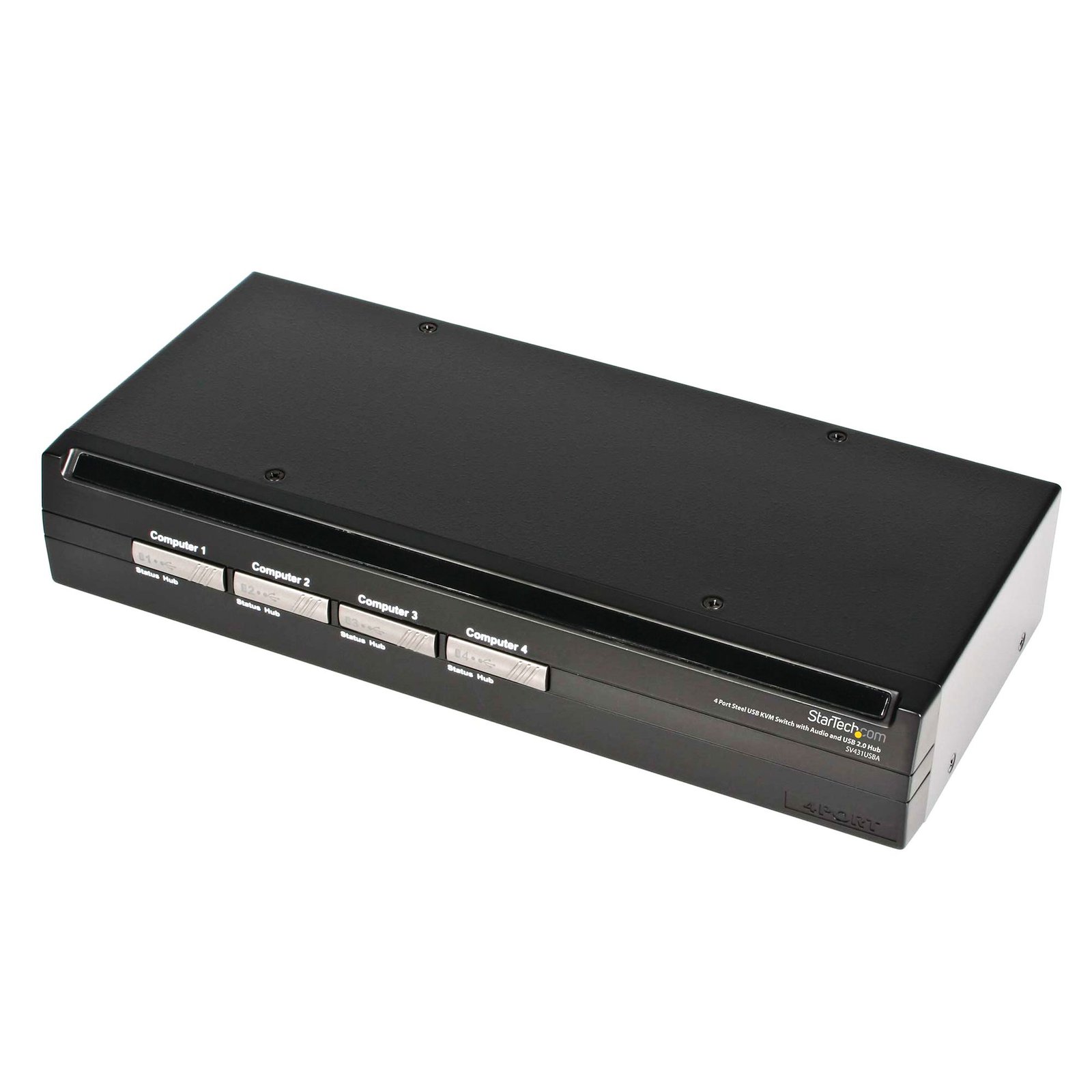
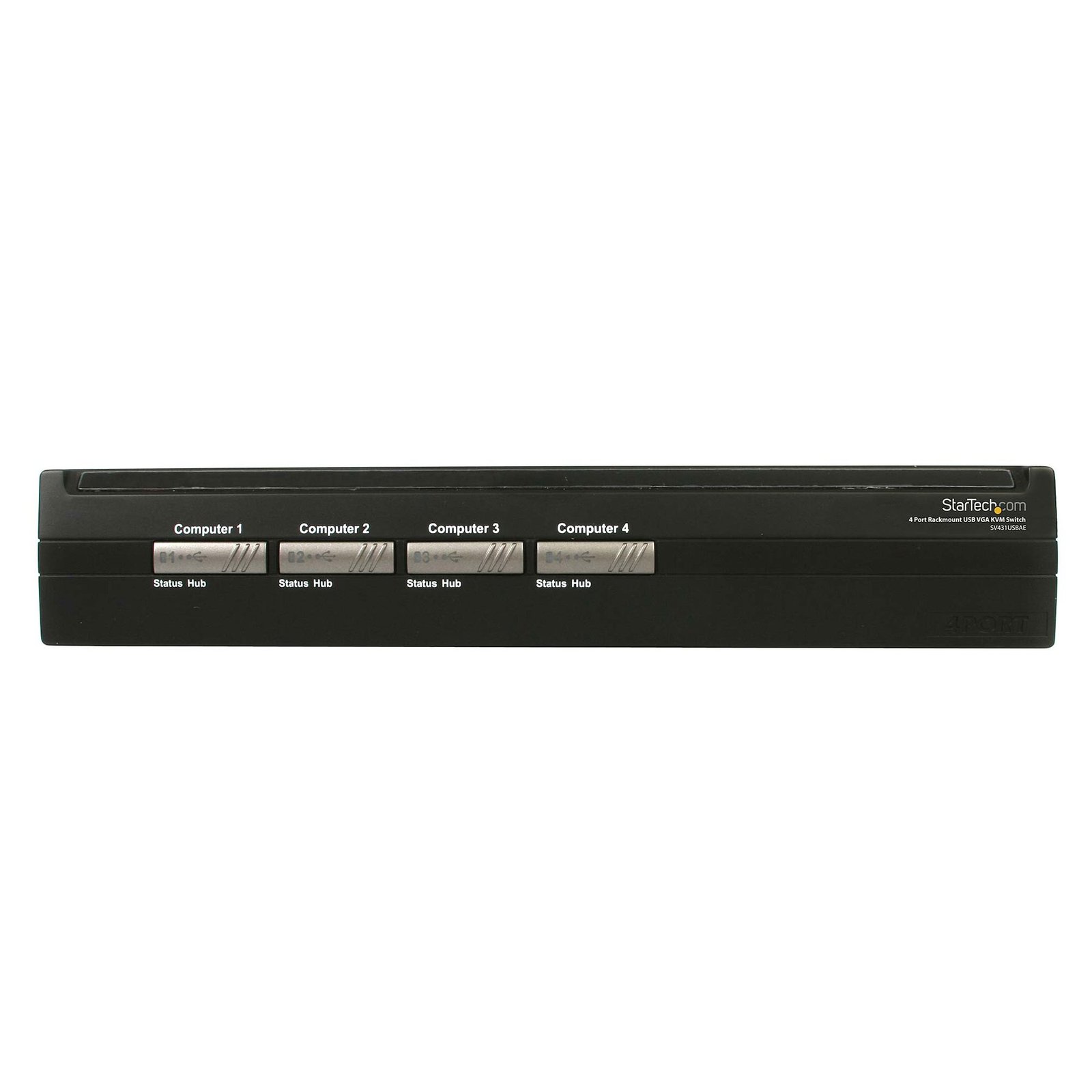
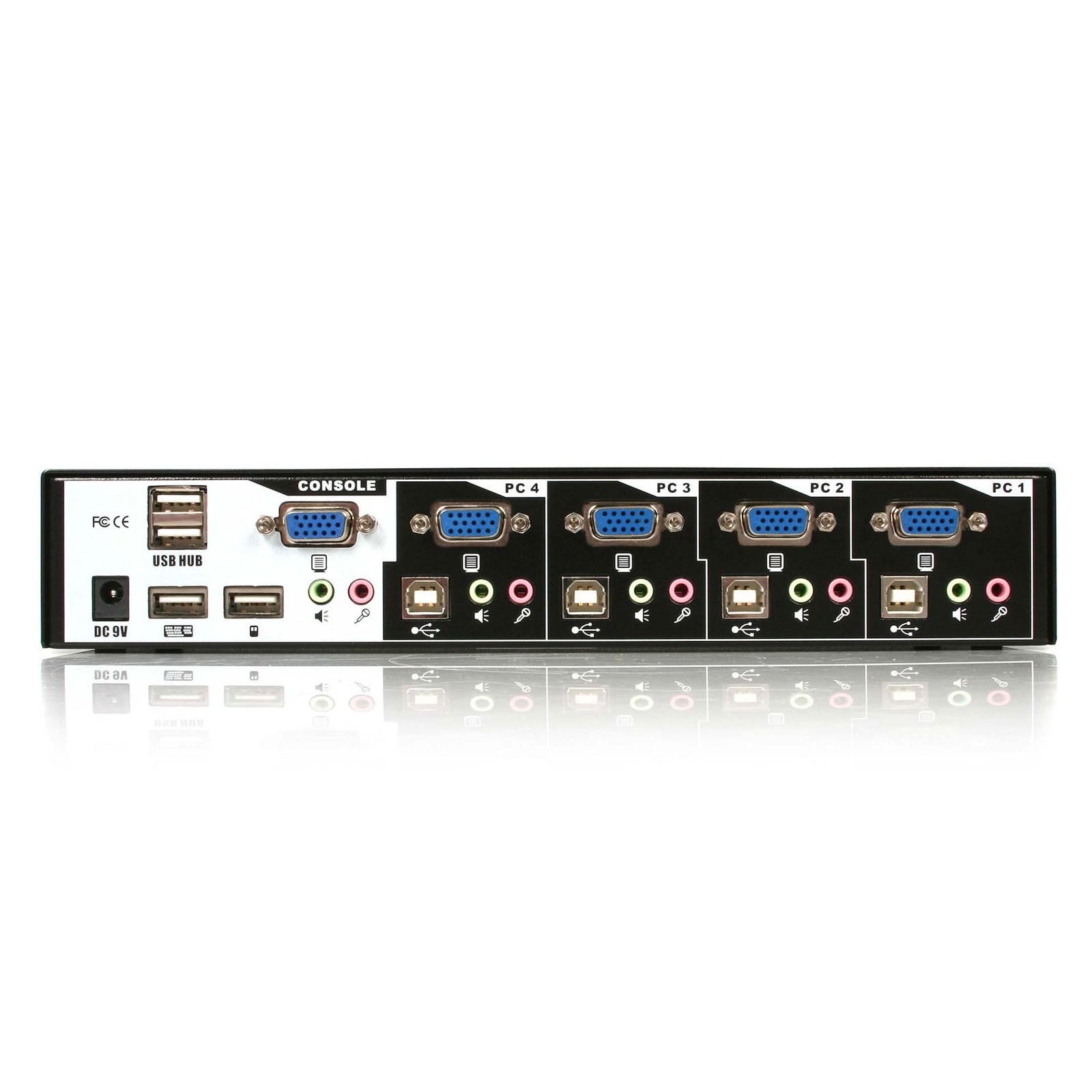
4 Port Steel USB KVM Switch with Audio and USB 2.0 Hub
$239.99
Share a VGA display, USB keyboard/mouse and speakers between four computers
Specifications & Compliance
- UPC
- 065030819152
- Brand
- StarTech.com
- Included in Package
- 1 - 4 Port KVM Switch, 1 - Power Adapter, 1 - User Manual
- Shipping (Package) Weight
- 3.9 lb [1.8 kg]
- Weight of Product
- 4.0 lb [1.8 kg]
- Product Width
- 10.0 in [25.5 cm]
- Product Height
- 1.8 in [45 mm]
- Package Depth
- 3.1 in [78 mm]
- Package Width
- 11.6 in [29.5 cm]
- Package Height
- 10.0 in [25.4 cm]
- Color
- Black
- Warranty
- 2 Years
- Connector 1
- USB-A (480Mbps, 2.5W)
- Connector 1 (Quantity)
- 2
- Connector 2
- VGA
- Connector 2 (Quantity)
- 1
- Material
- Steel
- Power Source
- AC Adapter Included
- Connector 3 (Quantity)
- 2
- Host Connector 1
- VGA
- Host Connector 1 (Quantity)
- 4
- Audio
- Yes
- Connector 4
- 3.5mm (3 Conductors, TRS)
- Connector 4 (Quantity)
- 2
- Host Connector 2
- USB-B (480Mbps, 2.5W)
- Host Connector 2 (Quantity)
- 4
- Maximum Analog Resolutions
- 2048x1536
- Cascadable
- No
- Rack-Mountable
- No
- Number of KVM Ports
- 4
- IP Control
- No
- Supported Platforms
- USB
- PC Video Type
- VGA
- Number of Monitors Supported
- 1
- Cables Included
- No
- Port Selection Support
- Push Button and Hotkeys
- Hot-Key Selection
- Yes
- Host Connector 3 (Quantity)
- 8
- Maximum Number of Users
- 1
- DVI Support
- No
- Product Depth
- 4.5 in [11.5 cm]
Questions & Answers
My Monitors are flickering when connected through the KVM Switch. What do I do?
Monitors may begin flickering when they receive a signal of insufficient quality. There are a few potential fixes available that will help to improve the signal quality in order to eliminate flickering: Replace Video Cables with high-quality Video Cables (e.g. upgrade DisplayPort 1.2 Cables to DisplayPort 1.4 Cables ). Use shorter Video Cables to reduce signal attenuation. When possible, remove Video Adapters to use native Video Connection Types (e.g. go from VGA to VGA , or DisplayPort to DisplayPort ) For DisplayPort Monitors , try changing the DisplayPort Version on the Monitor . For information on how to change your Monitor Settings refer to the Manual from the Monitor Manufacturer . Update the Drivers for the Computer’s GPU to the latest available from the Monitor Manufacturer .
My keyboard keeps repeating keys when it is plugged into the KVM. What do I do?
If the keys on your keyboard are repeating, complete the following: If the KVM you are using has USB ports, you can move your keyboard to the USB hub port on the back of the KVM (the USB hubs are marked). Note: When you move the keyboard out of the keyboard port, you will not be able to access the hotkeys. You can adjust the typematic rate in your operating system’s settings. Depending on the version of Windows you are running, you can adjust the typematic rate by doing one of the following: Click Control Panel > Keyboard > Speed . Adjust the repeat delay and repeat rate until the keys no longer repeat. Click Control Panel > Hardware and Sound > Devices and Printers . Right-click Keyboard Settings . Adjust the repeat delay and repeat rate until the keys no longer repeat.
Are all mice and keyboards compatible with this StarTech.com KVM switch?
No, not all mice and keyboards are compatible; standard HID-compliant wired devices are recommended, while advanced or high-power devices may not function correctly. Explanation: StarTech.com KVM switches are designed to support standard HID (Human Interface Device) keyboards and mice, including common wired and wireless models from major brands. However, compatibility depends on the device’s features and power requirements. Keyboards and mice with programmable keys, built-in USB or audio pass-through ports, or high power consumption (such as RGB lighting) may not work reliably through the dedicated HID ports. For consistent performance, use a basic wired keyboard and mouse. If a device does not function through the HID ports, it can be connected to the KVM switch’s USB hub ports, if available, which provide broader compatibility. However, when a keyboard is connected through the USB hub ports instead of the HID port, KVM-specific functions such as hotkey switching may not be supported.
Related products
-

Portable Laptop Crash Cart Adapter, USB/VGA/Mini DisplayPort KVM Console, File Transfer and Video Capture, TAA Compliant
$631.99 Add to cart -
2-Port USB-C Cable KVM Switch, 4K 60Hz DisplayPort Output, Compact KVM with 4ft/1.2m USB Type-C/Audio Integrated Cables, Bus Powered - Remote Push-Button/Hotkey Switching
$152.99 Add to cart -

2-Port DisplayPort KVM Switch, 8K 60Hz / 4K 144Hz, Single Display, DP 1.4, 2x USB 3.0 Ports, 4x USB 2.0 HID Ports, Push-Button & Hotkey Switching, TAA Compliant - OS Independent, Metal Housing
$495.99 Add to cart -
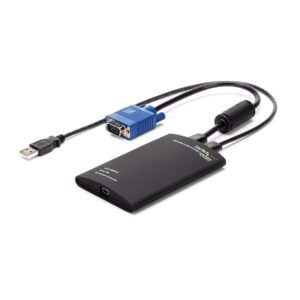
KVM Console to USB 2.0 Portable Laptop Crash Cart Adapter - TAA
$628.99 Add to cart