

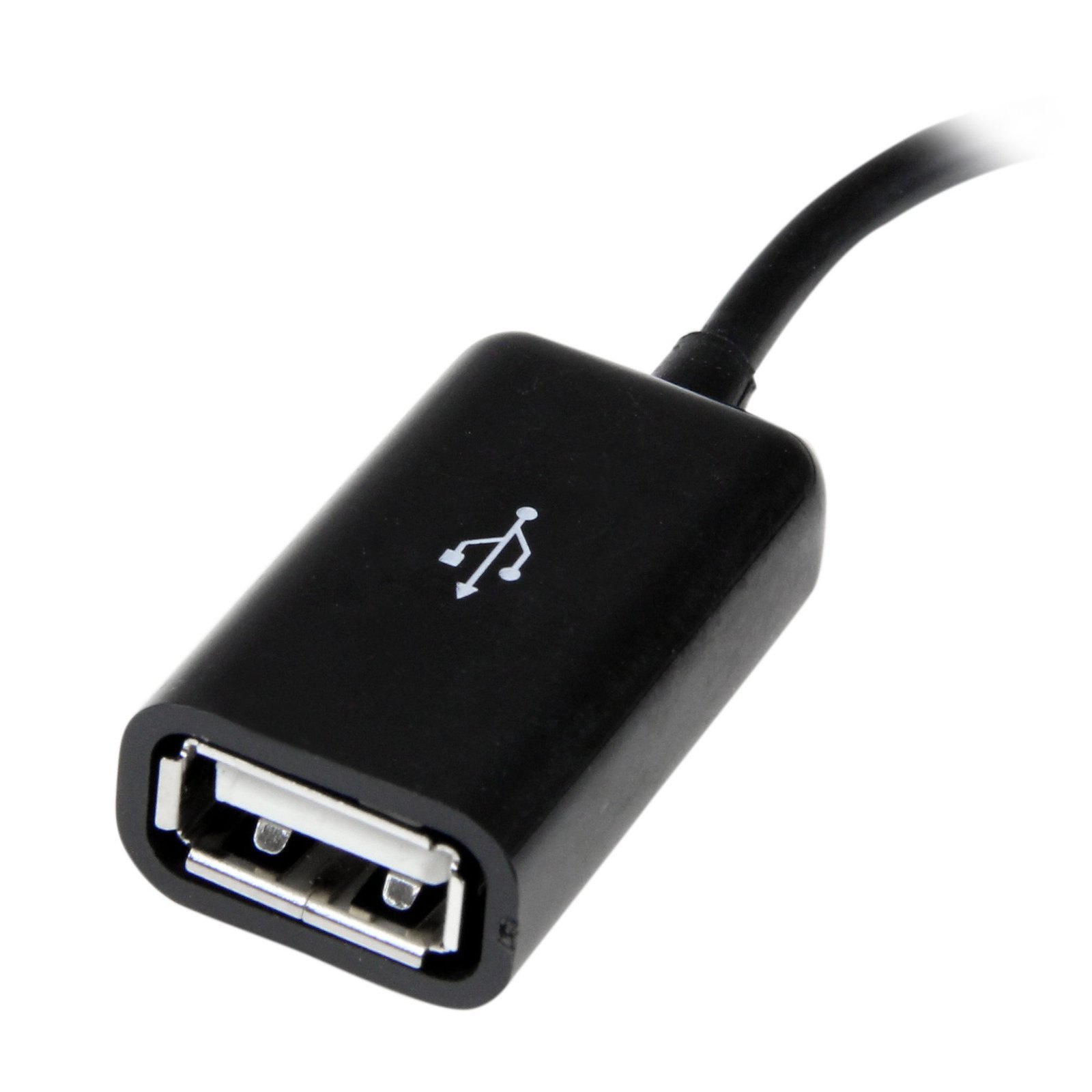
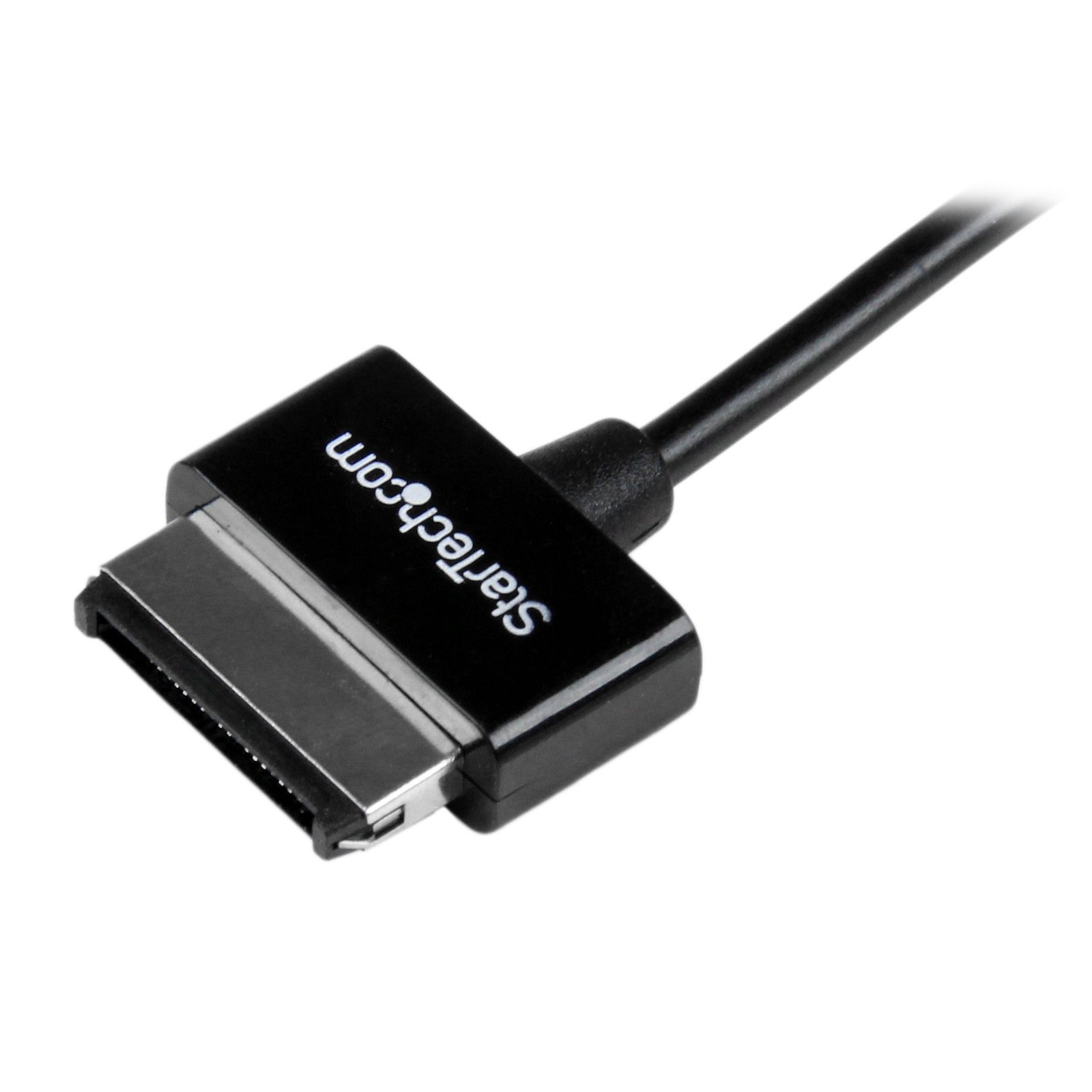
USB OTG Adapter Cable for ASUS Transformer Pad and Eee Pad Transformer / Slider
$8.99
Turn your ASUS® Transformer Pad into a USB host and connect USB devices (thumb drives, mice, keyboards…etc.)
Specifications & Compliance
- Manufacturer #
- ASDCOTG
- UPC
- 065030854405
- Brand
- StarTech.com
- Included in Package
- 1 - 6in ASUS Dock Connector to USB OTG Adapter M/F
- Shipping (Package) Weight
- 0.6 oz [16 g]
- Weight of Product
- 0.4 oz [11.0 g]
- Product Length
- 6.0 in [15.2 cm]
- Product Width
- 0.9 in [22.0 mm]
- Product Height
- 0.2 in [5.0 mm]
- Package Depth
- 4.9 in [12.5 cm]
- Package Width
- 8.9 in [22.5 cm]
- Package Height
- 0.2 in [5 mm]
- Color
- Black
- Warranty
- Lifetime
- Connector 1
- ASUS Connector
- Connector 1 (Quantity)
- 1
- Package Quantity
- 1
- Connector 2
- USB-A (480Mbps, 2.5W)
- Connector 2 (Quantity)
- 1
- Cable Jacket Material
- PVC - Polyvinyl Chloride
- Wire Gauge
- 24/30 AWG
- Connector Plating
- Nickel
- Cable Shield Material
- Aluminum-Mylar Foil with Braid
- Connector Style
- Straight
Questions & Answers
Everything is hooked up but nothing is working. What should I do?
When you troubleshoot issues with a USB On-The-Go (OTG) cable or adapter, there are some quick tests that you can complete to rule out potential problems. You can test to make sure that the following components are working correctly and are not the source of the issue: Mobile device USB peripheral Attached media To test your setup components, try the following: Use the OTG cable, USB peripherals(s), and attached media with another mobile device to see if the problem is with the components or the mobile device. Test the attached media on a computer system. Use a different mobile device, USB peripheral, and USB media in your setup to see if the problem persists. Ideally, you should test a component that you know works in another setup. If a USB storage device is not detected, make sure that the following is true: The mobile device is compatible with OTG by verifying the mobile device's technical specifications. The USB storage device is using a file system that is compatible with your mobile device (for example, NTFS). The mobile device detects the USB storage device in a file browser (for example, Android File Manager). If there are USB peripherals attached, such as hubs or adapters, make sure that the following is true: The USB peripherals have drivers compatible with the operating system of the mobile device. The USB peripherals are kept to a minimum and used only when necessary.
How can I tell if my device supports USB OTG (On-The-Go)?
USB OTG support must be built into the device hardware. Most modern devices support OTG through USB-C or micro-USB host mode, but compatibility must be confirmed in the device specifications. Explanation: USB On-The-Go (OTG) allows a mobile device to function as a USB host for peripherals such as flash drives, keyboards, mice, and other USB devices. OTG support is hardware-based and cannot be added through software or firmware updates. Older mobile devices typically used micro-USB OTG adapters to connect standard USB peripherals. Modern devices commonly use USB-C and may support OTG functionality through USB host mode or USB-C adapters and hubs. To determine whether a device supports USB OTG, check the manufacturer’s technical specifications for features such as: USB OTG support USB host mode USB peripheral support USB-C data and accessory support Some devices may limit OTG functionality depending on power requirements, operating system restrictions, or supported peripheral types.
Related products
-

3ft (1m) USB4 Cable 40Gbps, 100W (5A) Power Delivery, 8K 120Hz/4K 240Hz DP2.1 DP40 DSC1.2a, USB-IF Certified USB-C Cable - Thunderbolt Compatible
$34.99 Add to cart -

6.6ft (2m) Active Thunderbolt 4 Cable, 40Gbps, 100W Power Delivery, 4K/8K Video, Intel-Certified Thunderbolt Cable - Compatible w/ USB4/Thunderbolt 4/ USB 3.2/ USB Type-C/DisplayPort/Thunderbolt 3
$131.99 Add to cart -
USB A to USB A Cable Adapter M/M
$7.99 Add to cart -
USB A to Micro USB B Cable Adapter - Male to Male
$9.99 Add to cart