
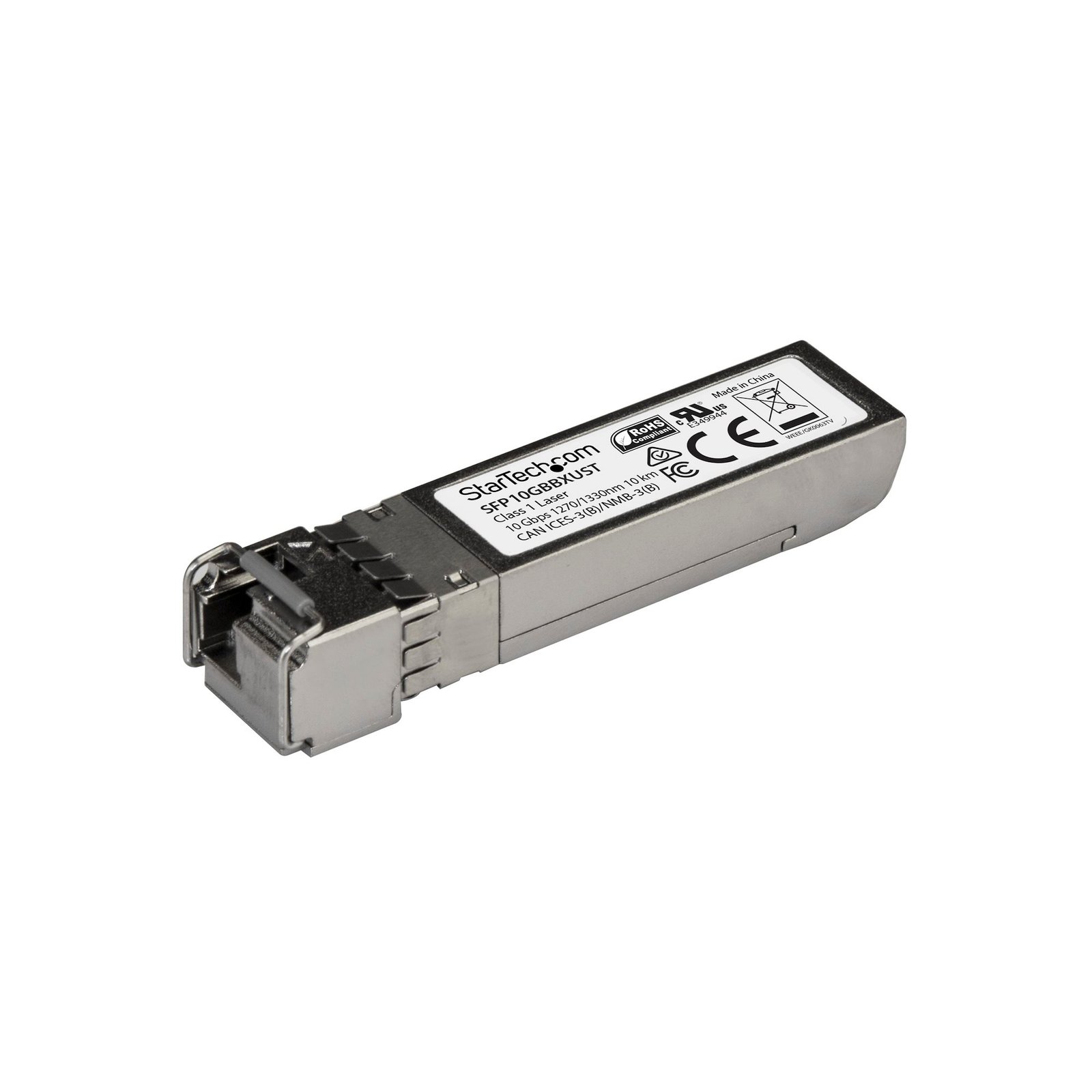
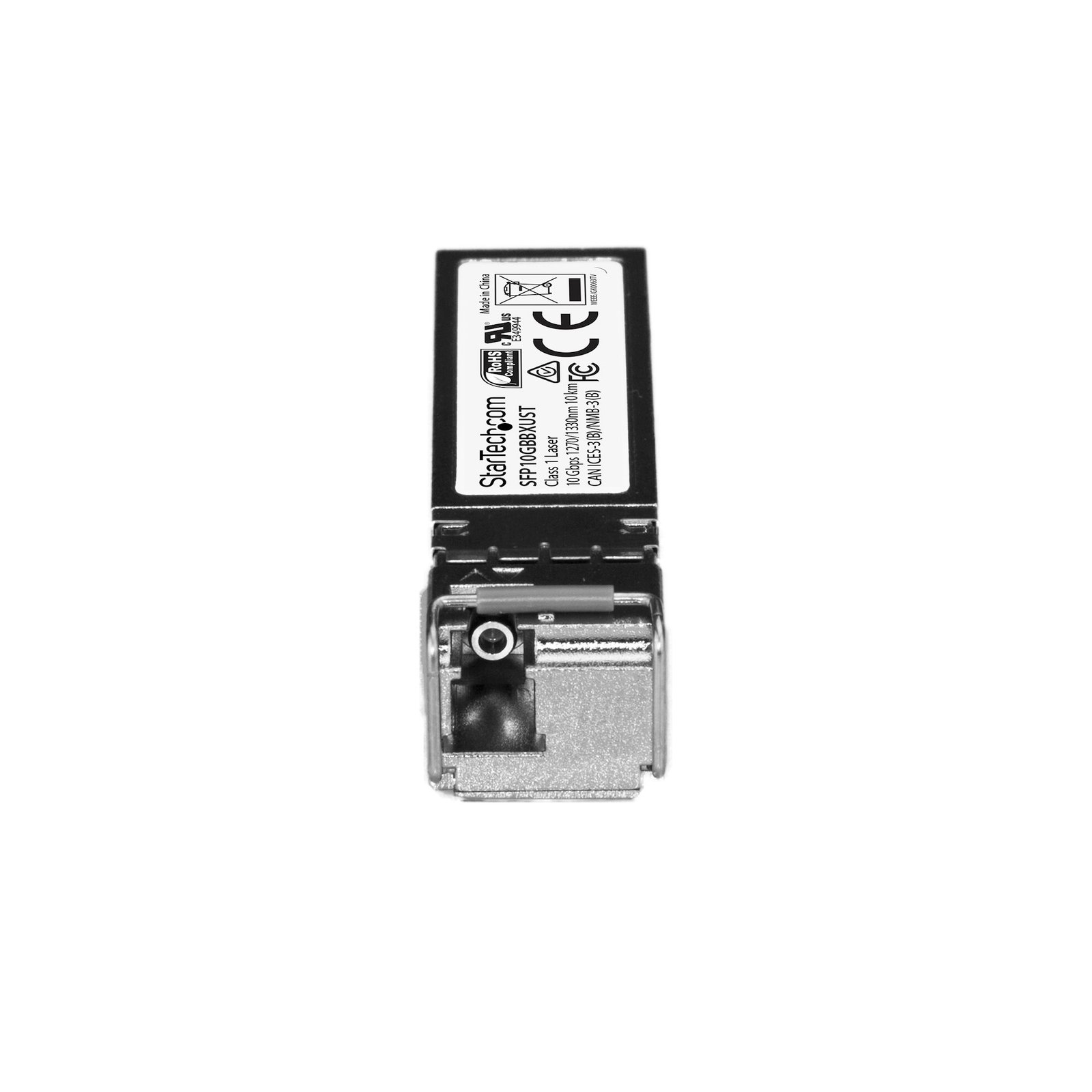
MSA Uncoded SFP+ Transceiver Module - 10GBASE-BX - 10 GbE Gigabit Ethernet BiDi Fiber (SMF)
$50.99
10 Gbps | Single Mode Fiber | LC | 10 km (6.2 mi) | Lifetime Warranty
Specifications & Compliance
- UPC
- 065030873406
- Brand
- StarTech.com
- Included in Package
- 1 - SFP+ transceiver
- Shipping (Package) Weight
- 1.8 oz [52 g]
- Weight of Product
- 0.8 oz [24.0 g]
- Product Length
- 2.3 in [58.4 mm]
- Product Width
- 0.5 in [13.9 mm]
- Product Height
- 0.5 in [12.6 mm]
- Package Depth
- 3.6 in [92 mm]
- Package Width
- 4.6 in [11.7 cm]
- Package Height
- 1.3 in [33 mm]
- Color
- Silver
- Warranty
- Lifetime
- Package Quantity
- 1
- Operating Temperature
- 0°C to 70°C (32°F to 158°F)
- Storage Temperature
- -40°C to 85°C (-40°F to 185°F)
- Humidity
- 5~95% RH
- Material
- Aluminum
- Maximum Data Transfer Rate
- 10 Gbps
- Industry Standards
- IEEE 802.3ae 10GBASE-BX
- Host Connector 1
- LC Duplex Fiber
- Host Connector 1 (Quantity)
- 1
- Fiber Type
- Single Mode
- Wavelength
- 1270nmTx/1330nmRx
- Compatible Brand
- MSA Compliant
- Max Transfer Distance
- 10 km (6.2 mi)
- Fiber Operating Mode
- Full-Duplex
- Digitial Diagnostics Monitoring Support
- Yes
- Wave Division Multiplexing (WDM)
- Yes
Questions & Answers
Why is my SFP Transceiver not working with my Network Device?
Ensure the Network Device is running a compatible Firmware Version on a compatible Operating System . Please consult the manufacturer of the Network Device for more information regarding the minimum required or recommended system software.
How do I determine if a StarTech.com SFP transceiver is compatible with my network equipment?
It depends. A StarTech.com SFP transceiver is compatible only if it matches the vendor requirements and technical specifications of the network equipment. Explanation: SFP (Small Form-Factor Pluggable) transceivers are application-specific and must match both the vendor compatibility and technical parameters of the target device. Vendor compatibility: Some network equipment requires vendor-coded SFPs. For example, Cisco devices require Cisco-compatible SFPs, and standard (uncoded) SFPs will not function in those devices. However, Cisco-compatible SFPs may work in some non-Cisco devices, depending on the device’s requirements. Connector types: StarTech.com SFP transceivers are available with RJ-45 (copper) or fiber interfaces. RJ-45 SFPs do not have additional compatibility requirements beyond standard Ethernet support. Fiber SFP requirements: For fiber-based SFP transceivers, the following parameters must match the connected equipment and network: Connector type (e.g., LC, SC, ST) Fiber mode (single-mode or multi-mode) Wavelength (e.g., 850 nm, 1310 nm, 1550 nm) Speed (e.g., 1Gbps, 10Gbps) Digital Diagnostic Monitoring (DDM) support, if required These parameters cannot be altered by the cable, except for connector type through the use of appropriate cabling. If your device is not a Cisco device, it can still use Cisco compatible SFPs. Cisco SFPs are specifically coded to be compatible with Cisco devices. A standard SFP will not work in a Cisco device. StarTech.com offers two different output connector types for SFPs: RJ-45 and fiber. No special requirements are necessary to use RJ-45 SFPs. However, if you use fiber transceivers, the following items need to be the same as the interconnecting equipment: The connector type, such as LC, SC, or ST. The mode (single mode or multi mode). The wavelength, such as 850 nm, 1310 nm, or 1550 nm. The DDM support. The speed, such as 10Gbps. Note: The properties listed above cannot be converted or changed by a cable, excluding the connector type.
What is the difference between upstream and downstream SFP transceivers, and how do they work together?
Upstream and downstream SFP transceivers are BiDi (bidirectional) optical module s used in fiber networks to send and receive data over a single fiber strand . They differ by the wavelengths they use for transmission and reception , and must be deployed as a matched pair. How they work They use Wavelength-Division Multiplexing (WDM) , which allows multiple signals to travel over the same fiber by using different light wavelengths: An upstream SFP sends data from the user side toward the network and receives on a different wavelength A downstream SFP sends data from the network toward the user and receives on the opposite wavelength Example: TX 1310 nm / RX 1490 nm TX 1490 nm / RX 1310 nm Why pairing matters Each transceiver’s transmit (TX) wavelength must match the other’s receive (RX) wavelength. Using two of the same type (upstream/upstream or downstream/downstream) will prevent communication. Key benefit BiDi SFP transceivers enable full-duplex communication over a single fiber , reducing infrastructure costs while maintaining reliable performance.
What is the difference between UPC and APC fiber connectors, and which type do StarTech.com fiber products use?
UPC and APC connectors differ in their end-face polish, and StarTech.com fiber products use UPC connectors. Explanation: UPC (Ultra Physical Contact) and APC (Angled Physical Contact) are fiber connector types that differ in how the fiber end face is polished: UPC connectors: The fiber end face is polished flat with a slight dome shape to ensure direct core contact and low insertion loss. APC connectors: The fiber end face is polished at an 8-degree angle to reduce back reflection in high-performance applications. UPC and APC connectors are not compatible and should not be mated. The angled surface of an APC connector prevents proper alignment with a UPC connector, which can result in high signal loss or a failed connection. StarTech.com fiber products use UPC connectors, so they must be connected to other UPC-compatible fiber interfaces to ensure proper operation.
Related products
-
Extreme Networks 10052 Compatible SFP Module - 1000BASE-LX - 1GbE Single Mode Fiber SMF Optic Transceiver - 1GE Gigabit Ethernet SFP - LC 10km - 1310nm - DDM
$46.99 Add to cart -

Extreme Networks 10056 Compatible SFP Module - 1000BASE-BX-D - 1 GbE Gigabit Ethernet BiDi Fiber (SMF)
$22.99 Add to cart -
Extreme Networks 10301-T Compatible SFP+ Module - 10GBASE-T - SFP+ to RJ45 Cat6/Cat5e - 10GE Gigabit Ethernet SFP+ - RJ-45 30m
$109.99 Add to cart -
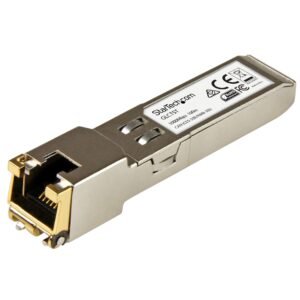
Extreme Networks 10050 Compatible SFP Module - 1000BASE-T - SFP to RJ45 Cat6/Cat5e - 1GE Gigabit Ethernet SFP - RJ-45 100m
$70.99 Add to cart