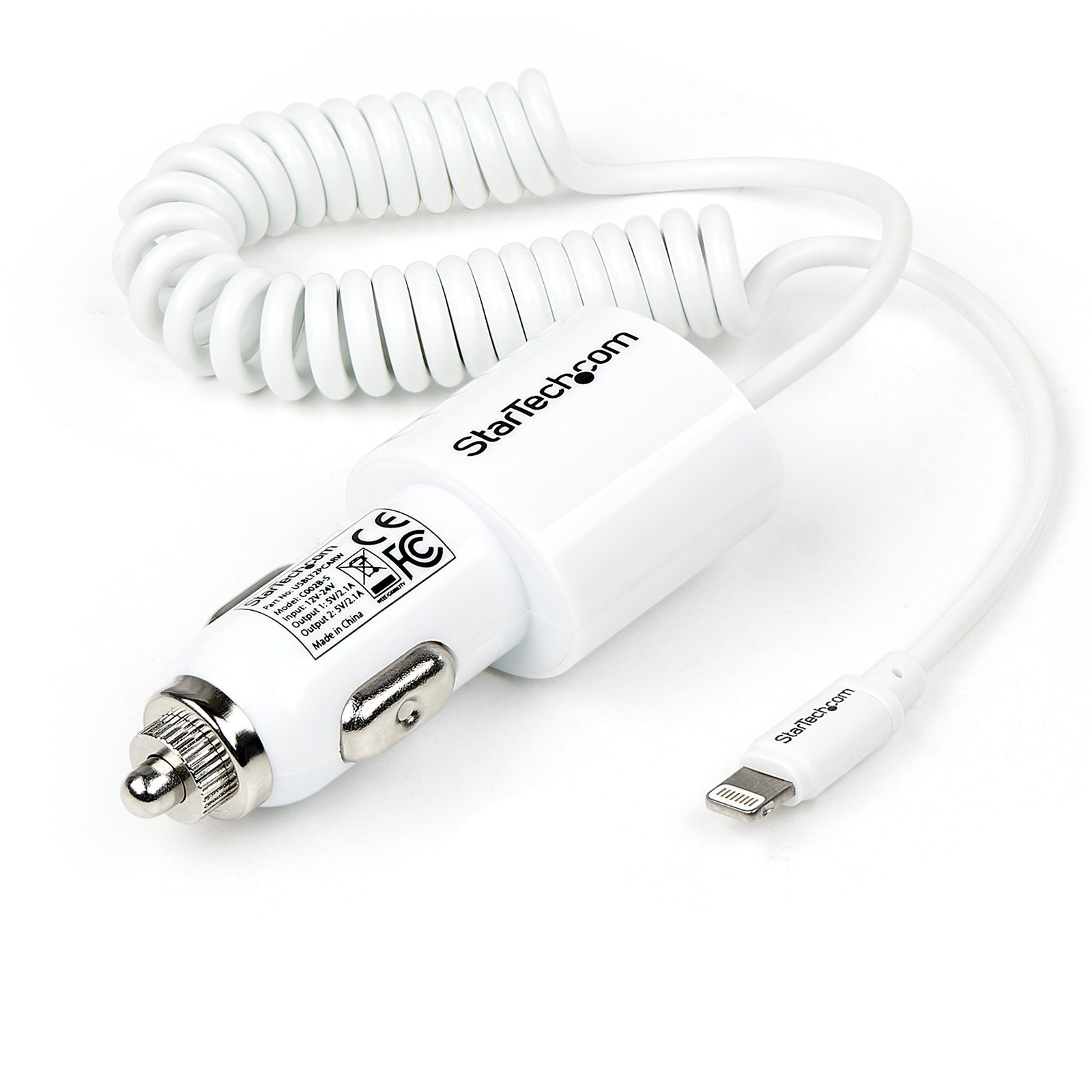


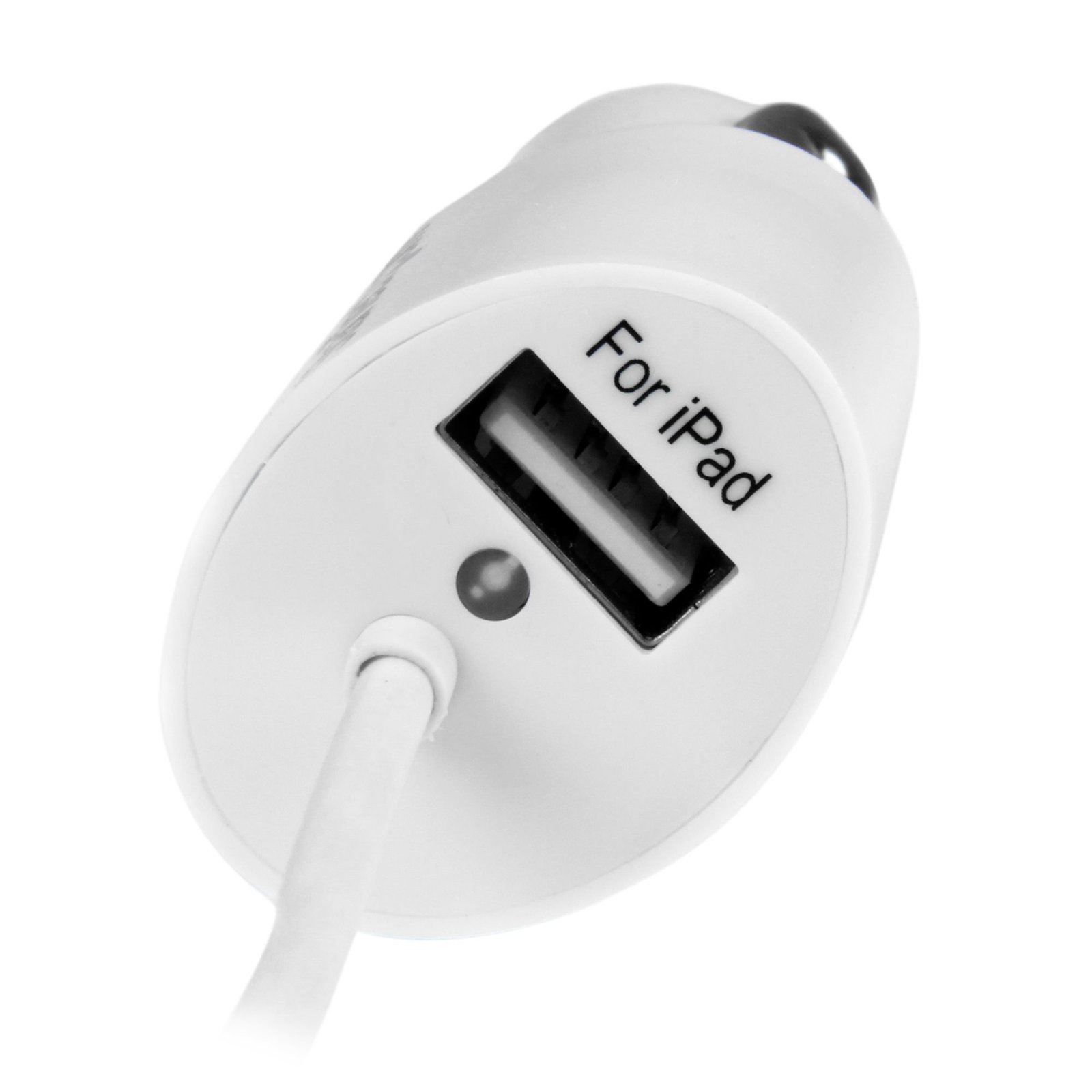
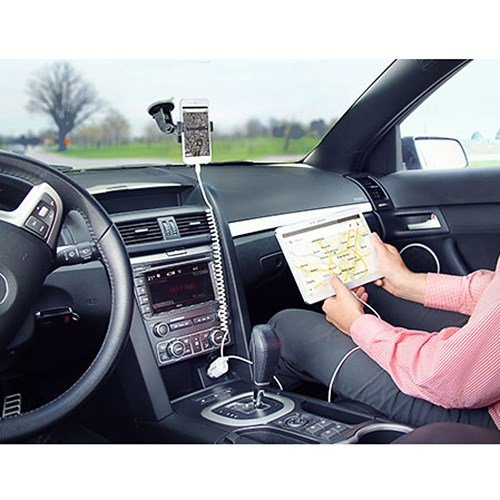
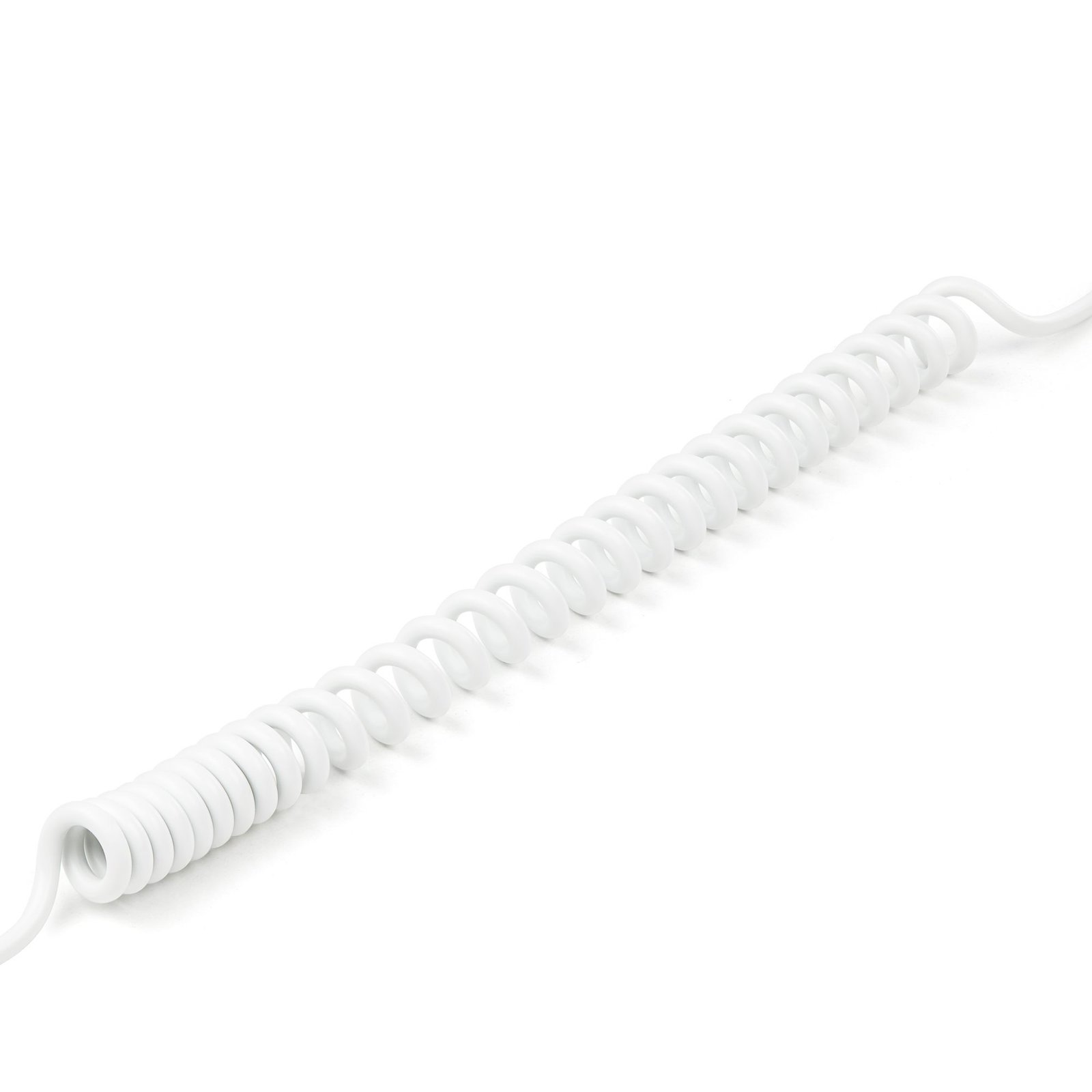
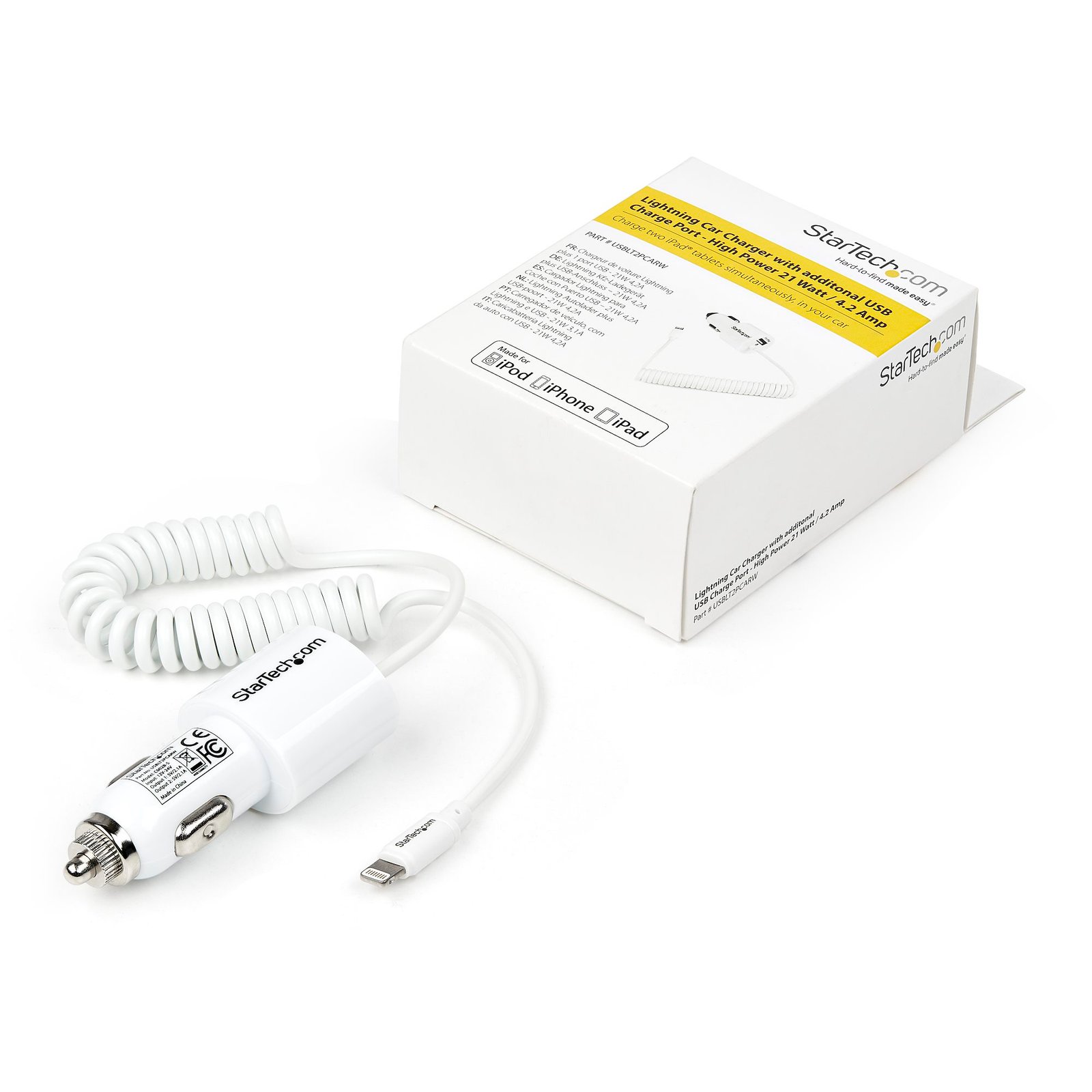
Dual-Port Car Charger - USB with Built-in Lightning Cable - White
$34.99
Charge two iPad® tablets simultaneously, in your car
Specifications & Compliance
- UPC
- 065030858083
- Brand
- StarTech.com
- Included in Package
- 1 - Lightning Car Charger with additonal USB Charge Port - High Power 21 Watt / 4.2 Amp
- Shipping (Package) Weight
- 2.3 oz [64 g]
- Weight of Product
- 1.8 oz [52.0 g]
- Product Length
- 13.4 in [34.0 cm]
- Product Width
- 1.4 in [35.0 mm]
- Product Height
- 1.0 in [25.0 mm]
- Package Depth
- 3.2 in [81 mm]
- Package Width
- 4.9 in [12.5 cm]
- Package Height
- 1.6 in [40 mm]
- Color
- White
- Cable Length
- 3.9 in [100 mm]
- Warranty
- 2 Years
- Connector 1
- Automobile AUX Power (12V)
- Connector 1 (Quantity)
- 1
- Package Quantity
- 1
- Connector 2
- Apple Lightning
- Connector 2 (Quantity)
- 1
- Cable Jacket Material
- PVC - Polyvinyl Chloride
- Connector Plating
- Nickel
- Input Voltage
- 12 ~ 24 DC
- Output Voltage
- 5 DC
- Connector 3
- USB-A (480Mbps, 2.5W)
- Connector 3 (Quantity)
- 1
- Cable Shield Material
- Aluminum-Mylar Foil with Braid
- Input Current
- 2.2 ~ 1.2A
- Output Current
- 2.1
- Connector Style
- Straight
Questions & Answers
Everything is hooked up but nothing is working. What should I do?
When you troubleshoot issues with a Lightning cable, there are some quick tests that you can complete to rule out potential problems. You can test to make sure that the following components are working correctly and are not the source of the issue: Mobile device USB port or controller card Lightning cable To test your setup components, try the following: Use the mobile device, USB controller card, and Lightning cable in another setup to see if the problem is with the components or the setup. Use a different mobile device, USB port, and Lightning cable in your setup to see if the problem persists. Ideally, you should test a component that you know works in another setup. When you test the mobile device, USB port or controller card, and Lightning cable, it is recommended that you do the following: Make sure that the cable is firmly inserted in the USB and Lightning ports. If you are using a USB charging adapter, verify that the USB output can power other USB devices.