

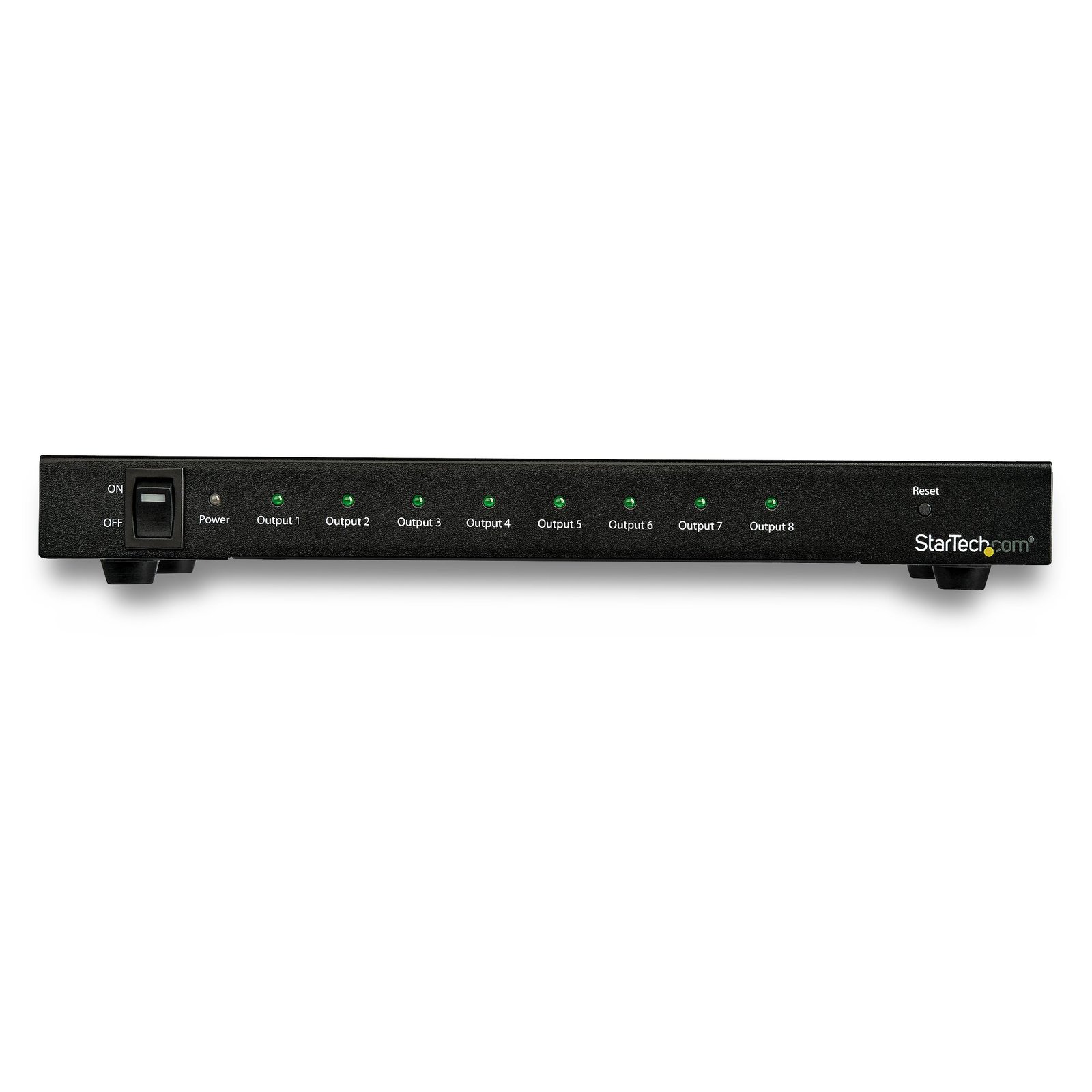
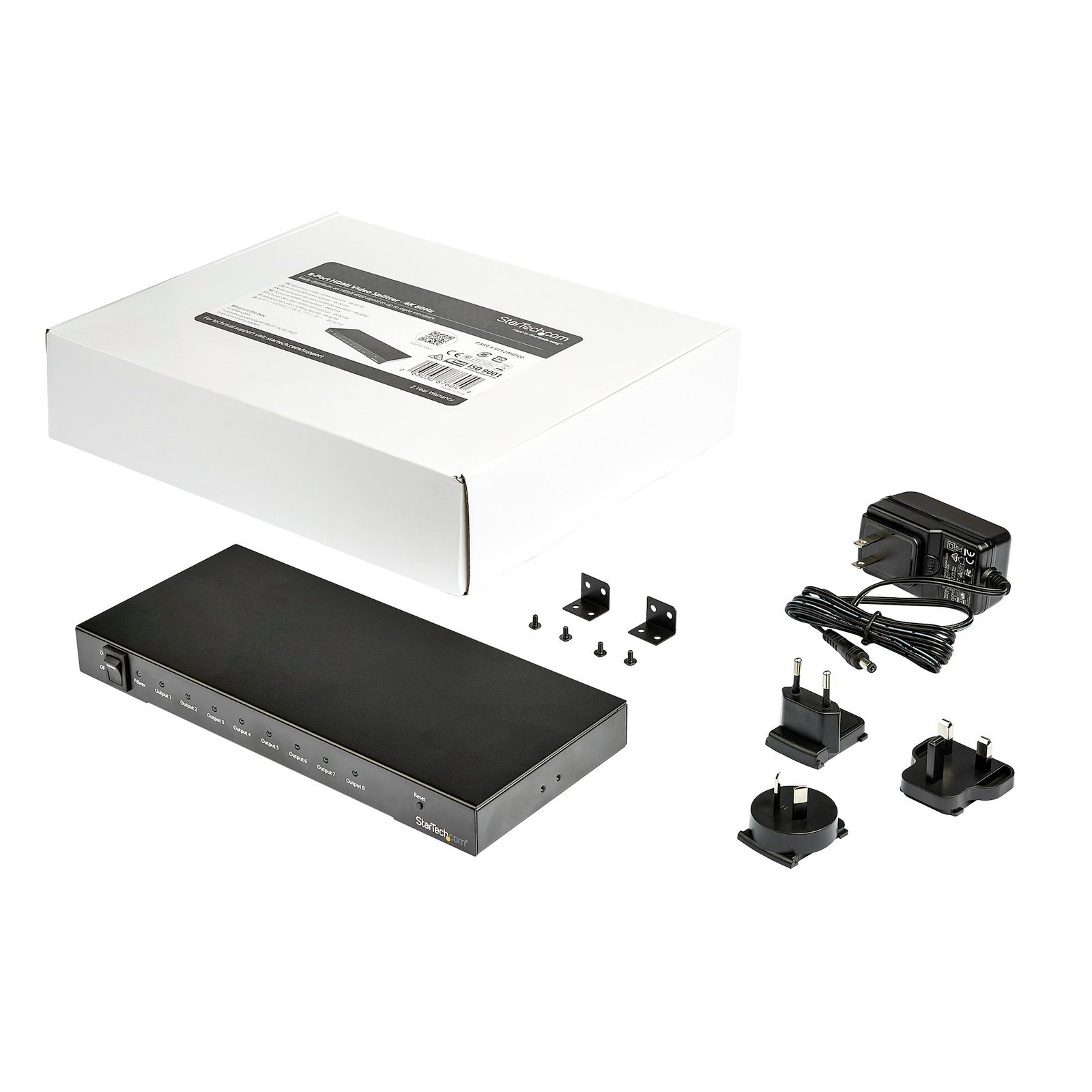
8-Port 4K 60Hz HDMI Splitter
$243.99
Easily distribute an HDMI 4K60 signal to up to eight monitors with this HDMI 2.0 splitter
Specifications & Compliance
- UPC
- 065030876049
- Brand
- StarTech.com
- Included in Package
- 1 - HDMI splitter, 1 - universal power adapter (NA/JP, UK, EU, ANZ), 1 - set of mounting brackets
- Shipping (Package) Weight
- 2.7 lb [1.2 kg]
- Weight of Product
- 26.9 oz [762.0 g]
- Product Length
- 10.2 in [25.8 cm]
- Product Width
- 4.3 in [11.0 cm]
- Product Height
- 1.4 in [35.0 mm]
- Package Depth
- 13.0 in [33 cm]
- Package Width
- 10.5 in [26.7 cm]
- Package Height
- 2.8 in [71 mm]
- Color
- Black
- Warranty
- 2 Years
- Connector 1
- HDMI
- Connector 1 (Quantity)
- 1
- Package Quantity
- 1
- Connector 2
- HDMI
- Connector 2 (Quantity)
- 8
- Operating Temperature
- 0 ℃ to +45℃
- Storage Temperature
- -10℃ to 70℃
- Humidity
- 10% to 85 % RH (no condensation)
- Material
- Steel
- Industry Standards
- HDMI 2.0, HDCP 2.2
- Power Source
- AC Adapter Included
- Special Notes
- This video splitter is not compatible with the AMD Radeon RX460 graphics card, Connect the HDMI display with the lowest resolution and refresh rate capability to output #1</br> If HDCP 1.4 display is connected to port #1 the whole system defaults to HDCP 1.4.
- Input Voltage
- 100 - 240 AC
- Output Voltage
- 5 DC
- Power Consumption
- 15 W
- LED Indicators
- 1 - power LED, 1 - input LED, 8 - output LEDs
- Number of Ports
- 9
- Input Current
- 0.6A
- Output Current
- 3
- Maximum Digital Resolutions
- 3840x2160 (4K) @ 60Hz
- Audio
- Yes
- Plug Type
- M
- Center Tip Polarity
- Positive
- AV Input
- HDMI
- AV Output
- HDMI
- Wide Screen Supported
- Yes
- Supported Resolutions
- 2560x1600<br> 1920x1200<br> 1920x1080 (1080p)<br> 1280x720 (720p)
- Cabling
- HDMI
Questions & Answers
What DC barrel connector power plug types do StarTech.com products use, and what are their dimensions?
StarTech.com DC barrel connector plug types are defined in the “Plug Type” field of the technical specifications, using a letter code that specifies the connector’s outer diameter (OD) and inner diameter (ID) in millimeters for power adapter compatibility. Explanation: In StarTech.com technical specifications, the “Plug Type” field is a standardized identifier for the exact DC barrel connector size required to power a product. Each plug type is assigned a letter code that corresponds to a specific combination of outer diameter (OD) and inner diameter (ID), measured in millimeters. Common DC barrel plug type dimensions Plug Type OD ID A 2.35 mm 0.7 mm B 4.0 mm 1.7 mm C 4.75 mm 1.7 mm H 3.4 mm 1.3 mm L 5.0 mm 2.5 mm M 5.5 mm 2.1 mm N 5.5 mm 2.5 mm The DC barrel connector plug type must match both the outer diameter and inner diameter exactly. A mismatch between the StarTech.com product requirement and the power adapter connector can prevent proper fit or stable power delivery, which may result in device startup failure or intermittent operation. The plug type defines only the physical connector size. The plug type does not define electrical power requirements such as voltage, current, or polarity. The power adapter used with a StarTech.com product must match the product’s specified electrical requirements. Using an incompatible power adapter can cause device malfunction or permanent damage. This standardized DC barrel connector plug type system enables IT professionals and procurement teams to verify connector dimensions, ensure power adapter compatibility, standardize hardware deployments, and identify the correct replacement power supply for StarTech.com products.
What is the difference between mirroring, spanning, and extending monitors?
Mirroring monitors means that you see the same thing on multiple monitors. Spanning monitors means that your computer interprets all of the monitors that are spanning as one giant monitor. You can see different things on each monitor, and your desktop, taskbar, Start menu, and background are stretched across the monitors. Extending monitors means that your computer interprets the monitors that you are extending as separate devices. You can see different things on each monitor, and your desktop background is displayed on each monitor. In general, video splitters can only be used to mirror monitors. If you want to extend your desktop across monitors, you need to make a separate video connection for each monitor that you are attaching. If you want to attach more monitors than your computer has video ports for, you can read about USB Video Adapters here: www.startech.com/AV/USB-Video-Adapters/ . If you are using a video card with a DisplayPort connection that supports DisplayPort 1.2 you can use MST hubs from StarTech.com to extend your desktop to each monitor.
Related products
-
2-Port HDMI Splitter with HDR - 4K 60Hz
$87.99 Add to cart -

4K HDMI Splitter - HDMI Splitter 1 In 2 Out - 2-Port - 4K 60Hz
$100.99 Add to cart -
2-Port HDMI Splitter, 4K 60Hz HDMI 2.0 Video, 4K HDMI Splitter 1 In 2 Out, 1x2 HDMI Display/Output Splitter, HDR/HDCP, 20in (50cm) Built-in HDMI Cable
$95.99 Add to cart -

2x2 HDMI Video Wall Controller - 4K 60Hz HDMI 2.0 Video Input to 4x 1080p Output - Video Wall Processor for Multi Screen Display - Video Wall Splitter - RS232/Ethernet Control - TAA
$1,094.99 Add to cart