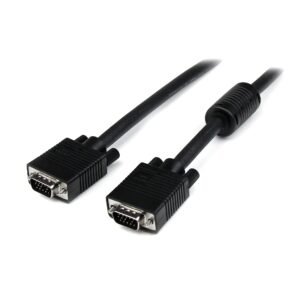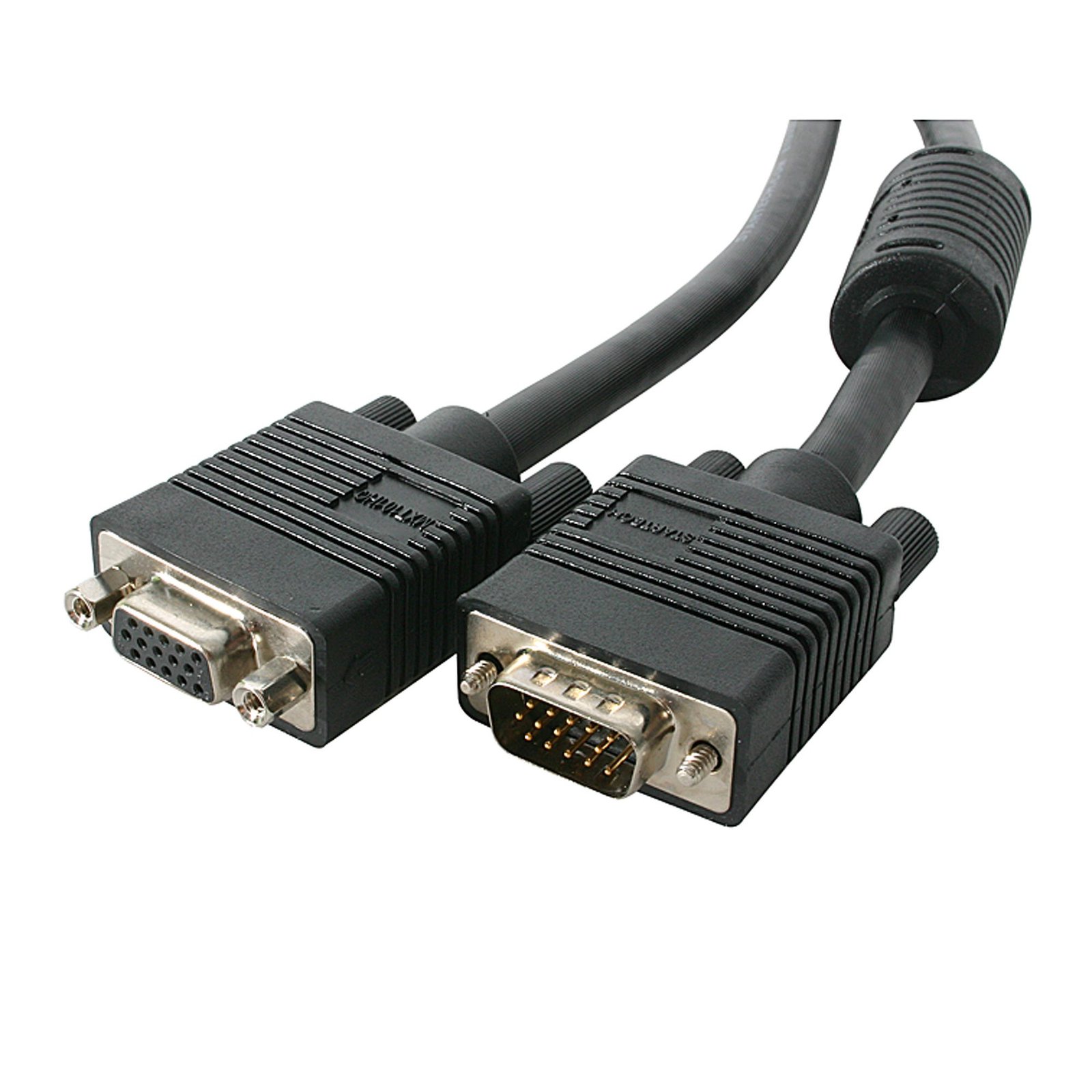
75 ft Coax High Resolution VGA Monitor Extension Cable - HD15 M/F
$36.99
Extend your VGA monitor connection without losing video signal quality
Specifications & Compliance
- UPC
- 065030834803
- Brand
- StarTech.com
- Included in Package
- 0 - 75 ft Coax High Resolution VGA Monitor Extension Cable - HD15 M/F
- Shipping (Package) Weight
- 4.8 lb [2.2 kg]
- Package Depth
- 2.4 in [60 mm]
- Package Width
- 11.4 in [29 cm]
- Package Height
- 17.3 in [44 cm]
- Color
- Black
- Cable Length
- 75.0 ft [22.9 m]
- Warranty
- Lifetime
- Connector 1
- VGA
- Connector 1 (Quantity)
- 0
- Package Quantity
- 1
- Connector 2
- VGA
- Connector 2 (Quantity)
- 0
- Cable Jacket Material
- PVC - Polyvinyl Chloride
- Wire Gauge
- 28 AWG
Questions & Answers
When should I use a longer video cable instead of a video extender?
Use a longer video cable whenever possible; use a video extender only when the required distance exceeds the reliable limits of standard or active cables. Explanation: Direct cabling is the preferred method for video connections because it maintains signal integrity and reduces complexity. Standard maximum cable lengths for common video signals are: Video standard Maximum length DisplayPort 50 ft. (15.2m) HDMI 50 ft. (15.2m) DVI 50 ft. (15.2m) VGA 200 ft. (71m) Active cables can extend these distances by incorporating built-in signal amplification and are designed to exceed standard length limits while maintaining specified performance. Video extenders are used when cable length requirements exceed what passive or active cables can reliably support. Extenders transmit the signal over longer distances by boosting and then restoring it, while maintaining the same video standard from input to output.
Why does some VGA cables not include pin 9, while other VGA cables do?
There are two common VGA cable configurations: 14-pin VGA cables and 15-pin VGA cables. In earlier VGA standards, pin 9 was removed because its original function became obsolete and was not required for most monitor connections. As a result, many VGA cables were manufactured with only 14 connected pins. Modern 15-pin VGA cables may include pin 9 because it can provide low-voltage power for Display Data Channel (DDC) communication between the display and the computer. DDC allows the display to communicate information such as supported resolutions, refresh rates, and display identification data. Most computer monitors function correctly with a 14-pin VGA cable. Some televisions, specialty displays, or devices that rely on DDC communication may require a 15-pin VGA cable with pin 9 connected. To determine which VGA cable type is required, check the specifications for the display and video source device.