
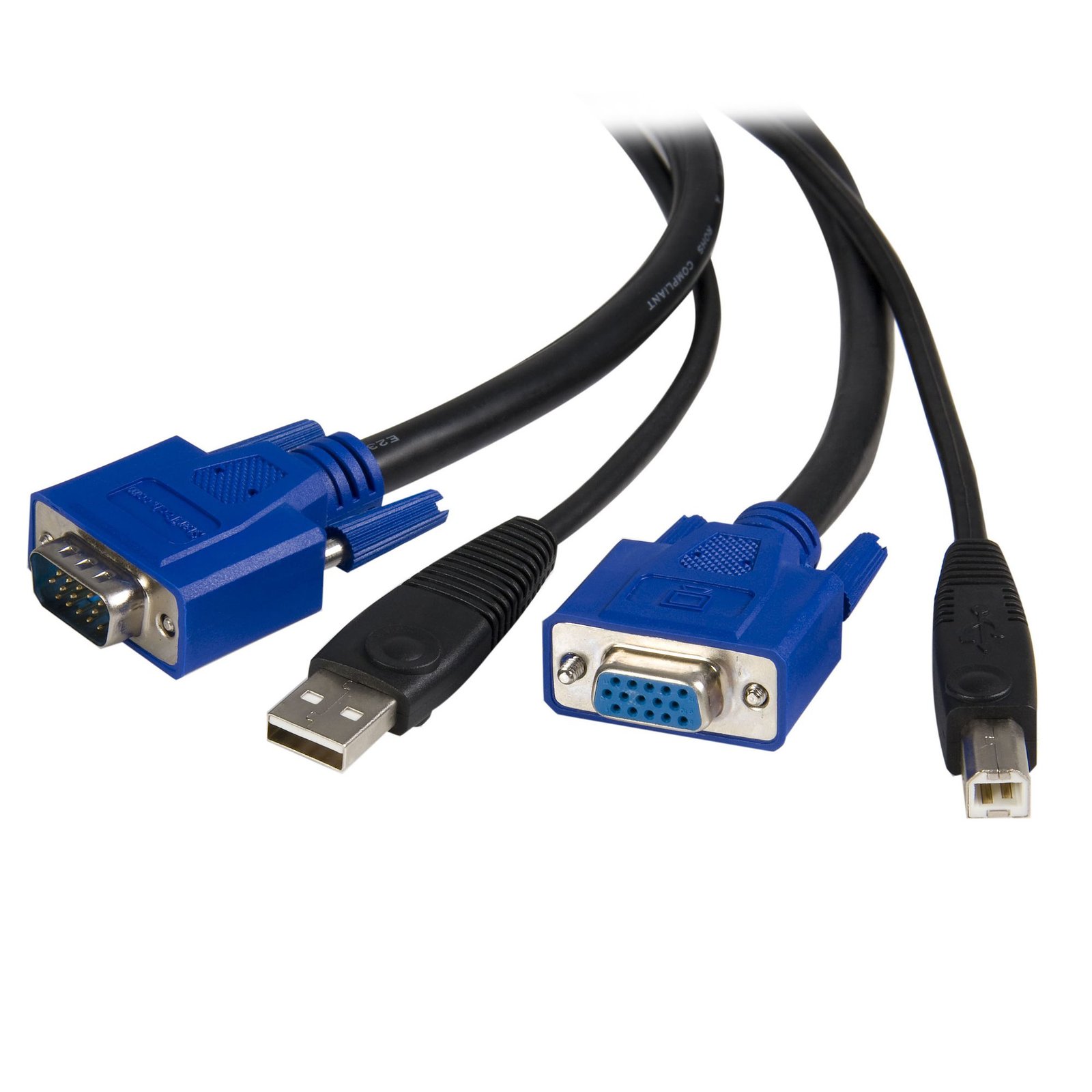
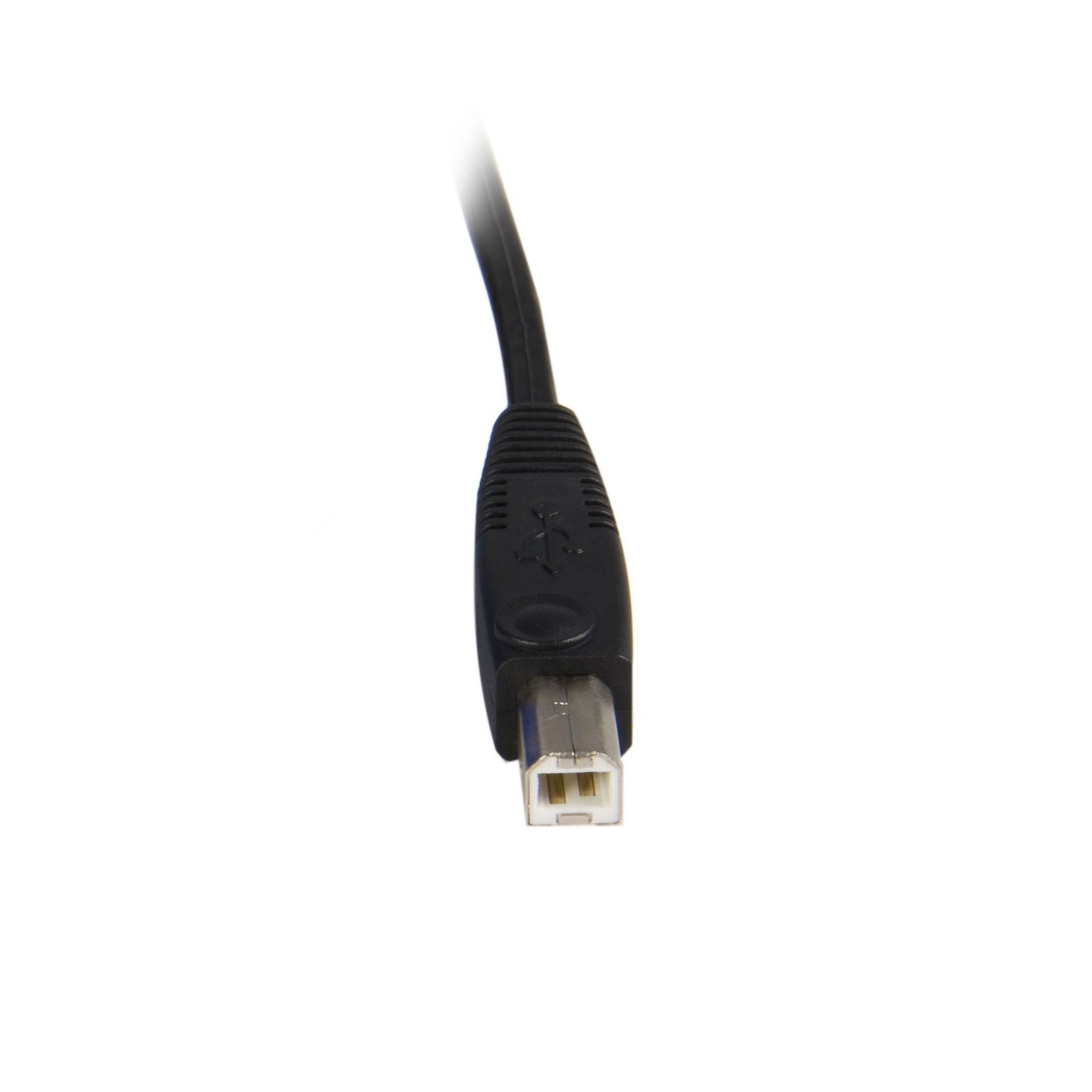
6 ft 2-in-1 USB KVM Cable
$21.99
Connect VGA and USB-equipped computers to a KVM Switch using a single cable
Specifications & Compliance
- UPC
- 065030788632
- Brand
- StarTech.com
- Included in Package
- 1 - 6ft 2-in-1 USB KVM Cable
- Shipping (Package) Weight
- 10.9 oz [308 g]
- Weight of Product
- 10.2 oz [290.0 g]
- Product Length
- 6.0 ft [1.8 m]
- Product Width
- 0.5 in [12.0 mm]
- Product Height
- 0.4 in [10.0 mm]
- Package Depth
- 5.6 in [14.2 cm]
- Package Width
- 10.0 in [25.4 cm]
- Package Height
- 1.0 in [26 mm]
- Color
- Black
- Warranty
- Lifetime
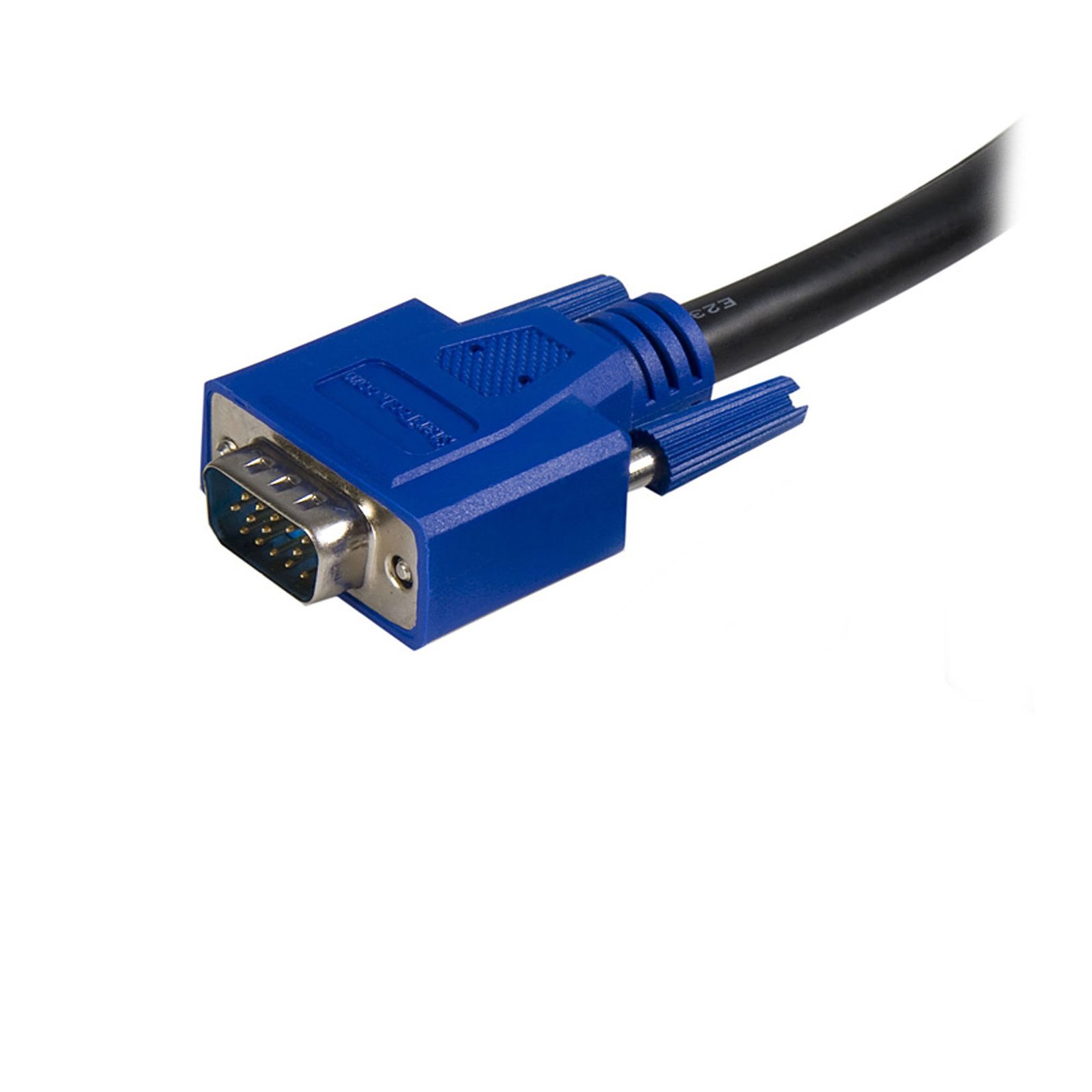
- Connector 1
- VGA
- Connector 1 (Quantity)
- 1
- Package Quantity
- 1
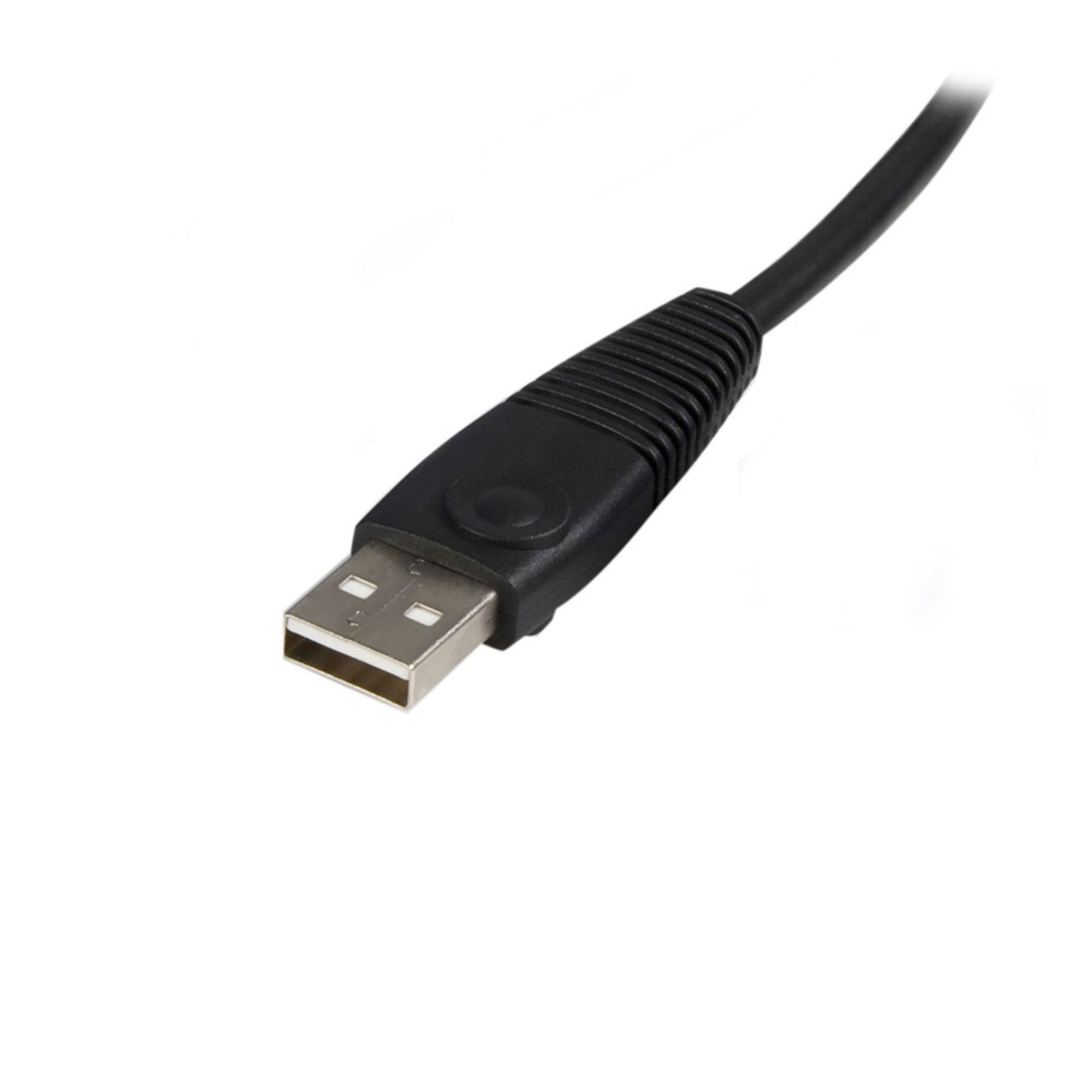
- Connector 2
- USB-A (480Mbps, 2.5W)
- Connector 2 (Quantity)
- 1
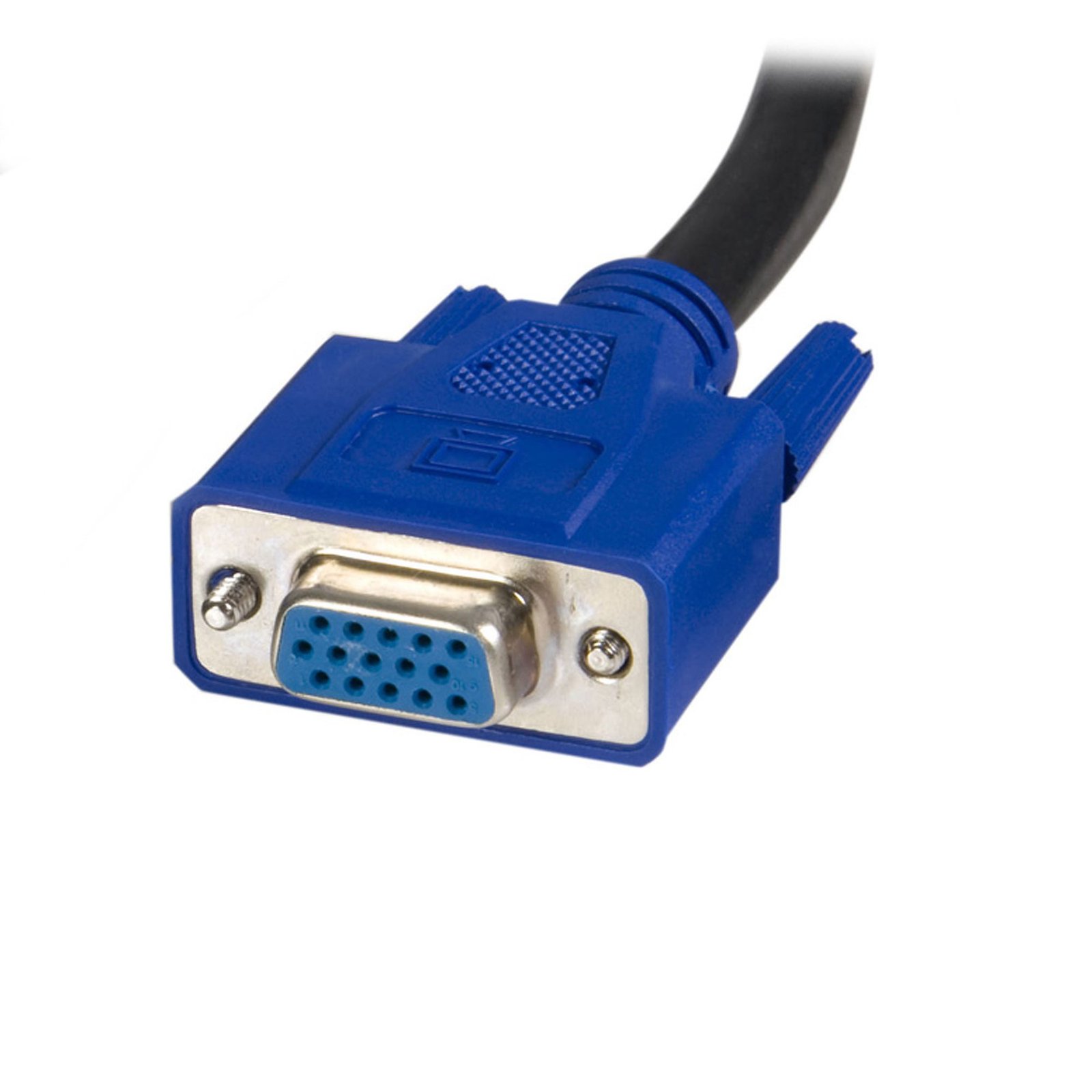
- Connector 3
- VGA
- Connector 3 (Quantity)
- 1
- Connector 4
- USB-B (480Mbps, 2.5W)
- Connector 4 (Quantity)
- 1
Questions & Answers
What should I consider when choosing cables for a KVM switch?
KVM cable requirements depend on the specific KVM switch; some use standard cables, while others require proprietary cables designed for that model. Explanation: KVM switches connect multiple computers to a single set of peripherals, and each connected computer typically requires one set of cables. Cable requirements vary by KVM switch design: Standard KVM switches : Use standard video (such as HDMI, DisplayPort, or DVI) and USB or PS/2 cables. These cables can be purchased individually or as bundled kits for convenience. Opposite gender connections : Some KVM switches use different connector genders for computer and console ports to prevent incorrect connections. These setups may require extension cables or specific cable kits. Proprietary cable KVM switches : Some models, especially those designed for server environments, require proprietary cables. These cables combine video and USB or PS/2 signals into a single connector and cannot be replaced with standard cables. To determine the correct cables: Check the product’s Technical Specifications and “What’s in the Box” to see if cables are included. Review the Accessories section for compatible cable options. Inspect the port layout; if there are no standard USB or PS/2 ports for computers, proprietary cables are required. Using the correct cable type is essential to ensure proper functionality and compatibility with the KVM switch. If at this point you require further assistance in deciding which cables to purchase with your StarTech.com KVM switch, contact our technical support team.
Related products
-
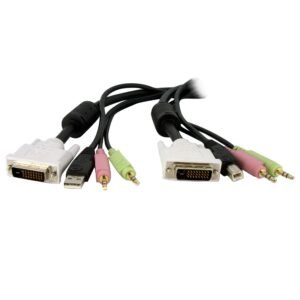
KVM Cable for DVI and USB KVM Switches with Audio & Microphone - 6ft
$20.99 Add to cart -

6 ft 3-in-1 Universal Ultra Thin PS/2 KVM Cable
$20.99 Add to cart -

4 Pack PS2 Cat5 Dongle for Single Console IP KVM Switch
$317.99 Add to cart -
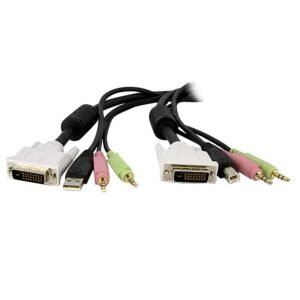
15ft 4-in-1 USB Dual Link DVI-D KVM Switch Cable w/ Audio & Microphone
$27.99 Add to cart