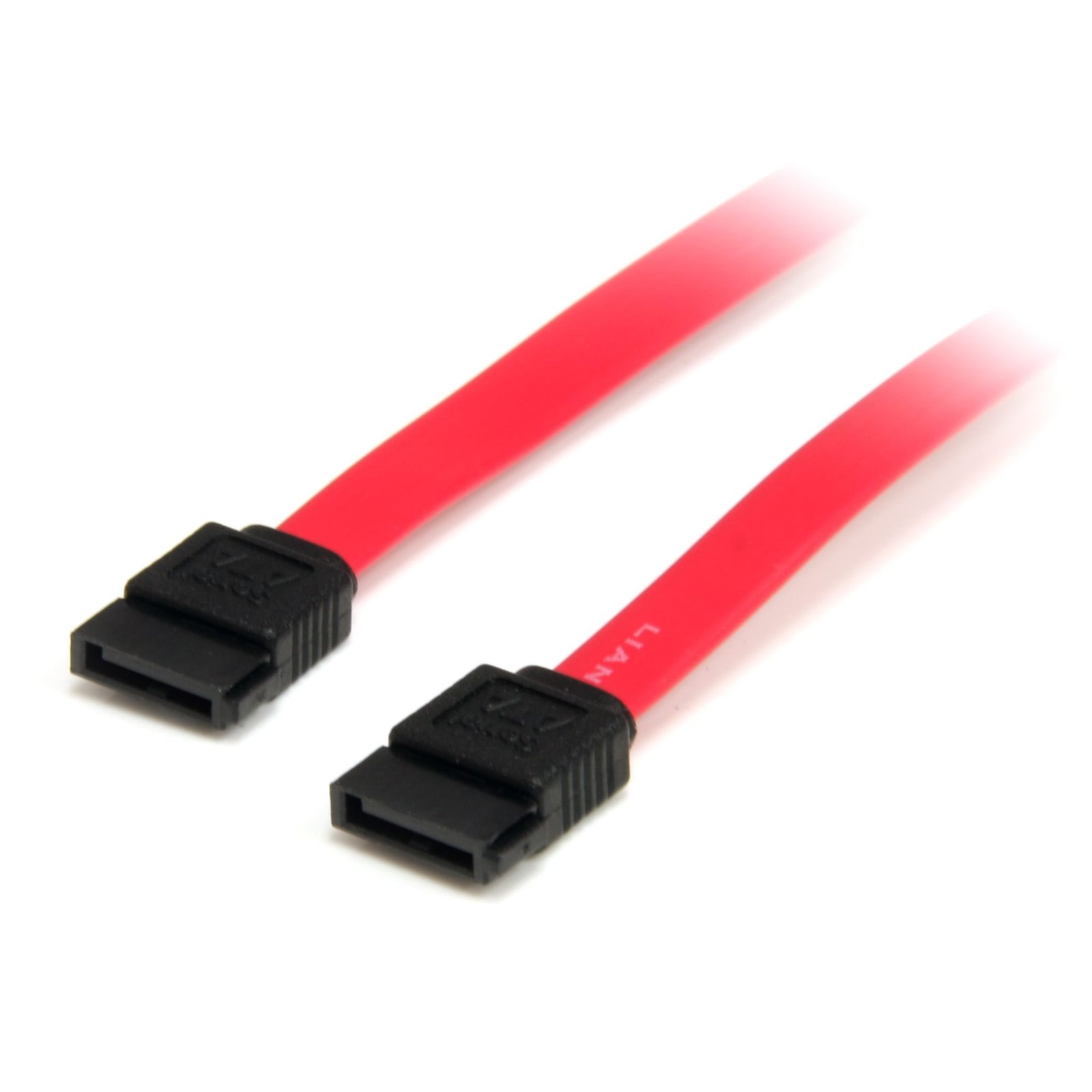
2 Port Low Profile SATA to eSATA Plate Adapter
$14.99
Add two eSATA ports to your PC, extended from internal Serial ATA connection ports
Specifications & Compliance
- UPC
- 065030843560
- Brand
- StarTech.com
- Included in Package
- 1 - 2 Port Low Profile SATA to eSATA Plate Adapter, 1 - Reverse Notch Low Profile Bracket
- Shipping (Package) Weight
- 10.6 oz [300 g]
- Weight of Product
- 10.2 oz [290.0 g]
- Product Length
- 11.8 in [30.0 cm]
- Product Width
- 3.1 in [80.0 mm]
- Product Height
- 0.7 in [18.0 mm]
- Package Depth
- 5.0 in [12.8 cm]
- Package Width
- 0.0 in [0.7 mm]
- Package Height
- 8.7 in [22 cm]
- Color
- Red
- Cable Length
- 12.0 in [30.5 cm]
- Warranty
- Lifetime
- Connector 1
- SATA (7-Pin)
- Connector 1 (Quantity)
- 1
- Package Quantity
- 1
- Connector 2
- eSATA (7-Pin)
- Connector 2 (Quantity)
- 2
- Cable Jacket Material
- PVC - Polyvinyl Chloride
- Wire Gauge
- 26 AWG (0.404 mm)
- Connector Style
- Straight
- SATA Type and Rate
- SATA III (6 Gbps)
Questions & Answers
Everything is hooked up but nothing is working. What should I do?
When you troubleshoot issues with a SATA cable, there are some quick tests that you can complete to rule out potential problems. You can test to make sure that the following components are working correctly and are not the source of the issue: Hard disk drive Hard drive controller (for example, motherboard) SATA cable To test your setup components, try the following: Use the hard disk drive, hard drive controller, and SATA cable in another setup to see if the problem is with the components or the setup. Use a different hard disk drive, hard drive controller, and SATA cable in your setup to see if the problem persists. Ideally, you should test a component that you know works in another setup. When you test the hard disk drive, hard drive controller, and SATA cable, it is recommended that you do the following: Make sure that the hard drive is spinning without the SATA cable attached. The power cable should make the drive spin if it is a mechanical drive and not a solid state drive. If your operating system is not detecting the hard disk drive, make sure that the drive is formatted with a partition (for example, NTFS or FAT32). If you are using a computer running a version of Windows, a drive letter must also be assigned to the hard disk drive. For more information about how to initialize a drive, refer to the following FAQ: https://www.startech.com/en-us/support/faqs/technical?topic=harddrives#initialize-hard-drives .