
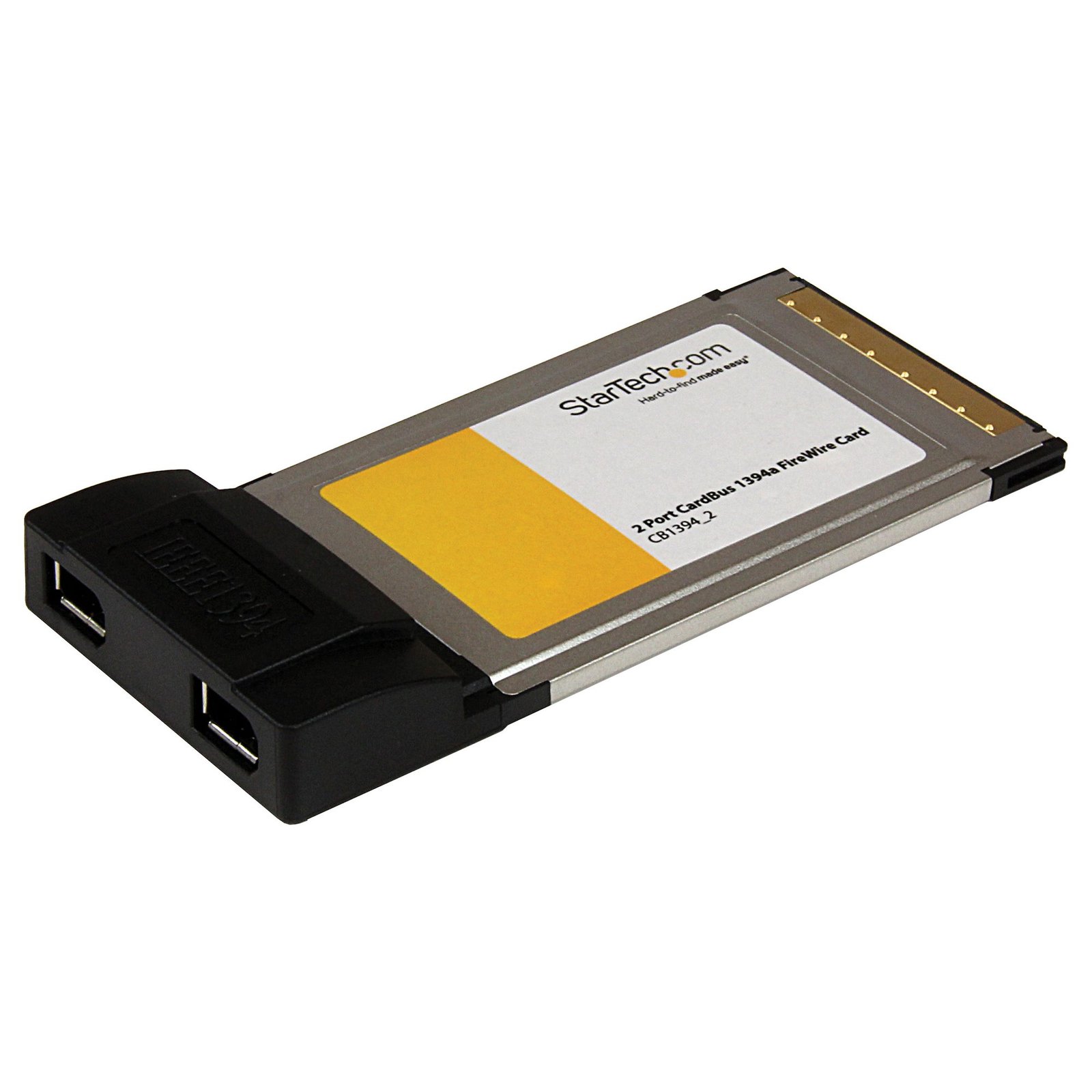
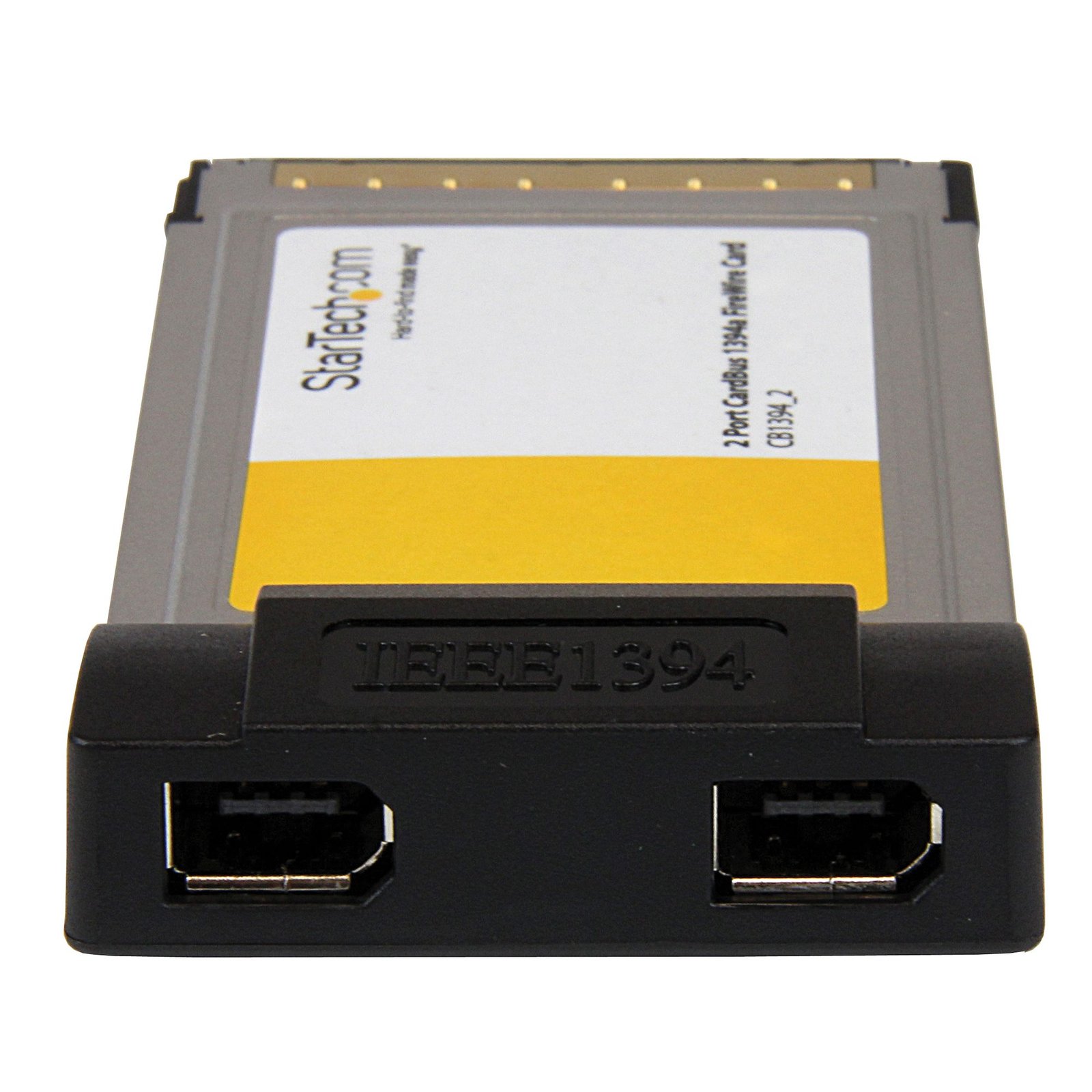

2 Port CardBus Laptop 1394a Firewire PC Card Adapter
$37.99
Add 2 FireWire 1394a ports to a laptop through a CardBus slot
Specifications & Compliance
- UPC
- 065030801676
- Brand
- StarTech.com
- Included in Package
- 1 - 2 Port CardBus FireWire card, 1 - FireWire cable, 1 - Software CD, 1 - Instruction Manual
- Shipping (Package) Weight
- 8.1 oz [230 g]
- Package Depth
- 1.7 in [43 mm]
- Package Width
- 8.3 in [21 cm]
- Package Height
- 5.7 in [14.6 cm]
- Warranty
- Lifetime
- Connector 1
- FireWire 400 (6-Pin, 400Mbps, Bus Power)
- Connector 1 (Quantity)
- 2
- Connector 2
- CardBus Slot
- Connector 2 (Quantity)
- 1
- Maximum Data Transfer Rate
- 400 Mbps
- Industry Standards
- PCMCIA II, IEEE 1394, IEEE 1394a, OHCI
- Power Source
- Not Included (not required for standard applications)
- Chipset ID
- VIA/VLI - VT6307
- Number of Ports
- 2
- Interface
- FireWire 400 (1394a)
- Bus Type
- CardBus (PCMCIA)
- System and Cable Requirements
- 32-bit CardBus Compatible PCMCIA Type II slot
Questions & Answers
Everything is hooked up but nothing is working. What should I do? (Windows)
When you troubleshoot issues with a FireWire controller card, there are some quick tests that you can complete to rule out potential problems. You can test to make sure that the following components are working correctly and are not the source of the issue: FireWire cables FireWire devices FireWire controller card To test your setup components, try the following: Use the FireWire cables, devices, and controller card in another setup to see if the problem is with the components or the setup. Use a different FireWire cable, device, and controller card in your setup to see if the problem persists. Ideally, you should test a component that you know works in another setup. When you test the FireWire device and controller card, it is recommended that you do the following: Press the Windows key + R , type devmgmt.msc , and press Enter to open Device Manager . Check to see if your devices are listed under IEEE 1394 controllers . If you do not see the FireWire controller card listed in Device Manager, refer to the following FAQ: https://www.startech.com/en-us/faq/pci-pcie-cannot-boot-os-or-detect-windows .
Related products
-

3 Port PCI 1394a FireWire Adapter Card with Digital Video Editing Kit
$7.99 Add to cart -
2 Port 1394a PCI Express FireWire Card - PCIe FireWire Adapter
$46.99 Add to cart -
4 Port PCI Express 1394a FireWire Adapter Card - 3 External 1 Internal
$57.99 Add to cart -
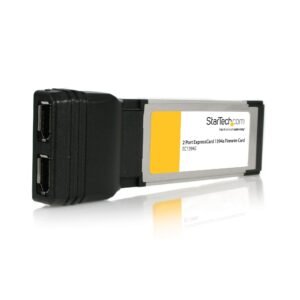
2 Port ExpressCard Laptop 1394a FireWire Adapter Card
$80.99 Add to cart