
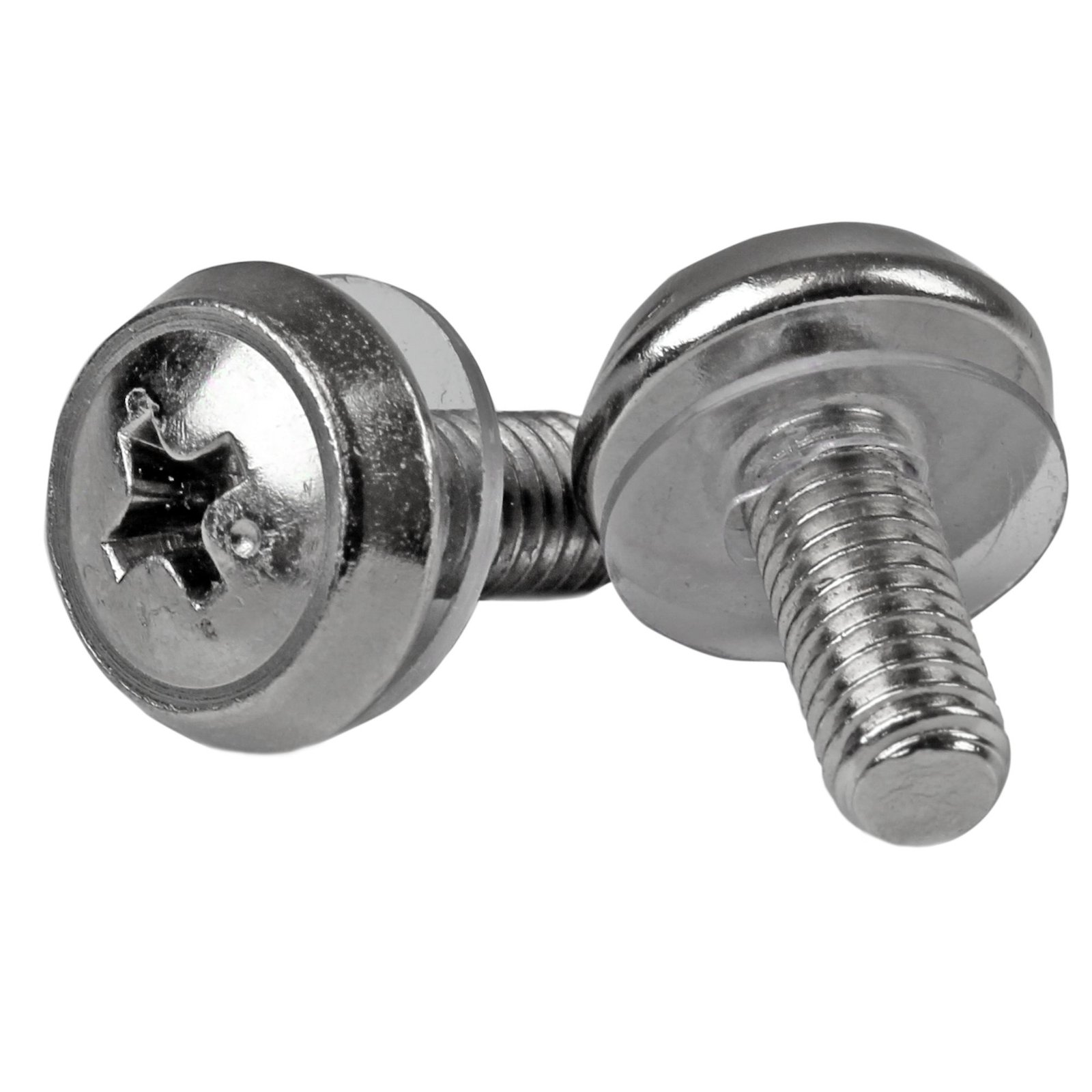
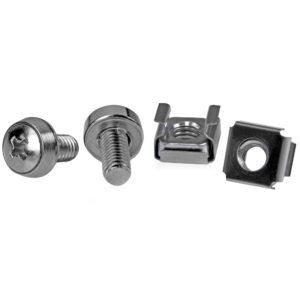
100-Pack M5 12mm Screws, Mounting Screws for 19" or 10" Server Racks, Cabinets and Enclosures, Silver, TAA
$56.36
Install your rack-mountable hardware securely with these high-quality screws
Specifications & Compliance
- UPC
- 065030862189
- Brand
- StarTech.com
- Included in Package
- 100 - M5 screws
- Shipping (Package) Weight
- 15.5 oz [440 g]
- Weight of Product
- 16.0 oz [452.5 g]
- Product Length
- 0.5 in [12.0 mm]
- Product Width
- 0.2 in [5.0 mm]
- Package Depth
- 4.9 in [12.5 cm]
- Package Width
- 3.1 in [80 mm]
- Package Height
- 1.1 in [28 mm]
- Color
- Silver
- Warranty
- 2 Years
- Package Quantity
- 100
- Thread Type(s)
- M5
- Included
- Mounting Screws
Questions & Answers
How do I safely install equipment in a server rack?
Install the heaviest server rack equipment at the bottom of the rack first to create a stable base and reduce the risk of the rack becoming top-heavy. Use cage nuts and mounting screws to secure compatible rack equipment, and verify that the equipment is securely installed after tightening the screws. Explanation : When installing server rack equipment, start with the heaviest equipment at the bottom of the rack. This approach provides a stable base and helps prevent the rack from becoming top-heavy and falling over, especially when installing multiple devices in a tall rack. For equipment that is long, heavy, unbalanced, or difficult to handle, have another person assist with the installation to help prevent injury or equipment damage. For equipment such as a patch panel that mounts using cage nuts, install the cage nuts in the rack first. Position the equipment, insert the mounting screws into the cage nuts, and tighten the screws without stripping or damaging them. Use extra care with electric tools because they can apply more torque. After installation, confirm that the rack equipment is securely mounted. If you have questions about installing equipment in a server rack, contact the technical support team for assistance.
Related products
-
50 Pkg M5 Mounting Screws for Server Rack Cabinet - TAA
$27.66 Add to cart -
50-Pack 10-32 Square Hole Cage Nuts and Installation Tool for 19" or 10" Server Racks, Cabinets and Enclosures, Black - TAA
$22.54 Add to cart -
100-Pack M5 Square Hole Cage Nuts and Installation Tool for 19" or 10" Server Racks, Cabinets and Enclosures, Silver - TAA
$55.99 Add to cart -
50-Pack M6 12mm Screws, Square Hole Cage Nuts and Installation Tool, Hardware Mounting Kit for 19" or 10" Server Racks, Cabinets and Enclosures, Silver - TAA
$57.39 Add to cart