

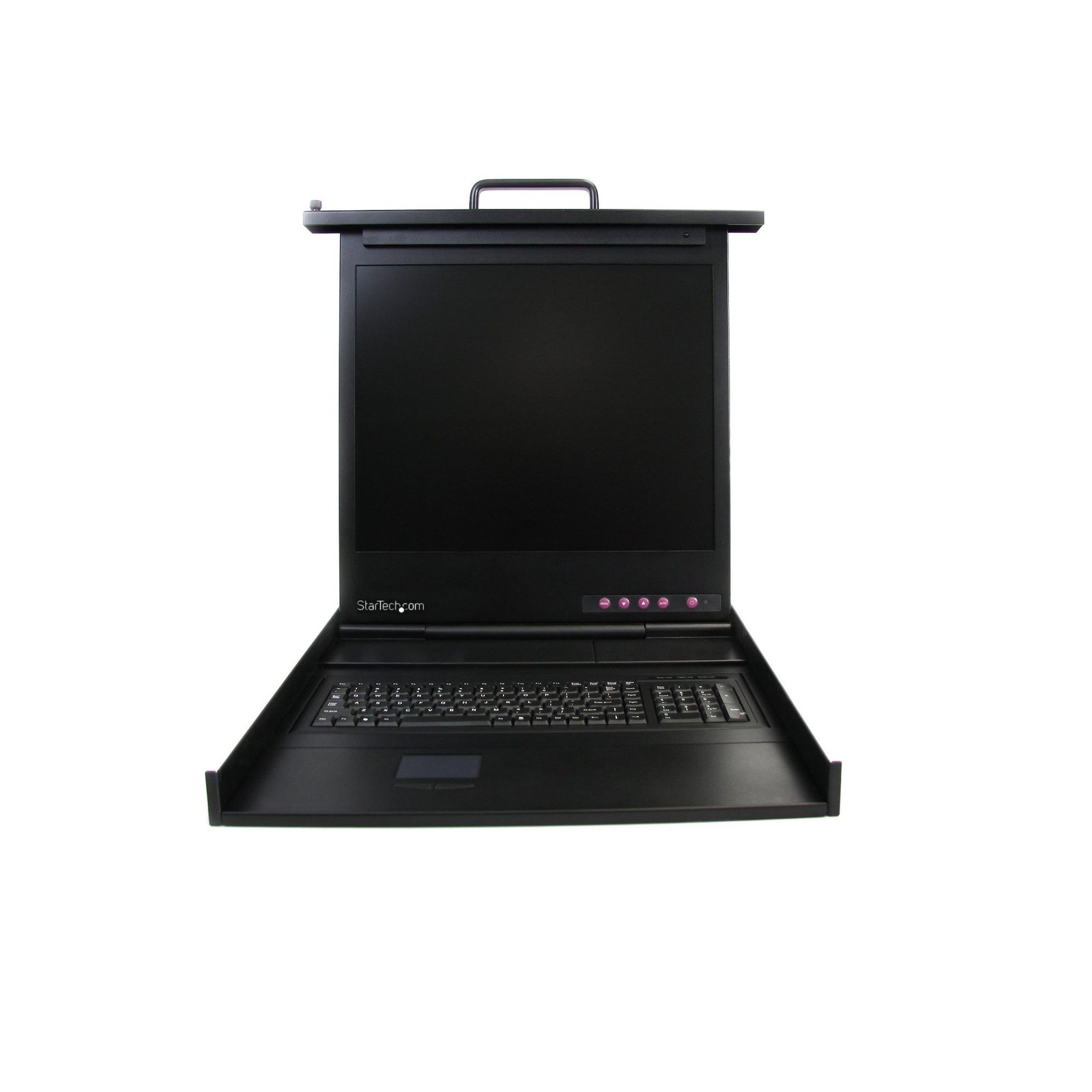
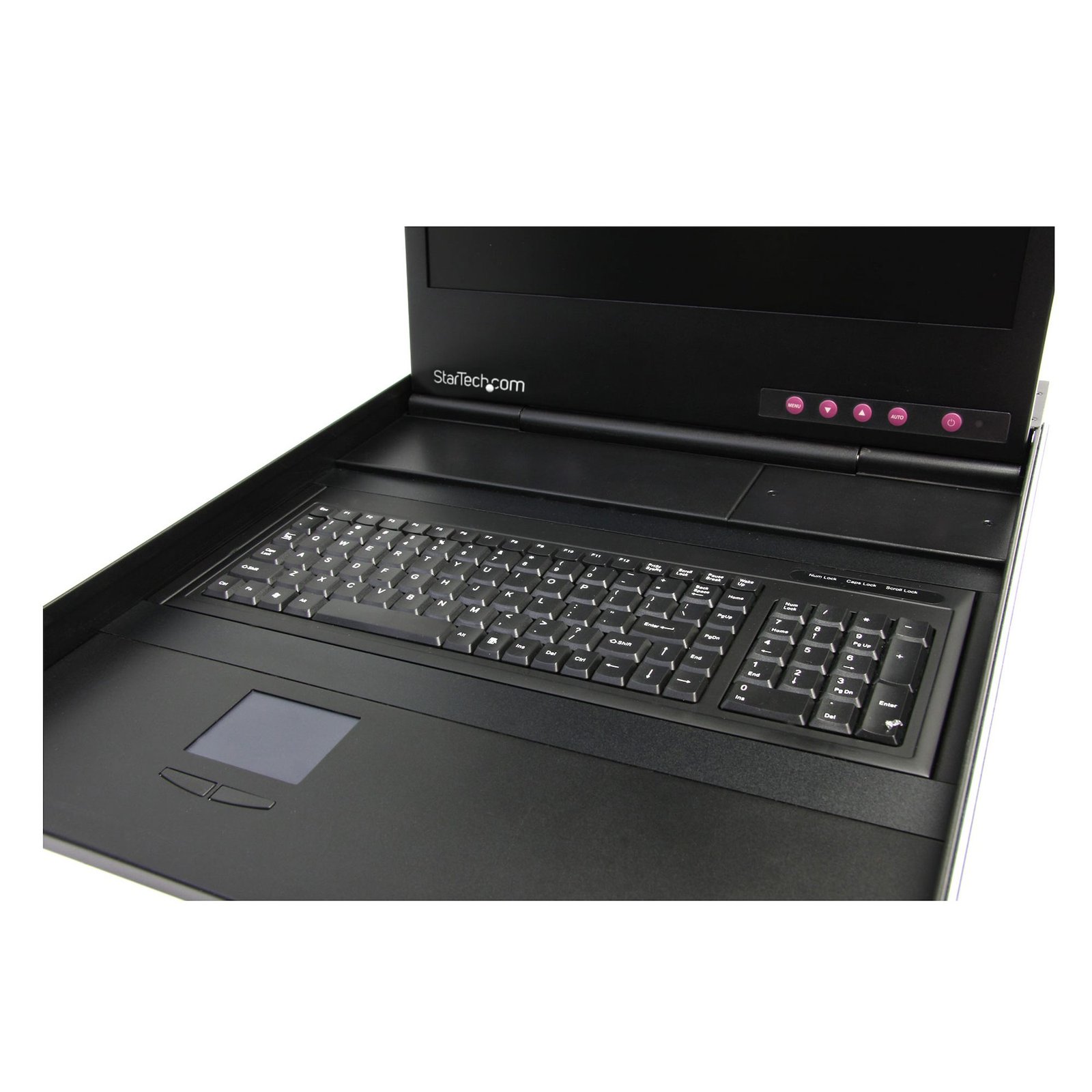
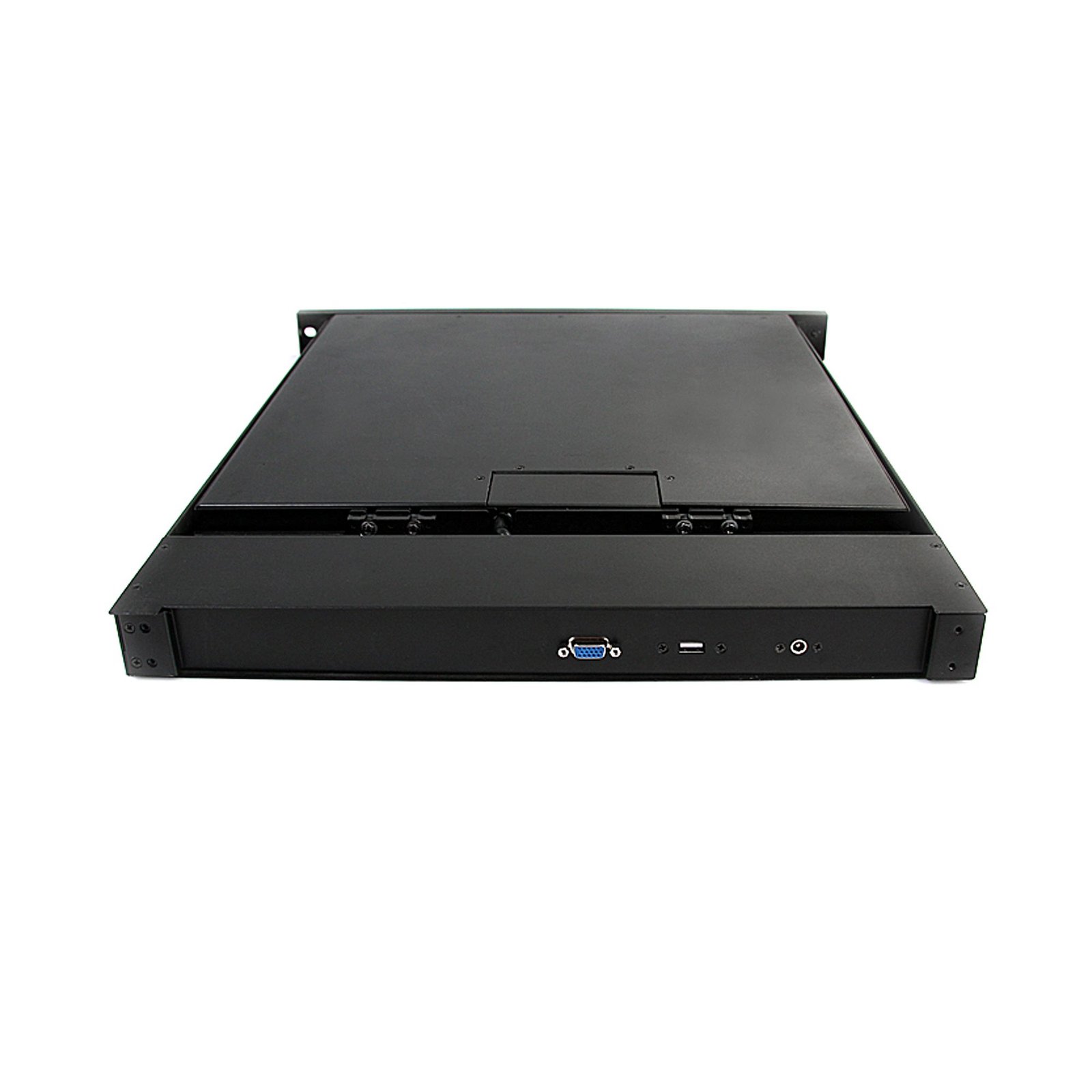
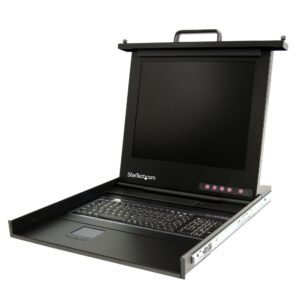
1U 19" Rackmount LCD Console – USB – Value Series
$1,172.99
Simple and compact server control with this 19" USB LCD Console
Specifications & Compliance
- UPC
- 065030839600
- Brand
- StarTech.com
- Included in Package
- 1 - 1U LCD Rack Console Drawer, 1 - Mounting Rails - Set, 1 - Console Cable Kit, 1 - Package of 6 screws, 1 - Power Cord, 1 - Power Adapter, 1 - Manual on CD
- Shipping (Package) Weight
- 56.3 lb [25.5 kg]
- Weight of Product
- 24.7 lb [11.2 kg]
- Product Length
- 21.9 in [55.5 cm]
- Product Width
- 18.8 in [47.8 cm]
- Product Height
- 1.7 in [43.7 mm]
- Package Depth
- 28.5 in [72.5 cm]
- Package Width
- 6.7 in [17 cm]
- Package Height
- 9.6 in [24.4 cm]
- Color
- Black
- Warranty
- 2 Years
- Package Quantity
- 1
- Operating Temperature
- 0°C to 50°C (32°F to 122°F)
- Storage Temperature
- -20°C to 60°C (-4°F to 140°F)
- Humidity
- 90% RH
- Material
- Heavy Duty Steel
- Power Source
- AC Adapter Included
- Input Voltage
- 110V-240V AC
- Output Voltage
- 12V DC
- MTBF
- 60,000 Hours
- Output Current
- 4.16
- Host Connector 1
- VGA
- Host Connector 1 (Quantity)
- 1
- Audio
- No
- Plug Type
- N
- Center Tip Polarity
- Positive
- Host Connector 2
- USB-A (480Mbps, 2.5W)
- Host Connector 2 (Quantity)
- 1
- Maximum Analog Resolutions
- 1280x1024 @ 60Hz
- Rack-Mountable
- Yes
- U Height
- 1U
- Number of KVM Ports
- 1
- IP Control
- No
- Supported Platforms
- USB
- PC Video Type
- VGA
- Number of Monitors Supported
- 1
- On-Screen Display
- Yes
- Maximum Mounting Depth
- 3.3 ft [1 m]
- Aspect Ratio
- 4:3
- Minimum Mounting Depth
- 22.0 in [56 cm]
- Front Door Key Lock
- No
- Display Size
- 19"
Questions & Answers
Everything is hooked up but nothing is working. What should I do?
When you troubleshoot issues with a rack console, there are some quick tests that you can complete to rule out potential problems. You can test to make sure that the following components are working correctly and are not the source of the issue: Video cables Video source Monitor USB/PS2 cables Before you test the components, make sure that the rack console is properly mounted to a rack. For more information, see the documentation that came with the rack console. To test your setup components, try the following: Use the video cables, video source, monitor, and USB/PS2 cable(s) in another setup to see if the problem is with the components or the setup. Use a different video cable, video source, monitor, and USB/PS2 cable(s) in your setup to see if the problem persists. Ideally, you should test a component that you know works in another setup. Note: When testing with a different keyboard, mouse, and monitor, connect the devices directly to your computer. When you test your cables, it is recommended that you do the following: Test each cable individually. Use short cables, with the least amount of adapters. When you test the video cables, video source, and monitor, it is recommended that you do the following: Use a resolution that is compatible with the monitor and any KVM switches that you may use. When a KVM switch is used with the rack console, make sure that you selected the correct source. If some of the sources are working but not others, you may be experiencing issues with the KVM switch in your setup. For more information, see the KVM Troubleshooting FAQ.
What DC barrel connector power plug types do StarTech.com products use, and what are their dimensions?
StarTech.com DC barrel connector plug types are defined in the “Plug Type” field of the technical specifications, using a letter code that specifies the connector’s outer diameter (OD) and inner diameter (ID) in millimeters for power adapter compatibility. Explanation: In StarTech.com technical specifications, the “Plug Type” field is a standardized identifier for the exact DC barrel connector size required to power a product. Each plug type is assigned a letter code that corresponds to a specific combination of outer diameter (OD) and inner diameter (ID), measured in millimeters. Common DC barrel plug type dimensions Plug Type OD ID A 2.35 mm 0.7 mm B 4.0 mm 1.7 mm C 4.75 mm 1.7 mm H 3.4 mm 1.3 mm L 5.0 mm 2.5 mm M 5.5 mm 2.1 mm N 5.5 mm 2.5 mm The DC barrel connector plug type must match both the outer diameter and inner diameter exactly. A mismatch between the StarTech.com product requirement and the power adapter connector can prevent proper fit or stable power delivery, which may result in device startup failure or intermittent operation. The plug type defines only the physical connector size. The plug type does not define electrical power requirements such as voltage, current, or polarity. The power adapter used with a StarTech.com product must match the product’s specified electrical requirements. Using an incompatible power adapter can cause device malfunction or permanent damage. This standardized DC barrel connector plug type system enables IT professionals and procurement teams to verify connector dimensions, ensure power adapter compatibility, standardize hardware deployments, and identify the correct replacement power supply for StarTech.com products.
Related products
-

Rackmount Brackets for SV441DUSBI SV1115IPEXT
$26.99 Add to cart -

1U 19in Rackmount LCD Console with Integrated 8 Port KVM Switch
$1,455.99 Add to cart -
1 Port USB PS/2 Server Remote Control IP KVM Switch with Virtual Media
$437.99 Add to cart -
1U 17" Rackmount LCD Console – USB – Value Series
$959.99 Add to cart