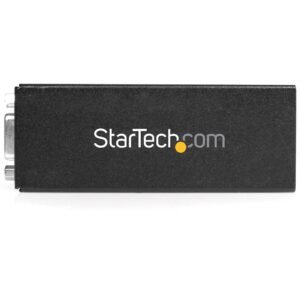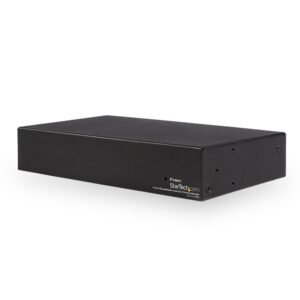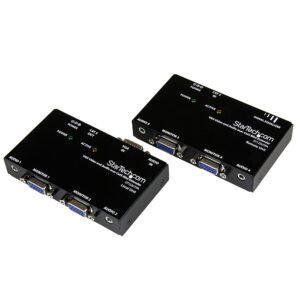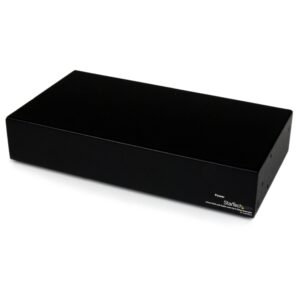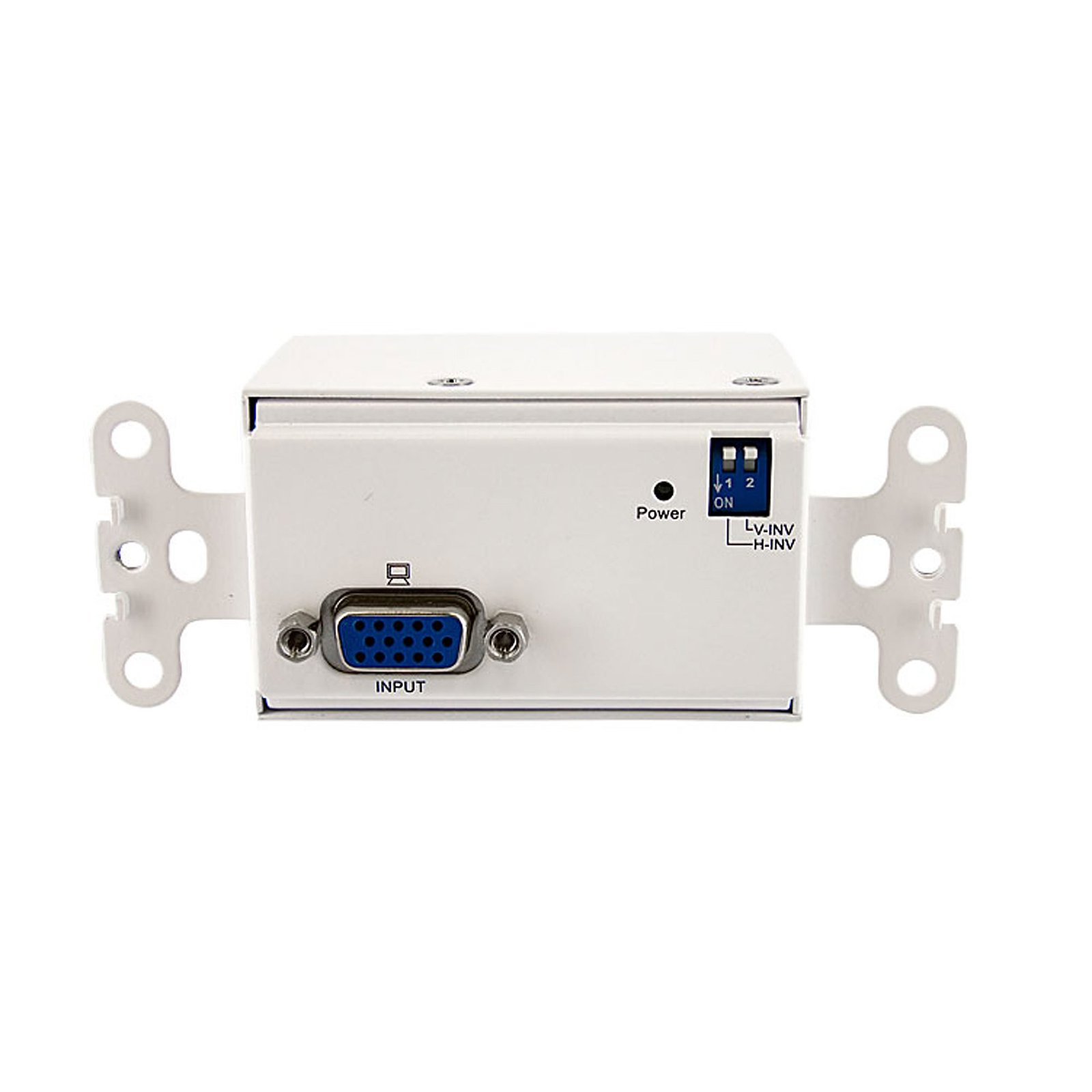
VGA Wall Plate Video Extender Transmitter over Cat 5
$102.99
Receive a VGA video signal over Cat5 cabling from a StarTech.com STUTP series VGA extender
Specifications & Compliance
- Manufacturer #
- STUTPTXWAL
- UPC
- 065030835008
- Brand
- StarTech.com
- Included in Package
- 1 - VGA Video Extender Wall Plate Receiver, 1 - Terminal Block for Power Adapter, 1 - Power Adapter, 1 - Instruction Manual
- Shipping (Package) Weight
- 19.8 oz [560 g]
- Weight of Product
- 4.8 oz [136 g]
- Product Length
- 4.1 in [10.5 cm]
- Product Width
- 1.7 in [42 mm]
- Product Height
- 1.5 in [38 mm]
- Package Depth
- 2.8 in [72 mm]
- Package Width
- 8.5 in [21.7 cm]
- Package Height
- 7.1 in [18 cm]
- Color
- White
- Warranty
- 2 Years
- Connector 1
- VGA
- Connector 1 (Quantity)
- 1
- Connector 2
- RJ-45
- Connector 2 (Quantity)
- 1
- Material
- Steel
- Power Source
- AC Adapter Included
- Output Voltage
- 12V DC
- Connector 3
- Terminal Block (2 Wire)
- Connector 3 (Quantity)
- 1
- LED Indicators
- 1 - Power LED
- Number of Ports
- 1
- Output Current
- 0.6
- Supported Resolutions
- 1920x1200 @ 50m(164ft)<br> 1600x1200 @ 100m(328ft)<br> 1280x1024 @ 180m(590ft)<br> 1024x768 @ 200m(656ft)<br> 800x600 @ 300m(984ft)
- Cascadable
- No
- Max Distance
- 300m [984ft]
- Cabling
- Cat 5 UTP
Questions & Answers
Everything is hooked up but nothing is working. What should I do?
When you troubleshoot issues with a video extender, there are some quick tests that you can complete to rule out potential problems. You can test to make sure that the following components are working correctly and are not the source of the issue: Video and Ethernet cables Video extender Video source (such as a DVD player or computer) Video destination (such as a monitor or projector) Note: When you are testing setup components, you should avoid using video adapters. For example, if you are converting a VGA source to HDMI for use with an HDMI extender, you should use an HDMI source when you test the components. To test your setup components, try the following: Use the cable, video extender, video source, and video destination in another setup to see if the problem is with the components or the setup. Use a different cable, video extender, video source, and video destination in your setup to see if the problem persists. Ideally, you should test a component that you know works in another setup. When you test your cables, it is recommended that you do the following: Test each cable individually. Use short cables when you are testing. When you test the video source and video destination, it is recommended that you do the following: Remove the video extender from your setup and test to make sure that the video source and video destination work together without the video extender. Test to make sure that the video source and video destination work together at the resolution that you want to use. Note: In order for your setup to work properly, the video source, extender, and destination all need to support the resolution that you are using.