
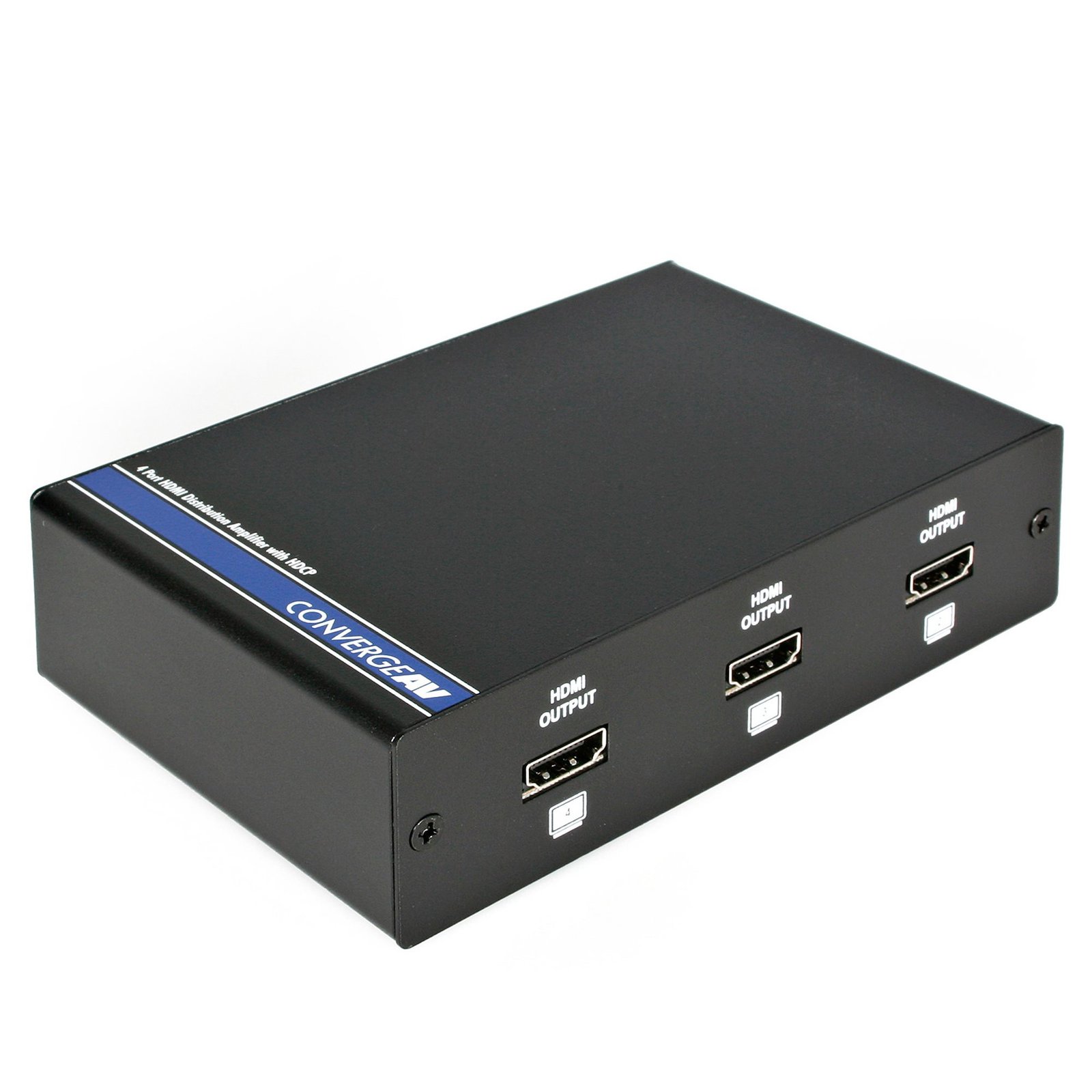
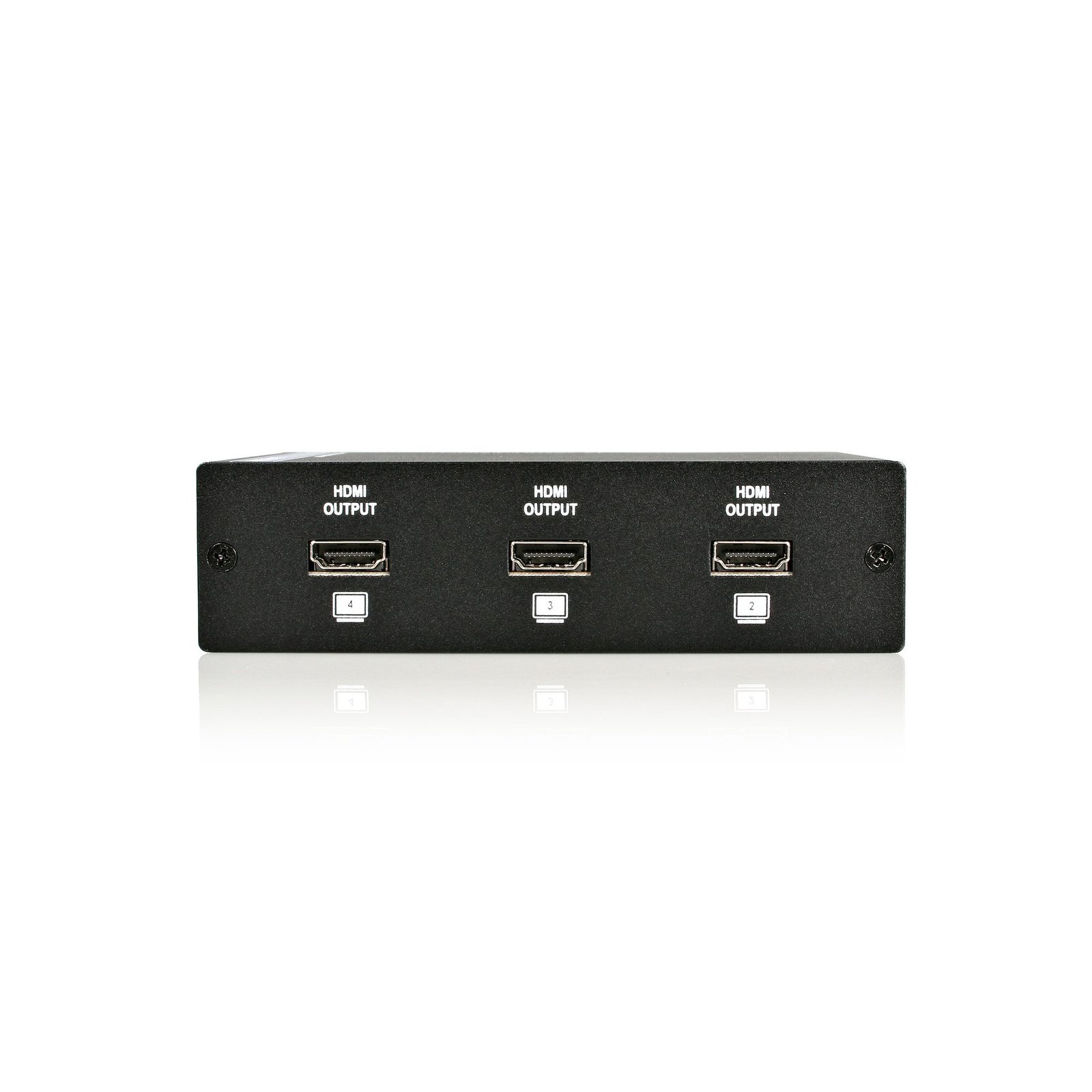
4 Port HDMI Audio / Video Splitter
$179.99
4 Port HDMI Audio / Video Splitter Specifications Package Depth2.4 in [60 mm] Package Height5.4 in [13.6 cm] Package Width9.9 in [25.2 cm] Shipping (Package) Weight26.8 oz [760 g] UPC065030822237 Warranty2 Years Included in…
Specifications & Compliance
- UPC
- 065030822237
- Brand
- StarTech.com
- Included in Package
- 1 - HDMI Distribution Amplifier, 1 - Power Adapter, 1 - Instruction Manual
- Shipping (Package) Weight
- 26.8 oz [760 g]
- Package Depth
- 2.4 in [60 mm]
- Package Width
- 9.9 in [25.2 cm]
- Package Height
- 5.4 in [13.6 cm]
- Color
- Black
- Warranty
- 2 Years
- Connector 1
- HDMI
- Connector 1 (Quantity)
- 1
- Connector 2
- HDMI
- Connector 2 (Quantity)
- 4
- Operating Temperature
- 0°C to 70°C (32°F to 158°F)
- Humidity
- 30~80% RH
- Material
- Steel
- Power Source
- AC Adapter Included
- Input Voltage
- Universal 115 ~ 230 AC
- Output Voltage
- 5 DC
- Number of Ports
- 4
- Output Current
- 2.6
- Audio
- Yes
- Center Tip Polarity
- Positive
- AV Input
- HDMI
- AV Output
- HDMI
- Wide Screen Supported
- Yes
- Supported Resolutions
- HDTV Resolution 480i to 1080p <br>PC Resolution VGA to UXGA
- Bandwidth
- 1.65Gbps (single link)
Questions & Answers
What is the difference between mirroring, spanning, and extending monitors?
Mirroring monitors means that you see the same thing on multiple monitors. Spanning monitors means that your computer interprets all of the monitors that are spanning as one giant monitor. You can see different things on each monitor, and your desktop, taskbar, Start menu, and background are stretched across the monitors. Extending monitors means that your computer interprets the monitors that you are extending as separate devices. You can see different things on each monitor, and your desktop background is displayed on each monitor. In general, video splitters can only be used to mirror monitors. If you want to extend your desktop across monitors, you need to make a separate video connection for each monitor that you are attaching. If you want to attach more monitors than your computer has video ports for, you can read about USB Video Adapters here: www.startech.com/AV/USB-Video-Adapters/ . If you are using a video card with a DisplayPort connection that supports DisplayPort 1.2 you can use MST hubs from StarTech.com to extend your desktop to each monitor.
Related products
-
2 Port HDMI Video Splitter with Audio - USB Powered
$87.99 Add to cart -
2-Port HDMI Splitter with HDR - 4K 60Hz
$87.99 Add to cart -
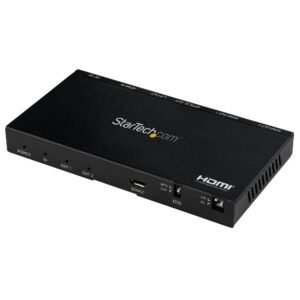
2-Port HDMI Splitter (1x2) - 4K 60Hz UHD HDMI 2.0 Audio Video Splitter w/ Scaler & Audio Extractor (3.5mm/SPDIF) - Dual HDMI Splitter (1-In 2-Out) - EDID Copy - TV/Projector
$132.99 Add to cart -
2-port HDMI splitter and signal amplifier - TAA
$116.99 Add to cart