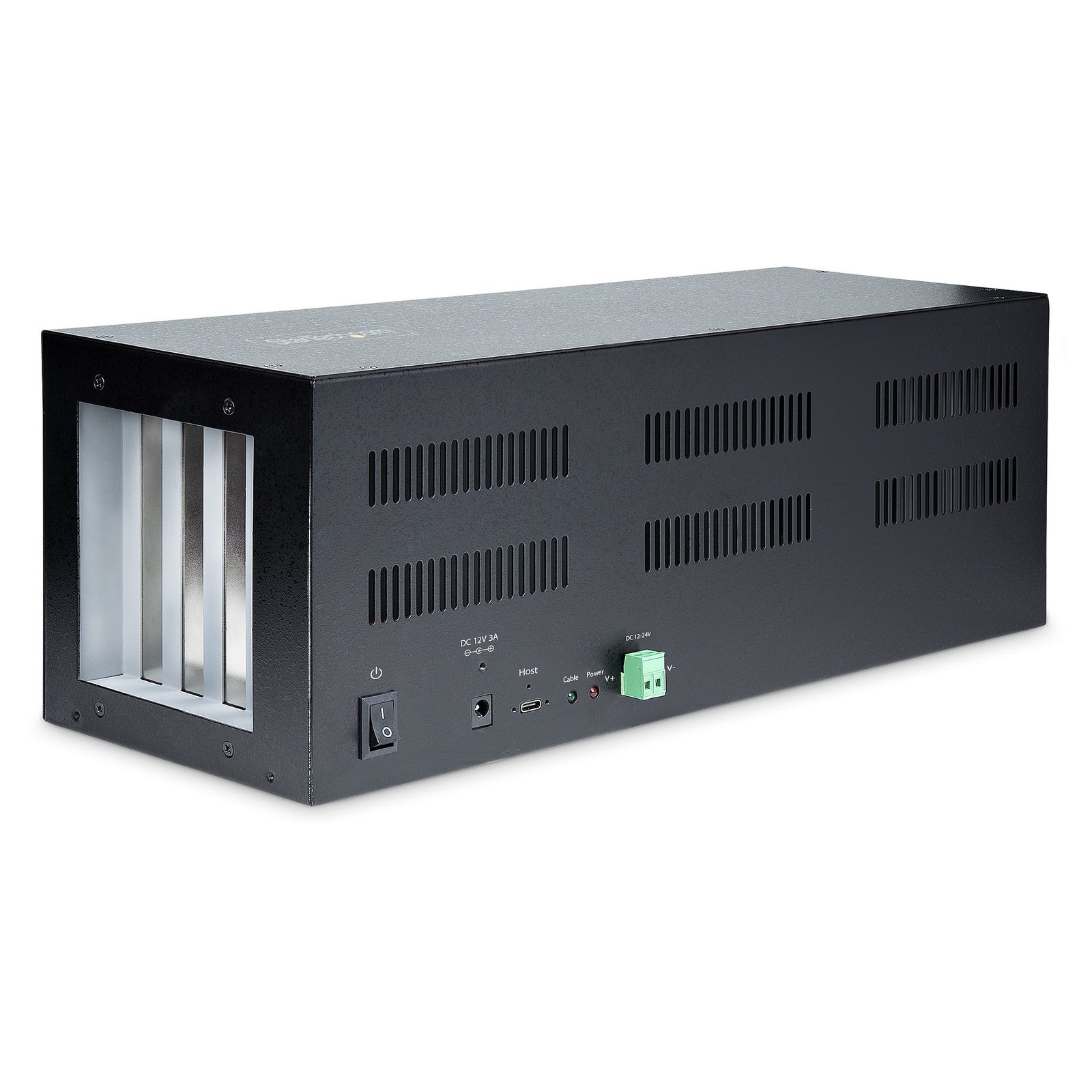
4-Slot PCIe Expansion Chassis with PCIe x2 Host Card, PCIe 2.0 - 10Gbps, External PCIe Slots for Desktops/Servers, PCI Express Expansion Box/Adapter, 4 PCIe x1 Slots - TAA
$450.99
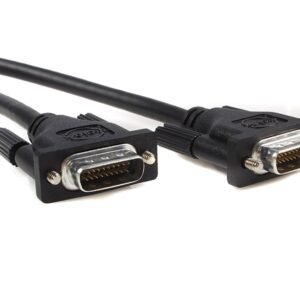
Steel Housing | Mounting Brackets | Screw-lock USB-C Cable
Specifications & Compliance
- UPC
- 065030894630
- Brand
- StarTech.com
- Included in Package
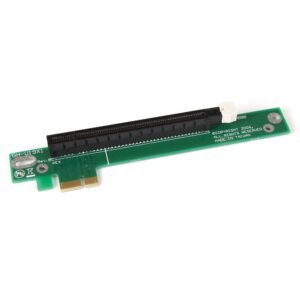
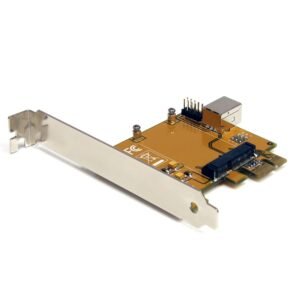
- 1 - PCIe to PCIe Expansion Chassis, 1 - PCIe Host Adapter Card, 1 - 6ft (1.8m) USB Type-C to C Male to Male Cable, 1 - Low-Profile Bracket, 1 - Universal Power Adapter, 1 - Terminal Block Connector, 2 - Mounting Brackets, 4 - Mounting Brackets Screws, 1 - Quick-Start Guide
- Shipping (Package) Weight
- 7.9 lb [3.6 kg]
- Weight of Product
- 5.1 lb [2.3 kg]
- Product Length
- 5.4 in [13.8 cm]
- Product Width
- 16.2 in [41.1 cm]
- Product Height
- 5.6 in [14.3 cm]
- Package Depth
- 17.4 in [44.3 cm]
- Package Width
- 8.3 in [21 cm]
- Package Height
- 9.7 in [24.7 cm]
- Color
- Black
- Warranty
- 2 Years
- Connector 1
- PCI Express x1
- Connector 1 (Quantity)
- 4
- Package Quantity
- 1
- Connector 2
- Terminal Block (2 Wire)
- Connector 2 (Quantity)
- 1
- Operating Temperature
- 0 to 60°C (32 to 140°F)
- Storage Temperature
- -20 to 75°C (-4 to 167°F)
- Humidity
- 5 to 95% (non-condensing)
- Material
- Steel
- Maximum Data Transfer Rate
- 10 Gbps
- Industry Standards
- PCI Express 2.0 </br> USB Type-C
- Power Source
- AC Adapter Included and Terminal Block
- Chipset ID
- ASMedia - ASM1806
- Special Notes
- The PCIe to PCIe Expansion Chassis must be used with the included PCIe Host Adapter Card. It is not compatible with other USB Type-C cards or built-in computer ports., This product does not support hot-plugging of the USB Type-C cable. The chassis must be powered off before connecting or disconnecting the USB Type-C cable., This product only supports a single orientation of the USB Type-C cable. It must be used in the proper orientation where the screw-locking connector lines up correctly with the PCIe to PCIe Expansion Chassis and the PCIe Host Adapter Card., This product does not support graphics/video cards., Installed PCIe cards may require the installation of drivers. Check with the manufacturer of the PCIe cards for drivers and to confirm OS compatibility., For the Wake-on-LAN (WoL) feature to work, the host computer must also support WoL and be appropriately configured. Refer to the Quick-start guide to confirm the jumper settings of the PCIe Host Card.
- Input Voltage
- 100 - 240 AC
- Output Voltage
- 12V DC
- Connector 3
- USB-C (10Gbps, 4.5W)
- Connector 3 (Quantity)
- 1
- Power Consumption
- 36W
- LED Indicators
- 1 - Solid green = USB Type-C cable is in the correct orientation</br> Off = USB Type-C cable is not in the correct orientation, 1 - Solid red - Power is On</br> Off = Power is Off
- Interface
- PCI Express
- Bus Type
- PCI Express
- Input Current
- 1A
- Output Current
- 3
- Plug Type
- M
- Center Tip Polarity
- Positive
- Connector 4
- Barrel Power (M-Type, OD 5.5mm / ID 2.1mm)
- Connector 4 (Quantity)
- 1
- Maximum Cable Length
- 5.9 ft [1.8 m]
- Card Type
- Standard Profile (LP bracket incl.)
- Connector 5
- PCI Express x2
- Connector 5 (Quantity)
- 1
- Port Style
- Integrated on Card
- Connector 6 (Quantity)
- 1
Questions & Answers
What DC barrel connector power plug types do StarTech.com products use, and what are their dimensions?
StarTech.com DC barrel connector plug types are defined in the “Plug Type” field of the technical specifications, using a letter code that specifies the connector’s outer diameter (OD) and inner diameter (ID) in millimeters for power adapter compatibility. Explanation: In StarTech.com technical specifications, the “Plug Type” field is a standardized identifier for the exact DC barrel connector size required to power a product. Each plug type is assigned a letter code that corresponds to a specific combination of outer diameter (OD) and inner diameter (ID), measured in millimeters. Common DC barrel plug type dimensions Plug Type OD ID A 2.35 mm 0.7 mm B 4.0 mm 1.7 mm C 4.75 mm 1.7 mm H 3.4 mm 1.3 mm L 5.0 mm 2.5 mm M 5.5 mm 2.1 mm N 5.5 mm 2.5 mm The DC barrel connector plug type must match both the outer diameter and inner diameter exactly. A mismatch between the StarTech.com product requirement and the power adapter connector can prevent proper fit or stable power delivery, which may result in device startup failure or intermittent operation. The plug type defines only the physical connector size. The plug type does not define electrical power requirements such as voltage, current, or polarity. The power adapter used with a StarTech.com product must match the product’s specified electrical requirements. Using an incompatible power adapter can cause device malfunction or permanent damage. This standardized DC barrel connector plug type system enables IT professionals and procurement teams to verify connector dimensions, ensure power adapter compatibility, standardize hardware deployments, and identify the correct replacement power supply for StarTech.com products.