
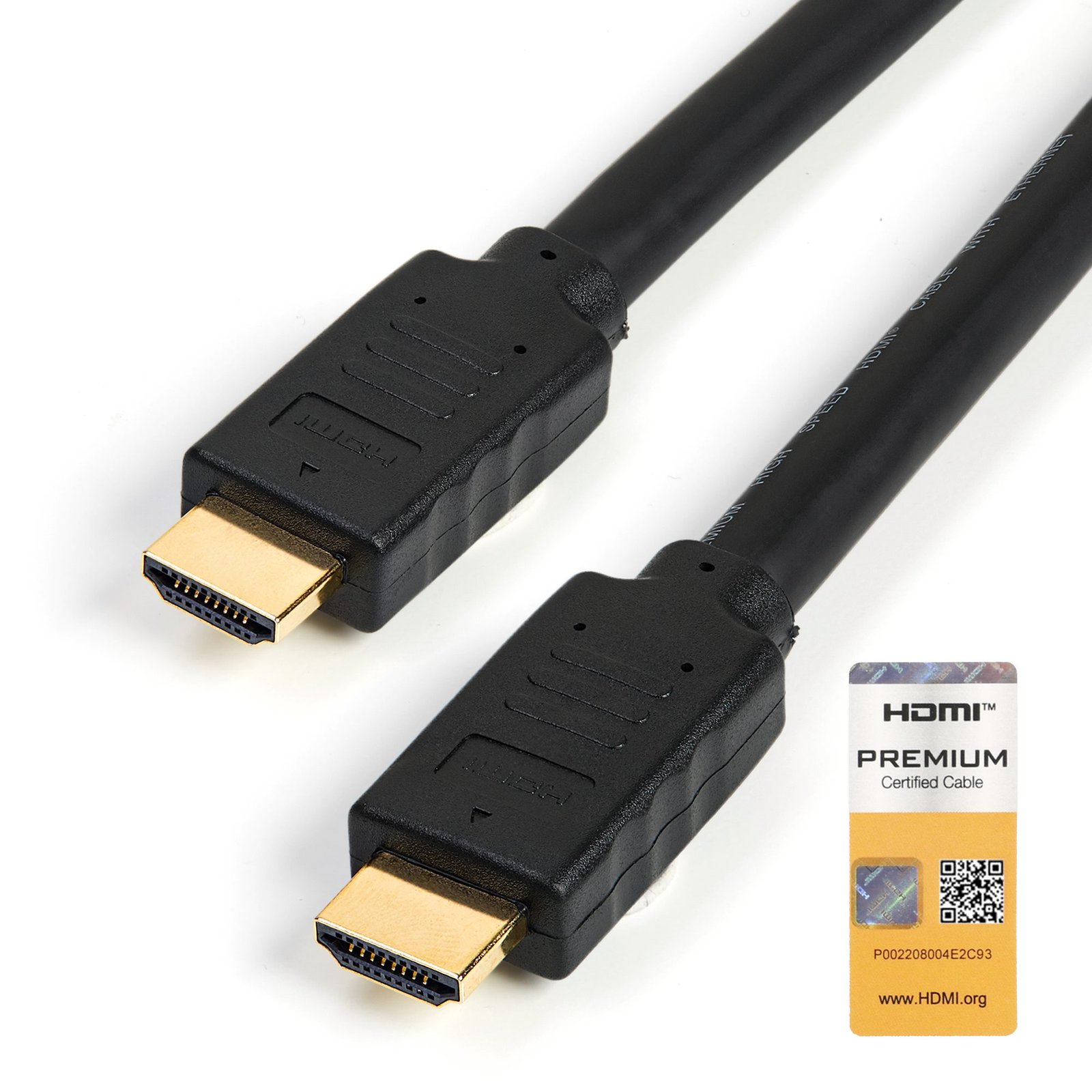
16.4ft (5m) Premium Certified HDMI 2.0 Cable with Ethernet - High Speed Ultra HD 4K 60Hz HDMI Cable HDR10 - Long HDMI Cord (Male/Male Connectors) - For UHD Monitors, TVs, Displays
$22.54
Create feature-rich HDMI connections that are certified to be error-free
Specifications & Compliance
- UPC
- 065030873987
- Brand
- StarTech.com
- Included in Package
- 1 - HDMI cable
- Shipping (Package) Weight
- 15.5 oz [438 g]
- Weight of Product
- 0.0 oz [0.5 g]
- Product Length
- 16.4 ft [5 m]
- Package Depth
- 9.5 in [24.2 cm]
- Package Width
- 8.5 in [21.6 cm]
- Package Height
- 1.6 in [41 mm]
- Color
- Black
- Warranty
- Lifetime
- Connector 1
- HDMI
- Connector 1 (Quantity)
- 1
- Package Quantity
- 1
- Connector 2
- HDMI
- Connector 2 (Quantity)
- 1
- Operating Temperature
- 0°C to 50°C (32°F to 122°F)
- Humidity
- 0% ~ 85%RH
- Cable Jacket Material
- PVC - Polyvinyl Chloride
- Wire Gauge
- 26 AWG (0.404 mm)
- Connector Plating
- Gold
- Cable Shield Material
- Aluminum-Mylar Foil with Braid
- Maximum Digital Resolutions
- 3840 x 2160 (Ultra HD 4K) @ 60hz
- Connector Style
- Straight
- HDR Support
- HDR10
Questions & Answers
Everything is hooked up but nothing is working. What should I do?
When you troubleshoot issues with an HDMI cable, there are some quick tests that you can complete to rule out potential problems. You can test to make sure that the following components are working correctly and are not the source of the issue: HDMI cable Video source Video destination To test your setup components, try the following: Use the HDMI cable, video source, and video destination in another setup to see if the problem is with the components or the setup. Use a different HDMI cable, video source, and video destination in your setup to see if the problem persists. Ideally, you should test a component that you know works in another setup. When you test the HDMI cable, video source, and video destination, it is recommended that you do the following: Verify that the source resolution matches the capabilities of the video source destination. For example, if the video destination is only capable of 720p, then the video source cannot output 1080p or 1920 x 1080, as that exceeds the capabilities of the video source destination. Test at a lower resolution, for example, 1024 x 768. If you are using 4K resolutions, test with a shorter cable. If you are experiencing issues with audio over HDMI, ensure that the following is true: The source is set up to output audio over HDMI. The destination is compatible with the source's audio format. The destination's volume was raised. Note: HDMI to DVI cables, adapters and converters do not support audio unless otherwise noted in the Technical Specifications tab on the product page on the StarTech.com website.
Related products
-
100ft (30m) HDMI 2.1 Hybrid Active Optical Cable (AOC), CMP, Plenum Rated, 8K Ultra High Speed HDMI 2.1/2.0 Fiber Optic Cable, 48Gbps, 8K 60Hz/4K 120Hz, HDR10+/FRL/TMDS/eARC
$224.46 Add to cart -
33ft (10m) Active HDMI 2.0 Cable, CMP, Plenum Rated, High Speed HDMI Cable, 4K 60Hz, HDR10/HDCP 2.2/ARC, CMP In Wall HDMI Cord
$153.74 Add to cart -
3ft (1m) HDMI 2.0 Extension Cable, High Speed HDMI Port Saver Cable, 4K 60Hz, HDMI Male to Female Extension Adapter Cord, HDMI Extension Cable, M/F
$15.36 Add to cart -
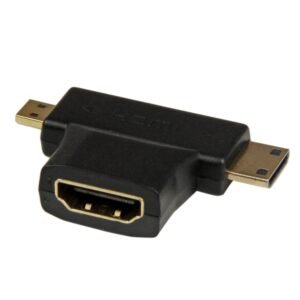
HDMI 2-in-1 T-Adapter - HDMI to HDMI Mini or HDMI Micro Combo Adapter – F/M
$11.99 Add to cart