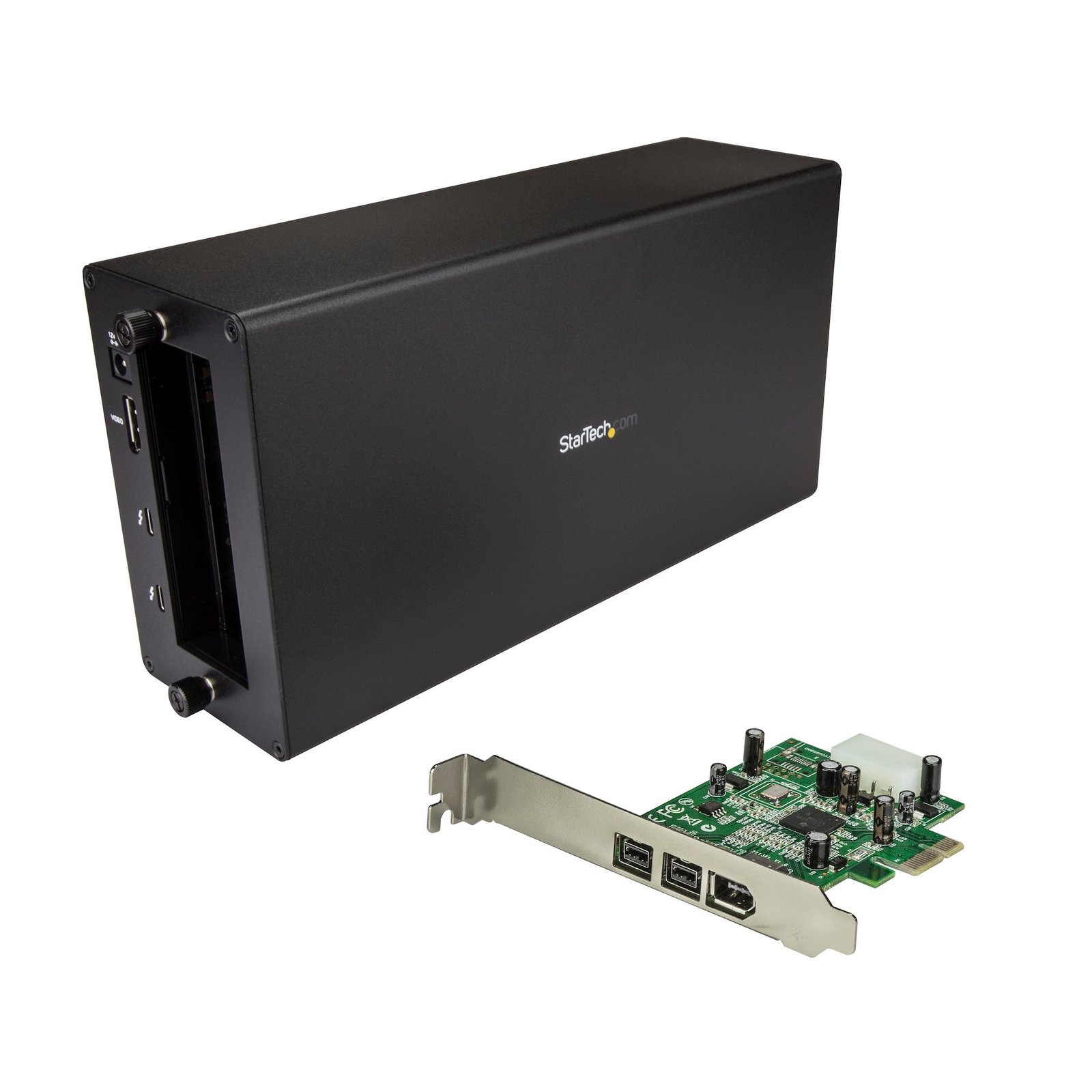
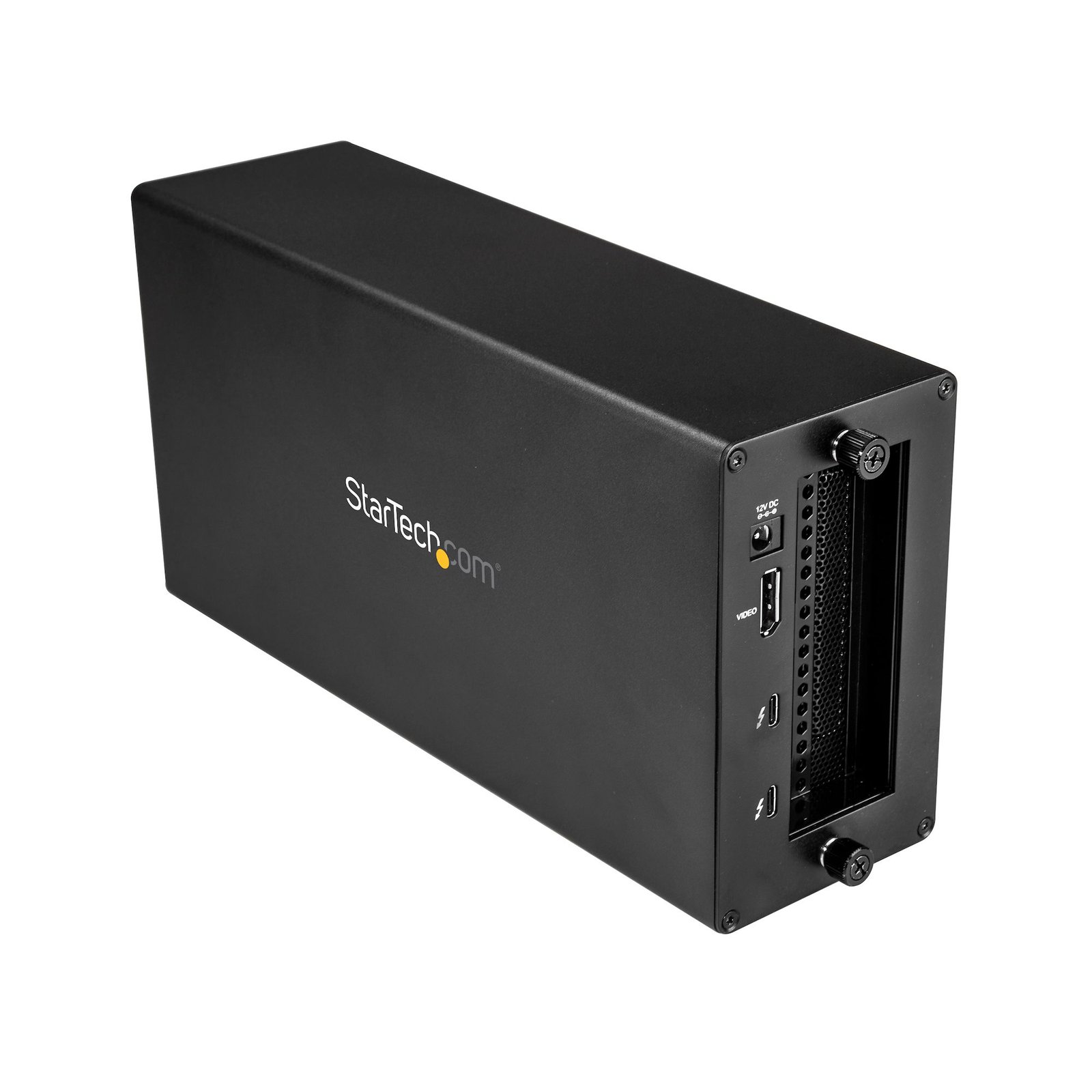
Thunderbolt 3 to FireWire Adapter - Card & Chassis
$478.99
The Thunderbolt 3 to 1394 FireWire adapter brings your high-powered FireWire peripheral devices to life through your Thunderbolt 3 computer
Specifications & Compliance
- UPC
- 065030879095
- Brand
- StarTech.com
- Shipping (Package) Weight
- 7.4 lb [3.3 kg]
- Weight of Product
- 3.7 lb [1.7 kg]
- Product Length
- 11.0 in [28.0 cm]
- Product Width
- 5.6 in [14.2 cm]
- Product Height
- 3.2 in [82.0 mm]
- Package Depth
- 11.4 in [29 cm]
- Package Width
- 14.2 in [36 cm]
- Package Height
- 5.7 in [14.5 cm]
- Color
- Black
- Cable Length
- 19.7 in [50 cm]
- Warranty
- 2 Years
- Connector 1
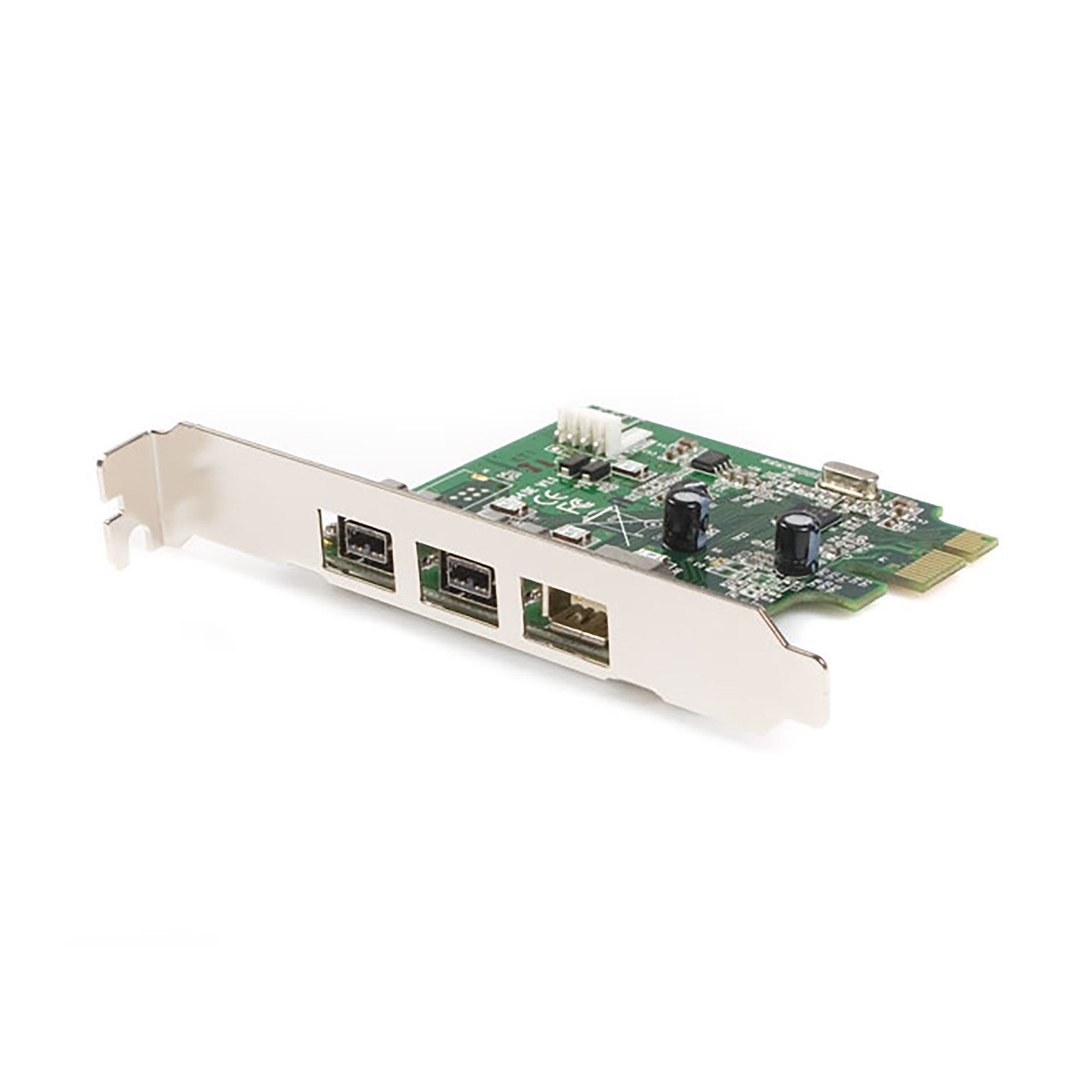
- PCI Express x1
- Connector 1 (Quantity)
- 1
- Package Quantity
- 1
- Connector 2
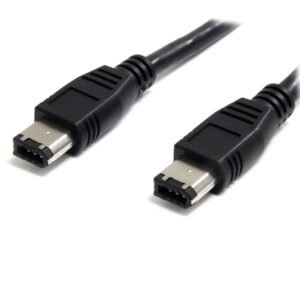
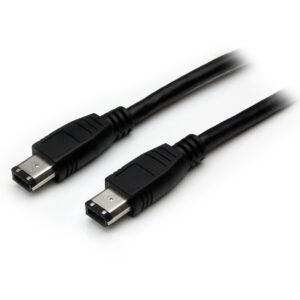
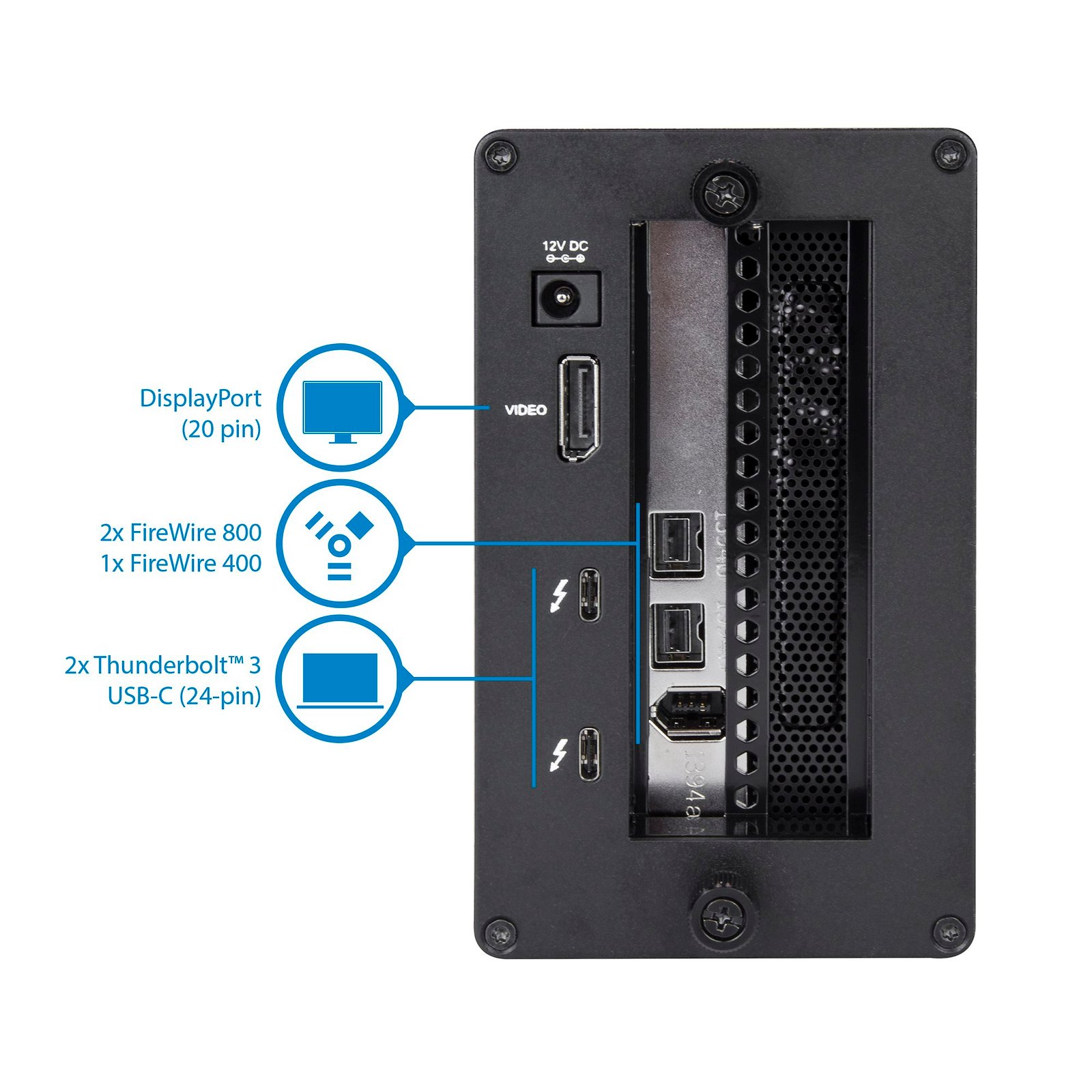
- FireWire 400 (6-Pin, 400Mbps, Bus Power)
- Connector 2 (Quantity)
- 1
- Operating Temperature
- Chassis: 5°C to 35°C (41°F to 95°F)<br /> PCIe Card: 0°C to 70°C (32°F to 158°F)
- Storage Temperature
- Chassis: -20°C to 50°C (-4°F to 122°F)<br /> PCIe Card: -54°C to 150°C (-65°F to 302°F)
- Humidity
- Chassis: 20 ~ 80%RH
- Material
- Aluminum and Steel
- Maximum Data Transfer Rate
- 40Gbps (Thunderbolt 3)<br> 800Mbps (Firewire)<br> 400Mbps (Firewire)
- Industry Standards
- Thunderbolt 3, IEEE-1394/1394A/1394B<br> OHCI<br> PCI Express 1.1
- Power Source
- AC Adapter Included
- Chipset ID
- Intel - Alpine Ridge DSL6540 (Thunderbolt Chassis)<br> Texas Instruments - XIO2213B (Firewire card)
- Special Notes
- The expansion chassis does not support video cards., This expansion chassis does not provide full power delivery but will provide 15W of power, resulting in a slow charge to some laptops, such as the MacBook Pro. When the dock is connected to your host laptop, a charging icon may appear on your laptop's screen. This is only sufficient enough to charge your laptop in sleep state, and charging will require an extended time period., 5K support can only be achieved using a Thunderbolt 3 5K monitor. DisplayPort 5K monitors will not work with this expansion chassis., A 4K-capable display is required to achieve 4K x 2K resolution (4K is also known as 4K x 2K)., Certain monitors may be limited to 4K at 30Hz when connecting through DisplayPort. These monitors include the following models: Dell P2715Q, Viewsonic VX2475Smhl-4K, Philips 288P6LJEB, LG 31MU97C-B, Asus PB287Q (these models will need to be set to 4K at 30Hz)., When connecting a display to one of the Thunderbolt 3 USB-C ports, a USB-C video adapter might be required depending on the input of your display., Secondary Thunderbolt 3 port can also be used to connect USB 3.1 (10Gbps) USB-Type C devices, such as USB 3.1 Hubs. Backwards compatible with USB 3.0 (USB 3.1 Gen 1), and USB 2.0.
- Input Voltage
- 100 - 240 AC
- Output Voltage
- 12V DC
- Connector 3
- FireWire 800 (9-Pin, 800Mbps, Bus Power)
- Connector 3 (Quantity)
- 2
- Power Consumption
- 65
- Number of Ports
- 6
- Interface
- Thunderbolt, FireWire 800 (1394b), FireWire 400 (1394a)
- Bus Type
- Thunderbolt 3, PCI Express
- Input Current
- 2A
- Output Current
- 5.417
- Type and Rate
- Thunderbolt 3 (40Gbps)
- System and Cable Requirements
- Thunderbolt 3 equipped computer with a Thunderbolt 3 port.
- Plug Type
- N
- Center Tip Polarity
- Positive
- Connector 4
- USB-C (Thunderbolt 40Gbps)
- Connector 4 (Quantity)
- 2
- Card Type
- Standard Profile
- Connector 5
- DisplayPort
- Connector 5 (Quantity)
- 1
- Connector 6
- LP4 / Molex Power (4-Pin, 5V / 12V)
- Connector 6 (Quantity)
- 1
- Fans Included? Yes/No
- Yes
- Fan Bearing Type
- Sleeve Bearing
- Fans
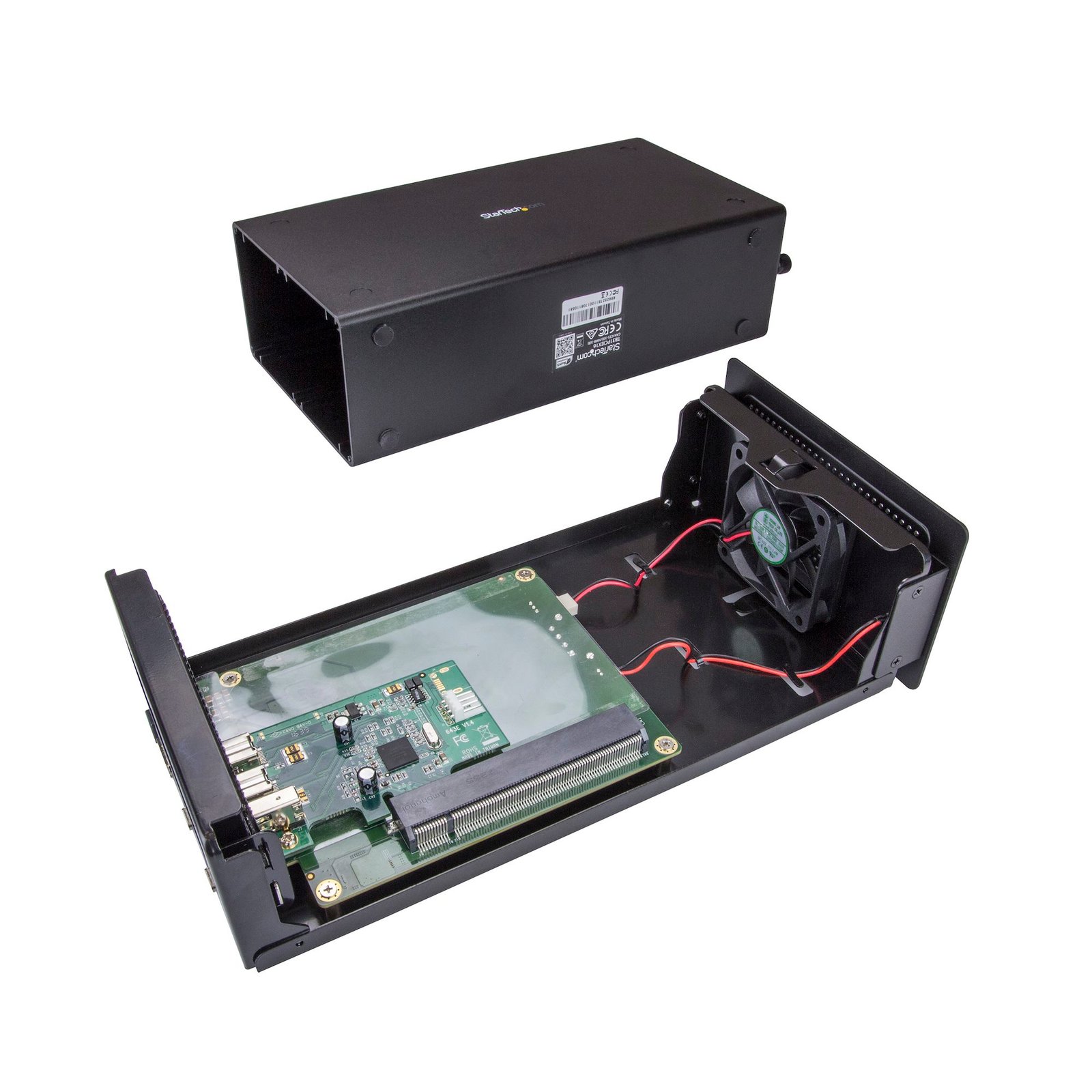
- 1 - 92 mm
- Connector 7
- PCI Express x16
- Connector 7 (Quantity)
- 1
- Noise Level
- 24.55 dB
- Air Flow Rate
- 14.06 CFM
- Bandwidth
- 3.94 GB/s (x4 PCIe 3.0 )
Questions & Answers
My DisplayPort displays are not working at 60Hz with this adapter. How do I resolve this issue?
To use a Thunderbolt 3 adapter to output to a display at 60Hz, your monitor must support the refresh rate and you need to set the monitor to work at 60Hz. By default, most monitors are set to DP1.1, which will not work with this Thunderbolt 3 device when you use a display at 60Hz. In most cases, you need to set your monitor's DisplayPort settings to DP1.2. To resolve this issue, use the buttons on your monitor to change the DisplayPort settings to DP1.2. For more information about changing your monitor settings, refer to the website of the manufacturer of your monitor.
What DC barrel connector power plug types do StarTech.com products use, and what are their dimensions?
StarTech.com DC barrel connector plug types are defined in the “Plug Type” field of the technical specifications, using a letter code that specifies the connector’s outer diameter (OD) and inner diameter (ID) in millimeters for power adapter compatibility. Explanation: In StarTech.com technical specifications, the “Plug Type” field is a standardized identifier for the exact DC barrel connector size required to power a product. Each plug type is assigned a letter code that corresponds to a specific combination of outer diameter (OD) and inner diameter (ID), measured in millimeters. Common DC barrel plug type dimensions Plug Type OD ID A 2.35 mm 0.7 mm B 4.0 mm 1.7 mm C 4.75 mm 1.7 mm H 3.4 mm 1.3 mm L 5.0 mm 2.5 mm M 5.5 mm 2.1 mm N 5.5 mm 2.5 mm The DC barrel connector plug type must match both the outer diameter and inner diameter exactly. A mismatch between the StarTech.com product requirement and the power adapter connector can prevent proper fit or stable power delivery, which may result in device startup failure or intermittent operation. The plug type defines only the physical connector size. The plug type does not define electrical power requirements such as voltage, current, or polarity. The power adapter used with a StarTech.com product must match the product’s specified electrical requirements. Using an incompatible power adapter can cause device malfunction or permanent damage. This standardized DC barrel connector plug type system enables IT professionals and procurement teams to verify connector dimensions, ensure power adapter compatibility, standardize hardware deployments, and identify the correct replacement power supply for StarTech.com products.